Skip Zapier and Make! How To Automate The Webflow CMS in Airtable
Discover how to turn Airtable into your Webflow CMS in this detailed guide. Perfect for Webflow Developers and Designers looking to enhance their workflow.
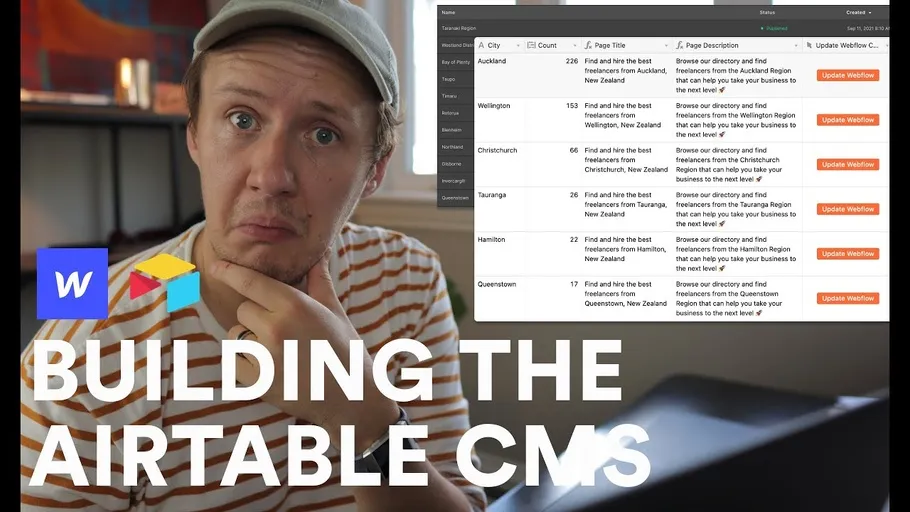

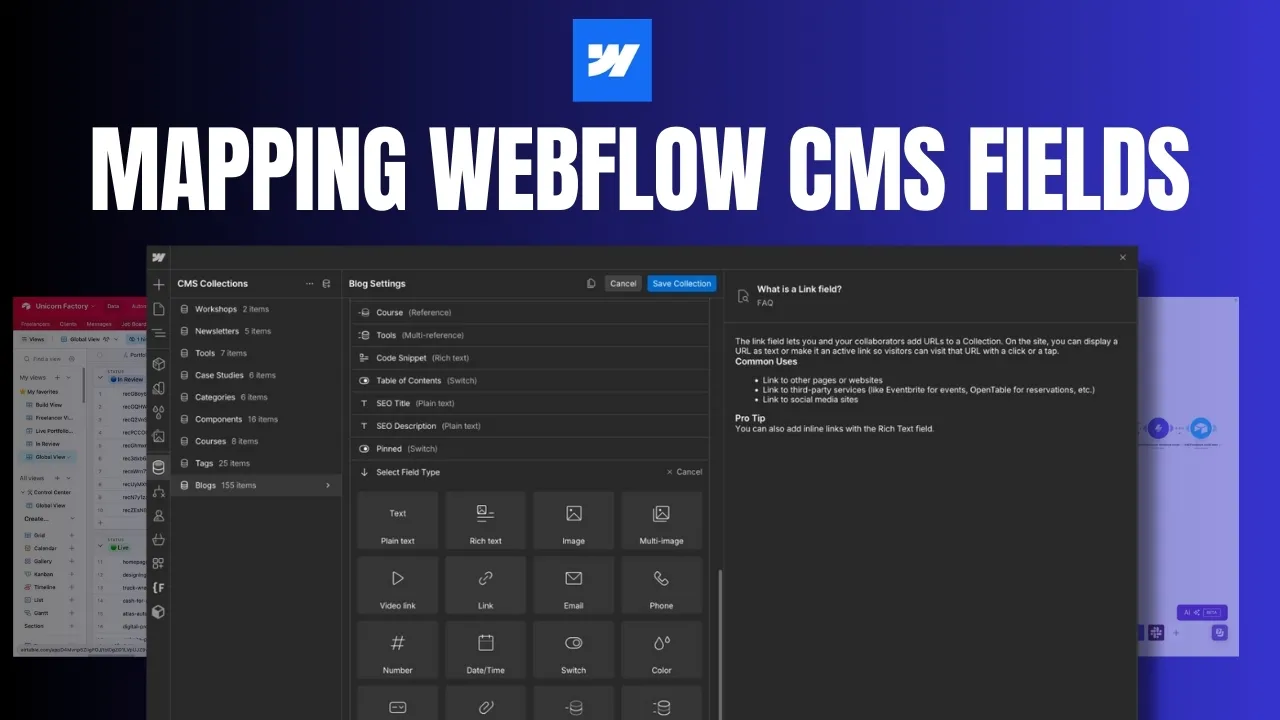
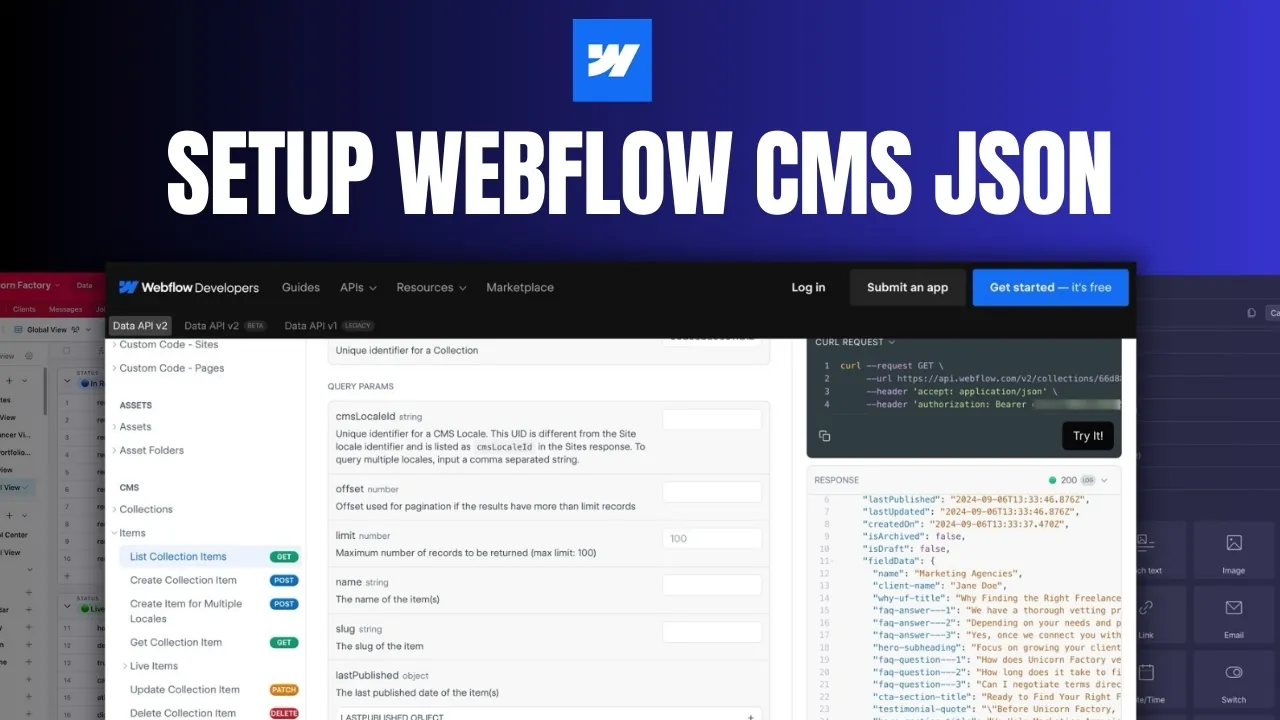
I am starting a new series where I take you through the process of turning Airtable into your Webflow CMS using fun little tricks like buttons and scripts. This series is designed for Webflow Developers / Designers who want to level up their CMS game. In today's video, I am going to be showing you how you can set up a workflow that will allow you to instantly update Webflow items from inside of Webflow! BOOK A ONE-ON-ONE SESSION WITH ME: https://www.connorfinlayson.com/coaching-session LEARN HOW TO BUILD YOUR OWN WEBFLOW MARKETPLACE HERE: https://www.connorfinlayson.com/mvmp-launchpad TIMESTAMPS: 00:00 Intro 01:40 What tools do you need? 02:23 Import all of your existing Webflow items 04:04 Setting up the workflow in Zapier 05:42 Setting up the dynamic webhook URL 08:06 Mapping the Webflow fields that you want to update 11:17 Test the workflow 🛠 MY NO CODE STACK: https://www.connorfinlayson.com/a/airtable https://www.connorfinlayson.com/a/webflow https://www.connorfinlayson.com/a/memberstack https://www.connorfinlayson.com/a/circle https://www.connorfinlayson.com/a/parabola https://www.connorfinlayson.com/a/mailersend
Ready to learn more? Check out our Playbooks for step-by-step guidance.
View PlaybooksContinue Reading