
The MVMP Labs Blog
Documenting the journey of building digital businesses as a non-developer. Tips, tutorials, and lessons learned along the way.
177 articles
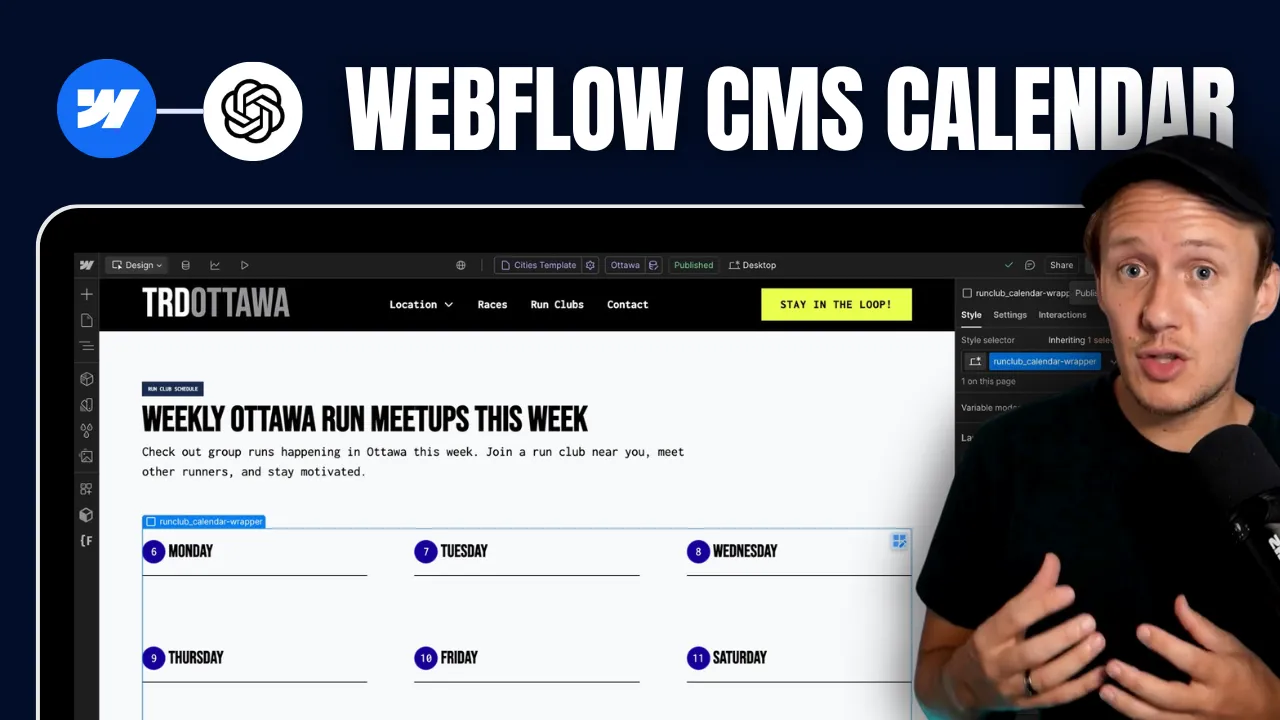
How to Build Custom Webflow CMS Features with ChatGPT & AI
In today's video I am going to show you how I created this custom [Webflow](https://www.connorfinlayson.com/a/webflow) CMS calendar from scratch using AI. Not only will I show you how I built this feature, but I’m also going to share my exact process so you can build any CMS feature you want. Here’s what we’re going to cover: 1. How I created a dynamic CMS calendar that automatically shuffles CMS items (from one collection) into the correct day of the calendar. 2. How I automatically update the calendar daily so it always displays today’s weekday first. 3. How I optimize this daily calendar for both web and mobile devices. 4. Some quick tips for prompting the AI to get the best results fast. Let's get into it.


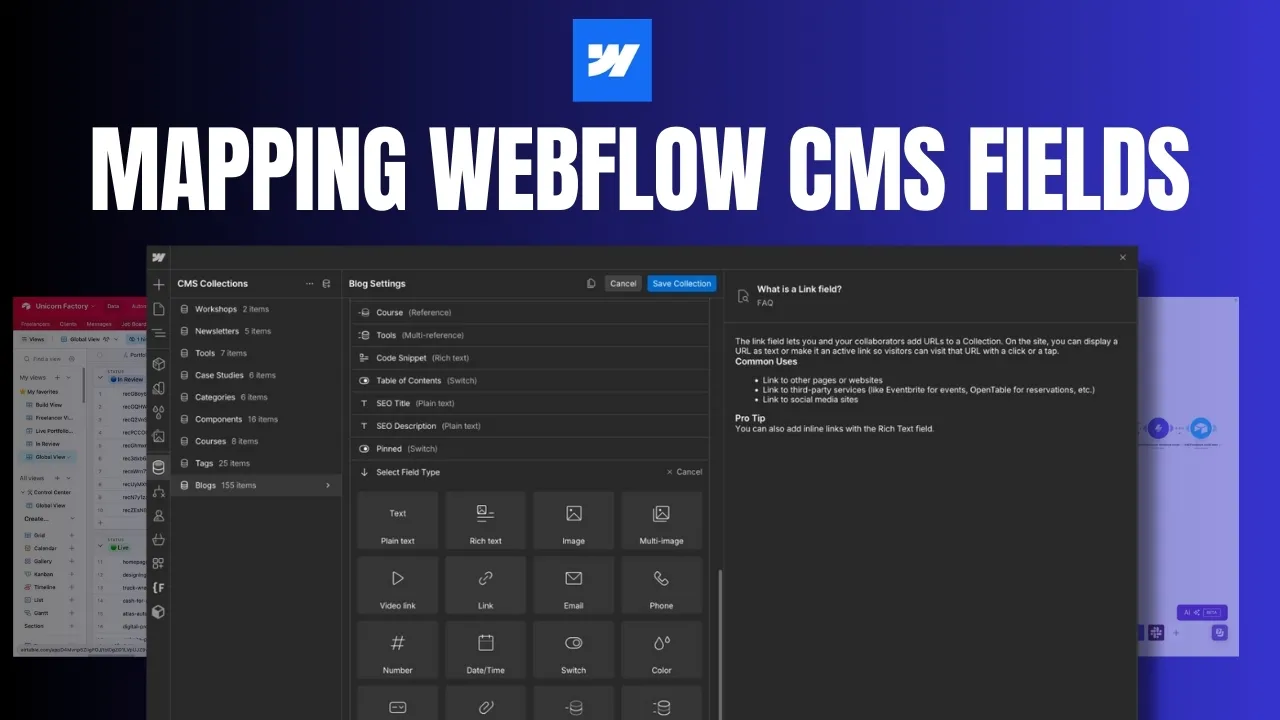
How to Map Airtable Fields to Every Webflow CMS Field Type
If you're using [Airtable](https://www.connorfinlayson.com/a/airtable) and [Webflow](https://www.connorfinlayson.com/a/webflow) together, you'll need to understand how to properly sync data between these two powerful tools. Below is a detailed field-by-field breakdown of how Airtable fields map to Webflow CMS fields, along with key tips and considerations.


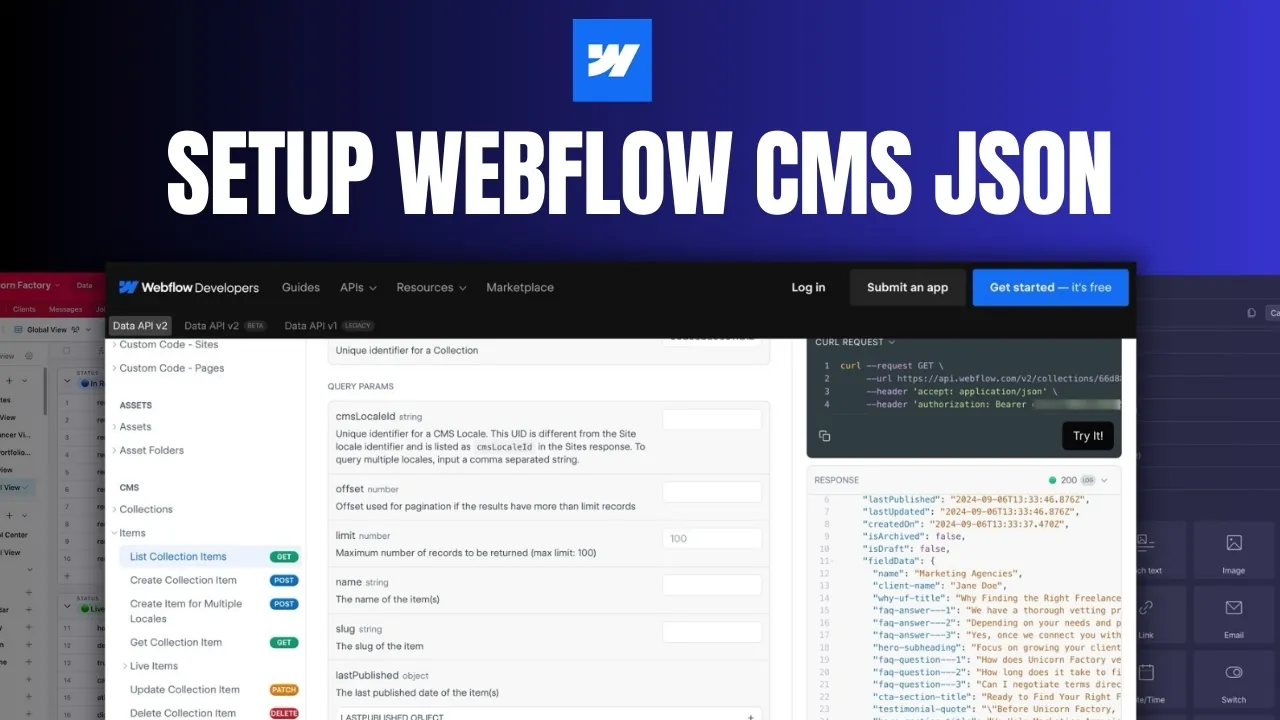
How To Setup an Airtable to Webflow Workflow in Make
If you’re using Make.com to automate your workflows between Airtable and Webflow, you’ll need to learn how to set up the Field Data JSON correctly. This process is crucial for ensuring your data is mapped and transferred correctly from one platform to the other. In this article, we’ll walk through: - Why setting up the Field Data JSON is essential. - How to retrieve the JSON structure of your Webflow CMS collection. - How to generate your JSON by pasting your field data. - How to map fields in your JSON body. - How to edit your JSON if you need to make changes later on. Let’s dive in!
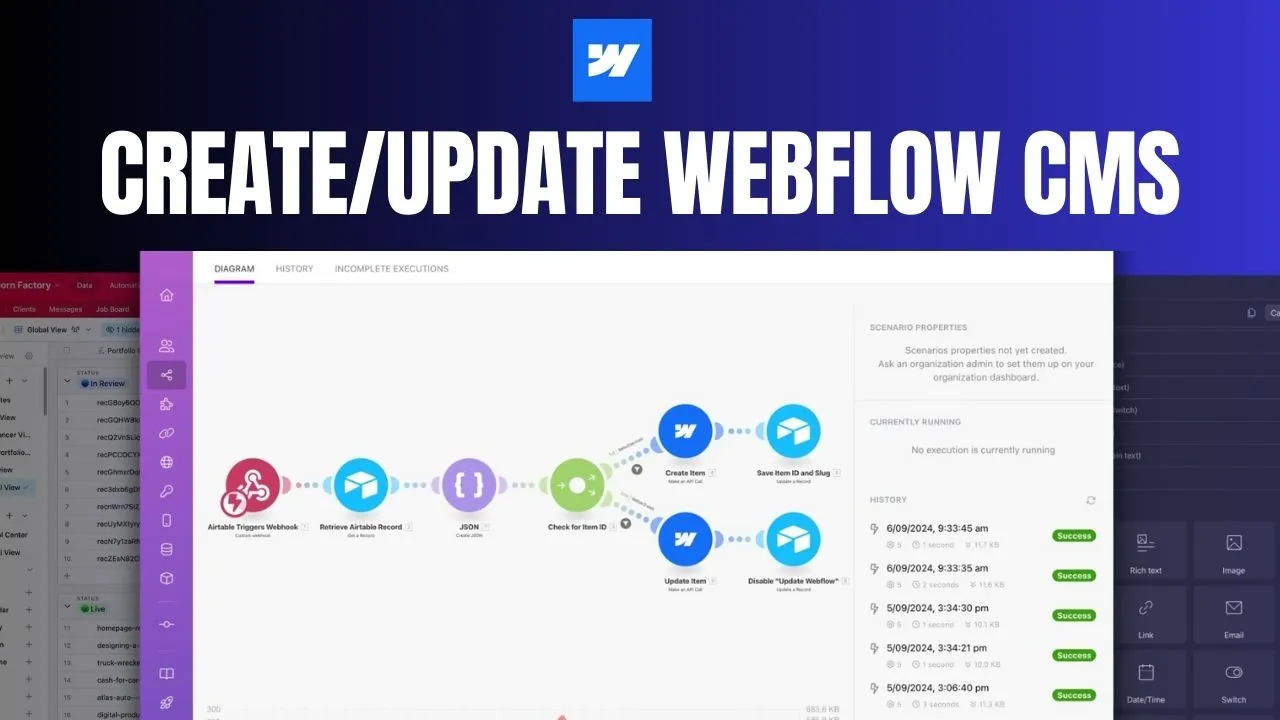
How to Automate Webflow CMS Updates with Airtable and Make.com: A Complete Guide
Keeping your Webflow CMS updated manually can quickly turn into a headache, especially when your project grows. The good news? Automating the process is easier than you think. By using **Airtable** and **Make.com** , you can automate the creation and updating of CMS items, making sure everything stays up to date without constant manual work. In this guide, I’ll show you how to set up a workflow that triggers CMS updates when records are created or changed in Airtable. This setup will save you time and ensure that your Webflow CMS runs smoothly — all without lifting a finger. Here’s what we’ll cover: - How to trigger a workflow with an Airtable webhook. - Retrieving Airtable records using Make.com. - Creating the Field Data JSON for Webflow. - Mapping fields in the Webflow CMS. - Automating the process of creating and updating CMS items. - How to manage future updates seamlessly. Let’s jump into how to set this up!

How to Automate B2B Lead Generation: Scrape Google My Business with Apify and Make.com
If you’ve been manually building your prospecting database, you’re probably sick of the tedious, repetitive tasks that come with it. But what if I told you there’s a way to automate the entire process, freeing up your time for more important things? Today, I’m walking you through a step-by-step guide to putting your lead generation on autopilot. This workflow is a game changer for anyone building a B2B marketplace, especially if you’re focusing on local business directories. We’re going to use a combination of Google My Business, Apify, Make.com, and AnyMailFinder to create a seamless, automated prospecting machine. Let’s get into it.


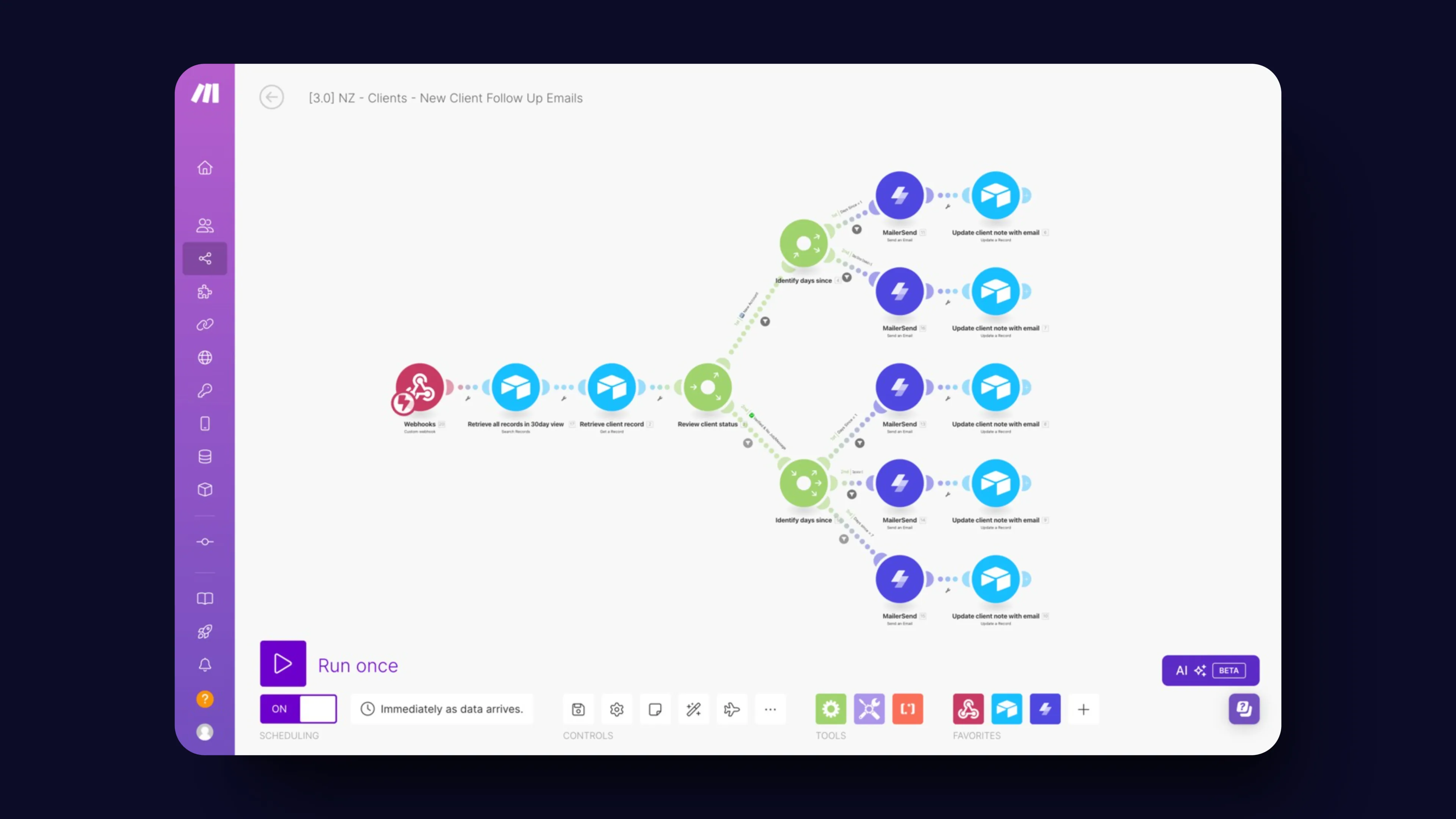
How We Automated Client Follow-Ups on Unicorn Factory
Manual follow-ups are the bane of every business owner's existence. They’re critical for keeping clients engaged and deals moving, but let’s be honest—they’re also a massive time suck. You know the drill: you’ve got a million things on your plate, and chasing down clients with reminder emails quickly falls to the bottom of the list. That’s exactly where we found ourselves at Unicorn Factory. We were spending way too much time on follow-ups, and it was holding us back. So, we decided to automate the whole process with [Make.com](https://www.connorfinlayson.com/a/make), and let me tell you—it’s been a game changer. In this post, you’ll learn: - How to set up a follow-up system that runs on autopilot, freeing you from manual drudgery. - How to send personalized, timely emails without lifting a finger. - How to keep your client data organized and up-to-date automatically with [Airtable](https://www.connorfinlayson.com/a/airtable). By the end of this post, you’ll know exactly how to ditch the manual follow-ups and reclaim hours of your time, all while keeping your clients happier than ever.

How to Track Webflow CMS Form Submissions Easily | Step-by-Step Guide
When working with [Webflow CMS](https://www.connorfinlayson.com/a/webflow), one common challenge is tracking which specific page a form submission comes from. This can be crucial for optimizing lead magnets, understanding which blog posts drive sign-ups, and pinpointing the effectiveness of course landing pages. Unfortunately, Webflow doesn't offer a native solution for this. But don’t worry, we've got a workaround that will make this possible. In this tutorial, we'll cover: 1. Configuring your form inside the Webflow CMS. 2. Handling multiple forms in a Webflow project. 3. Sending form submissions to [Airtable](https://www.connorfinlayson.com/a/airtable). 4. Enhancing your existing Webflow form submissions. By the end of this tutorial, you'll be able to track the origin of your Webflow CMS form submissions, manage multiple forms efficiently, and integrate your data with Airtable for better analysis and insights.
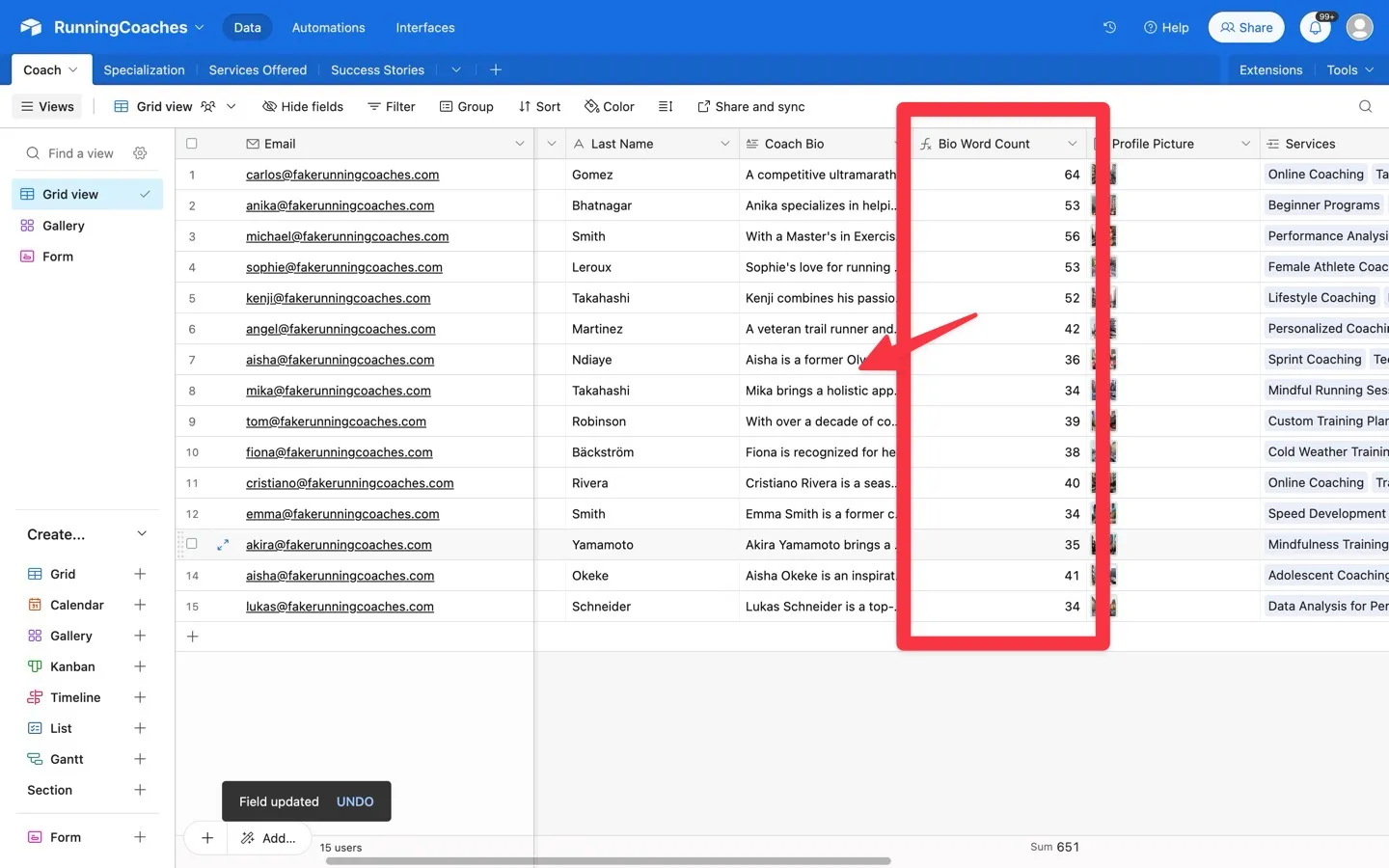
How to Count Words in Airtable: Step-by-Step Guide
Today, we're going to learn how to create a word count formula in Airtable. This guide will help you set up a formula that automatically counts the number of words in any text field, making your data management easier. Counting words can be useful for many reasons, especially if you're building and managing online marketplaces: - **Content Quality:** Ensure product descriptions, seller profiles, and user reviews meet specific word count requirements. This helps keep the content on your platform high-quality and consistent. - **Feedback Analysis:** Easily quantify and categorize customer feedback and seller responses, making it easier to understand and analyze input. - **SEO Optimization:** Monitor and optimize content length for better SEO, improving your marketplace’s visibility in search results. Using a word count formula in Airtable will save you time and help keep your records accurate, making your marketplace more efficient and professional.

6 Ways To Become A Better Webflow Developer
Designing and building Webflow sites used to feel overwhelming to me. From juggling inconsistent styles to figuring out how to keep projects organized, I often found myself stuck, frustrated, and redoing work I thought was finished. But after refining my process and adopting a few key tools and strategies, I’ve turned Webflow projects into something I actually enjoy—and even look forward to! In this post, I’ll share six practical tips that have transformed how I approach Webflow projects. Whether you’re a beginner or someone looking to streamline your workflow, these tips will help you create better designs, work more efficiently, and avoid common pitfalls. Here’s what we’ll cover: 1. **Starting with a Style Guide** for consistent and time-saving designs. 2. **Using Component Libraries** to speed up your build process. 3. **Adopting a Class Naming Framework** to keep your CSS clean and organized. 4. **Reusing Existing Components** for efficiency and design cohesion. 5. **Avoiding Lorem Ipsum** by using realistic placeholder text. 6. **Taking Care of On-Page SEO** to ensure your site performs well in search engines. Each tip comes with actionable steps and tools I’ve personally used to make my Webflow projects smoother and more enjoyable. Let’s dive in and start transforming the way you build!
How To Use Airtable As Your Webflow CMS
How To Hide and Show Elements in Memberstack


How To Convert Your Webflow CMS Images To WebP