How Much Does It Cost To Run A No-Code Marketplace?
By Connor Finlayson||3 min read
Learn how to budget for your no-code marketplace in 3 stages: pre-launch, MVP, and scaling. Discover essential tools, costs, and tips for building and growing your platform efficiently.
Step 1: Build landing pages and lead magnets to attract customers
Phase 1: Pre-Launch – Build Landing Pages and Attract Customers
At this stage, your main goal is to validate your marketplace idea and gather feedback. Here’s what you’ll need:
Tools and Costs:
- Webflow: $14/month (Basic Plan, billed annually).
- Create a professional landing page to capture leads and showcase your concept.
- Airtable: $20/month (Team Plan, billed annually).
- Manage leads and feedback with a flexible database.
- Make.com: $9/month (Core Plan, billed annually).
- Automate tasks like sending welcome emails or updating your Airtable database.
- Relume (Optional): $38/month (Starter Plan, cancel anytime).
- Access UI components to quickly enhance your landing page. [Use the 7-day trial to work for free.]
Optional Extras:
- Domain Purchase: $20–$50 (one-time).
- A custom domain adds professionalism.
- Logo Design and Branding: $500–$700.
- Create a strong visual identity for your marketplace.
- Landing Page Designer: $500.
- Hire a pro if designing isn’t your strength.
- Canva ($19/month) or Tella ($15/month):
- Create engaging lead magnets like eBooks or infographics. Step 2: Build programmatic landing pages and automate systems
Phase 2: MVP – Build Your First Version
You’ve validated your idea—now it’s time to build a functional platform to start attracting users and generating traction.
Tools and Costs:
- Webflow CMS Plan: $23/month (billed annually).
- Use dynamic, programmatic landing pages.
- Airtable: $20/month (Team Plan).
- Continue managing your growing data.
- Make.com: $29–$55/month (based on usage).
- Automate order processing, notifications, etc.
- Stripe: 2.9% + $0.30 per transaction.
- Start processing payments securely.
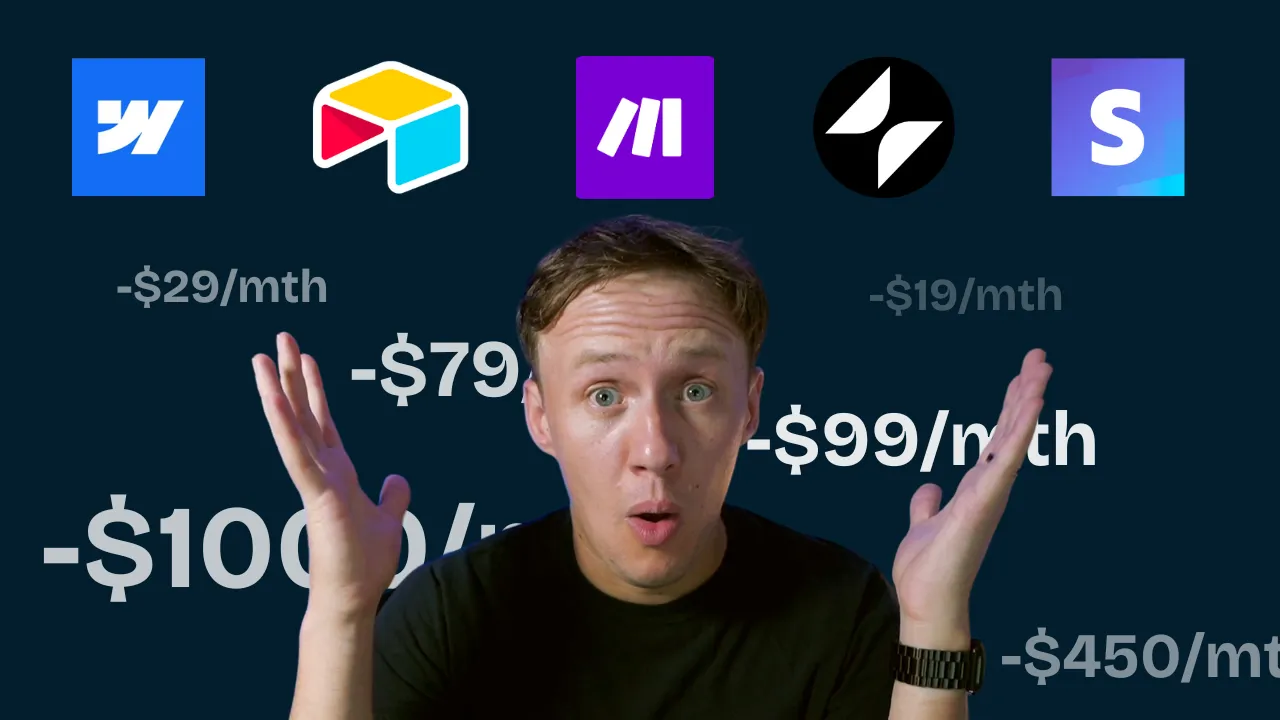
- Glide Apps (Optional): $99/month (Team Plan).
- Build user-friendly portals and dashboards for your customers.
Optional Extras:
- Freelancers: Variable costs.
- Help with development, design, or marketing.
- Advertising: $1,000–$2,000 initial budget.
- Drive traffic and acquire users faster.
- Marketing Events or Sponsorships: Costs vary.
- Boost visibility in your target market. Get fancy with marketplace specific tools and features
Phase 3: Scale – Add Marketplace-Specific Features
At this stage, you’re scaling with advanced features to enhance user experience and support growth.
Tools and Costs:
- Webflow CMS Plan: $23/month.
- Airtable Business Plan: $49/month (billed annually).
- Scale with better collaboration and advanced features.
- Make.com: $50–$100+/month.
- Automate complex workflows.
- Glide Apps Enterprise Plan: $1,000+/month.
- Offer advanced mobile and web app experiences.
Additional Tools:
- Placid: $19/month.
- Generate custom images for your marketplace.
- OpenAI: $50/month.
- Add AI capabilities like chatbots or content generation.
- Circle: $39/month.
- Manage your community to foster engagement.
- Cal.com: $15/user/month.
- Add scheduling features for appointments or consultations.
Optional Extras:
- Advertising Spend: $6,000–$10,000/month.
- Scale user acquisition.
- Virtual Assistant: $15–$25/hour.
- Support customer service as you grow.
Ready to learn more? Check out our Playbooks for step-by-step guidance.
View PlaybooksContinue Reading