
The MVMP Labs Blog
Documenting the journey of building digital businesses as a non-developer. Tips, tutorials, and lessons learned along the way.
177 articles

How to Use AI in Your Marketplace
If you run a marketplace and are not leveraging AI yet, you are missing out. Since the first GPT API was released by OpenAI, I have been experimenting with different ways to improve my freelancer marketplace, Unicorn Factory – and today, I want to share with you three specific examples of how I am using AI today. Here is what I will show you: 1. A workflow for improving the quality of job listings clients post on Unicorn Factory. 2. A system for cutting down the time I spend on customer support by 4 hours per week. 3. A tool I created to make custom recommendations to clients who post jobs on our site. These are workflows that I am using on my site today, and they are something that can be easily replicated in your marketplace, whether you can code or not. This is something you don't want to miss out on. Let’s get into it:


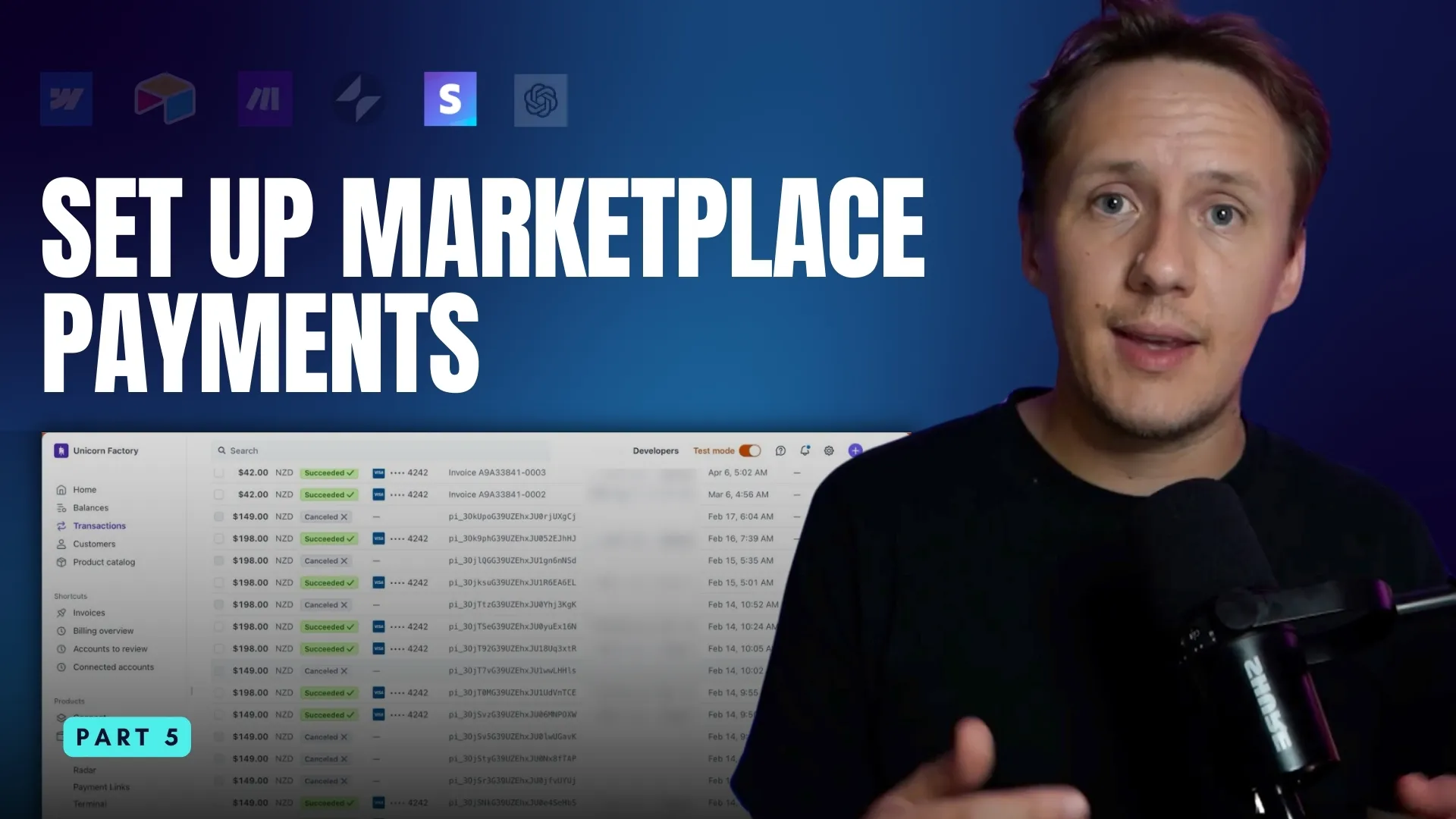
How to Use Stripe for Marketplace Payments
Using Stripe to process payments in your no-code marketplace is one of the most efficient ways to streamline your payment workflows while ensuring security and scalability. In this post, I’ll walk you through: 1. What Stripe is and why it’s perfect for marketplaces 2. How to use Stripe Payment Links for no-code setups 3. Setting up advanced workflows with the Stripe API and Make.com 4. Common marketplace business models with Stripe: subscriptions, usage-based pricing, and buyer-seller transactions Let’s dive in.

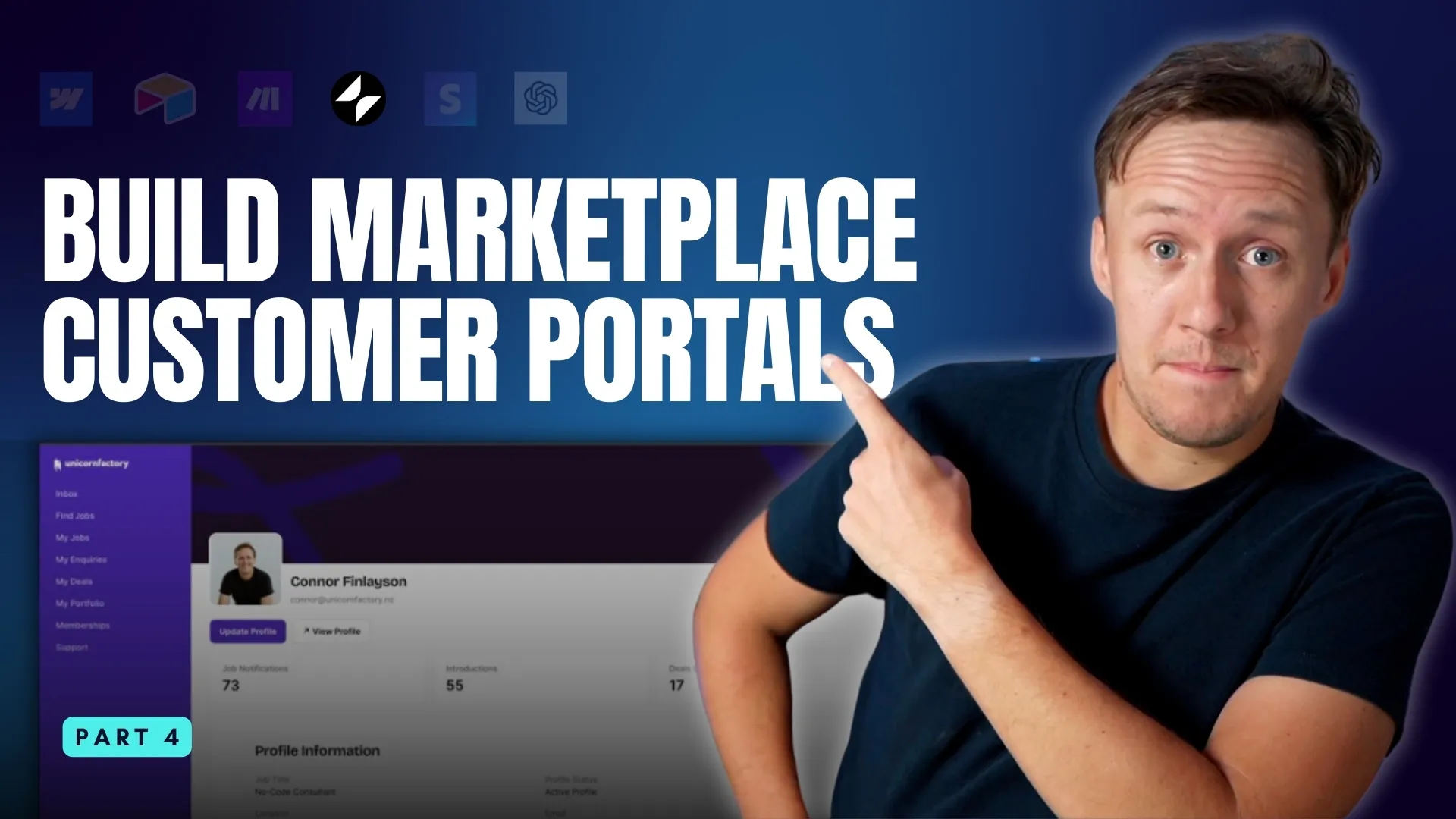
How To Build Customer Portals for Your Marketplace with Glide
In the previous posts in this series, we explored how to set up your [marketplace MVP using **Webflow**](/blog/manage-marketplace-data-airtable) to attract potential customers and sellers, [how to use **Airtable** to create a database for managing your marketplace](/blog/manage-marketplace-data-airtable), and [how to automate repetitive tasks with **Make.com**](/blog/how-to-automate-your-marketplace-workflows-with-make). Together, these tools help you build the foundation for your marketplace and streamline your processes. Now, as your platform starts to grow, it’s time to think about improving the experience for your users. The more seamless and intuitive your platform is, the easier it will be for buyers and sellers to interact—and that’s where **[Glide](https://www.connorfinlayson.com/a/glide)** comes in. **Glide** is a no-code app builder that transforms your Airtable database into beautiful, user-friendly apps. It’s ideal for creating customer portals, managing onboarding, enabling messaging, and handling other critical marketplace features. The best part? You don’t need to write a single line of code. At **[Unicorn Factory](https://www.unicornfactory.nz)**, Glide became a game-changer for handling tasks like job applications and freelancer dashboards. It didn’t just simplify things for my users—it made scaling the platform much easier for me too. In this post, I’ll show you how Glide works and why it’s an essential tool for marketplace founders. Here’s what we’ll cover: - Why Glide is the best tool for marketplace founders. - Step-by-step instructions to build your first Glide app. - Examples of essential marketplace features you can create with Glide. - How to integrate AI, payments, and custom CSS to take your apps to the next level. By the end of this guide, you’ll be ready to create functional, scalable apps that make your marketplace easier to use and more efficient. Let’s dive in!
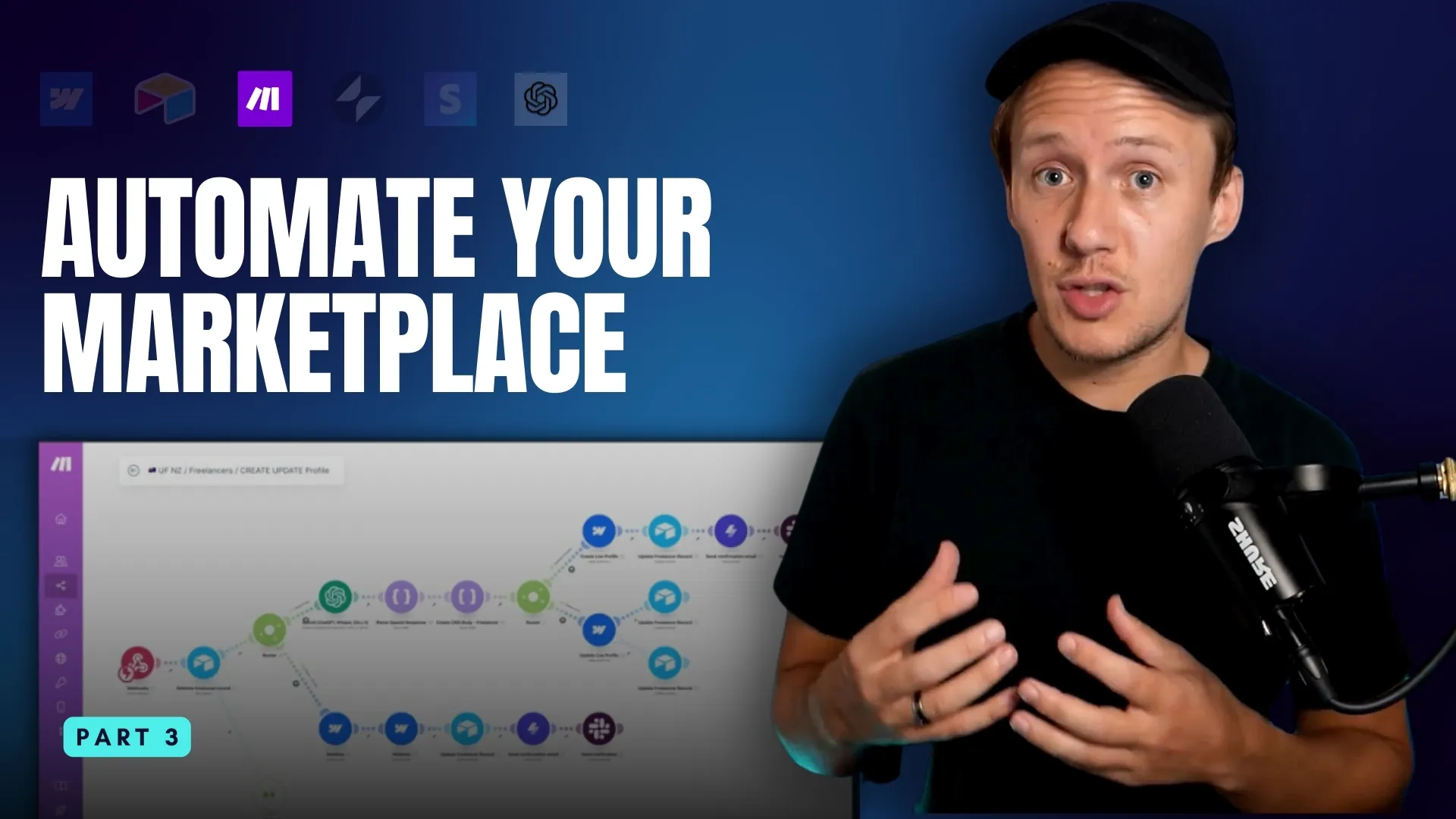
How To Automate Marketplace Workflows with Make.com
In the last post, we explored h[ow Airtable serves as the database for your marketplace](/blog/manage-marketplace-data-airtable), keeping everything organized and connected. But as your marketplace grows, managing data manually becomes increasingly time-consuming. This is where \[Make.com]\() can help you take things to the next level. Back in the early days of [Unicorn Factory NZ](https://www.unicornfactory.nz), I made the classic mistake of trying to do everything myself. From forwarding client inquiries to updating freelancer profiles, every process relied on me. As demand grew, cracks started to show, and I knew something had to change. That’s when I discovered automation. It allowed me to scale from managing 20-30 inquiries a week to thousands per month—while doing less work. Automating or systematizing your work is important: it reduces errors, saves tons of time, and, most importantly, frees you up to work _on_ the business rather than _in_ the business. In this post, I’ll show you how to use \[Make.com]\() to create automations that streamline your marketplace operations. We’ll cover: - **Why Make.com is the perfect tool for marketplace builders.** - **How Make.com works, including key concepts like triggers, actions, and filters.** - **Practical workflows I use to run** **[Unicorn Factory](https://www.unicornfactory.nz)** **virtually by myself—and how you can copy them for your marketplace.** By the end of this post, you'll understand how automation works and be ready to set up your first Make.com workflow for automatically attracting potential customers to your marketplace. Let’s dive in!

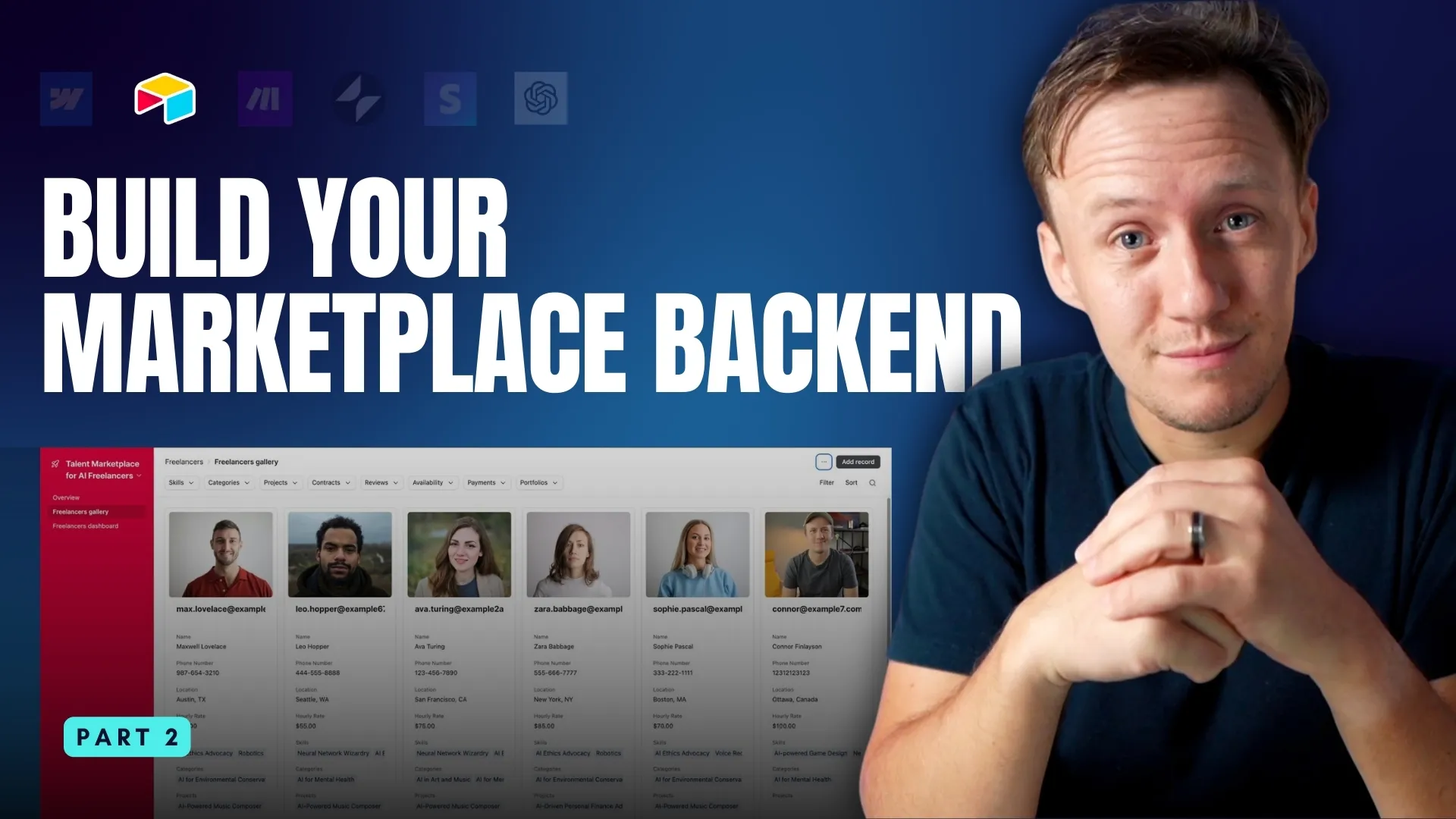
How to Build and Manage Your Marketplace Backend with Airtable
In the first post of this series, we explored how **[Webflow](/blog/build-marketplace-mvp-webflow)**[ is all you need to build the first publishable version of your marketplace](/blog/build-marketplace-mvp-webflow)—your homepage, profile pages, and landing pages. But as your marketplace starts to see traction, you’ll need more than just a marketing site. You will need to start building systems. Keeping everything behind the scenes organized is the first thing on our priroity list. Whether you’re managing freelancer profiles, client projects, or transactions, your platform’s success depends on how well you can track and manage all that data. This is where Airtable comes in. Airtable is the tool that powers platforms like **Unicorn Factory**, acting as the backbone that keeps data clean, workflows efficient, and scaling simple. It transforms messy, disconnected processes into a centralized system you can trust. In this post, we’ll build on what you’ve already set up in Webflow by diving into Airtable. Here’s what we’ll cover: - Why Airtable is essential for managing marketplace data. - How to create a simple Airtable backend to organize your platform. - How Airtable forms streamline data collection. - How Airtable automations save time and reduce manual work. By the end, you’ll have a clear plan for turning Airtable into the engine that powers your marketplace. Let’s get started!


How to Build a No-Code Marketplace with Webflow
If you’ve ever dreamed of building a marketplace business but felt overwhelmed by where to start, this video is for you. Today, I’m going to walk you through the **step-by-step process of creating a marketplace MVP** using no-code tools. This is part of a six-part series where I’ll introduce you to some of the most powerful no-code tools I use to run my freelancer marketplace, **Unicorn Factory**. Each tool plays a unique role, and today, we’re starting with what I believe is the most important one: **Webflow**. In this video, you’ll learn: - Why Webflow is the perfect tool for building a marketplace. - How to create your first page in Webflow. - How to use Webflow CMS to generate dynamic landing pages. - Some quick tricks to speed up your learning as a beginner. - And finally, a simple game plan for building your marketplace MVP. There’s a lot to cover, so let’s dive in and start with why **Webflow** is the ideal tool for marketplace founders!

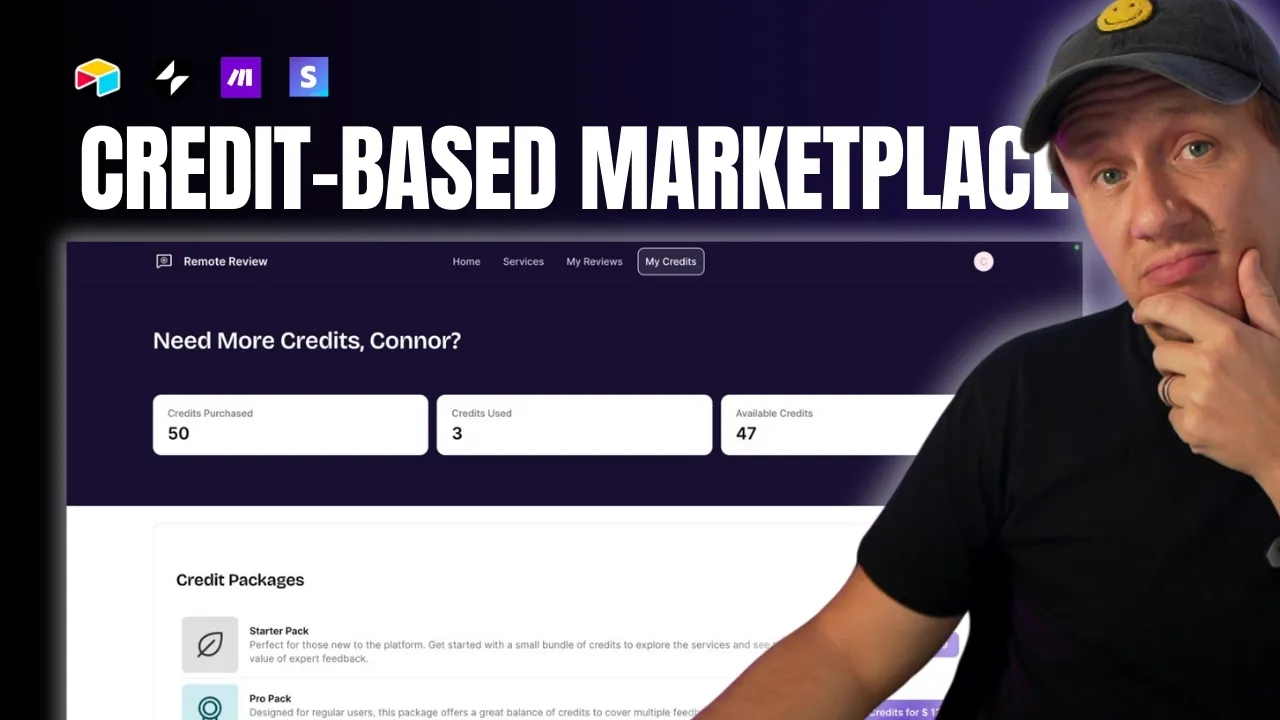
How to Build a Credit Payment System for Your Marketplace Using No-Code Tools
**Want to simplify payments in your marketplace and boost customer retention?** A credit payment system might be exactly what you need. By selling credits upfront, you streamline payments, reduce fees, and encourage repeat purchases. In this guide, I’ll show you **step-by-step** how to build a credit system for your marketplace using no-code tools like **Stripe, Airtable, Make.com, and Glide**. You don’t need coding experience, and you can set this up in a matter of hours. Whether you run a **marketplace, job board, or digital product platform**, this system works seamlessly to improve user experience and save you time. Let’s get started.
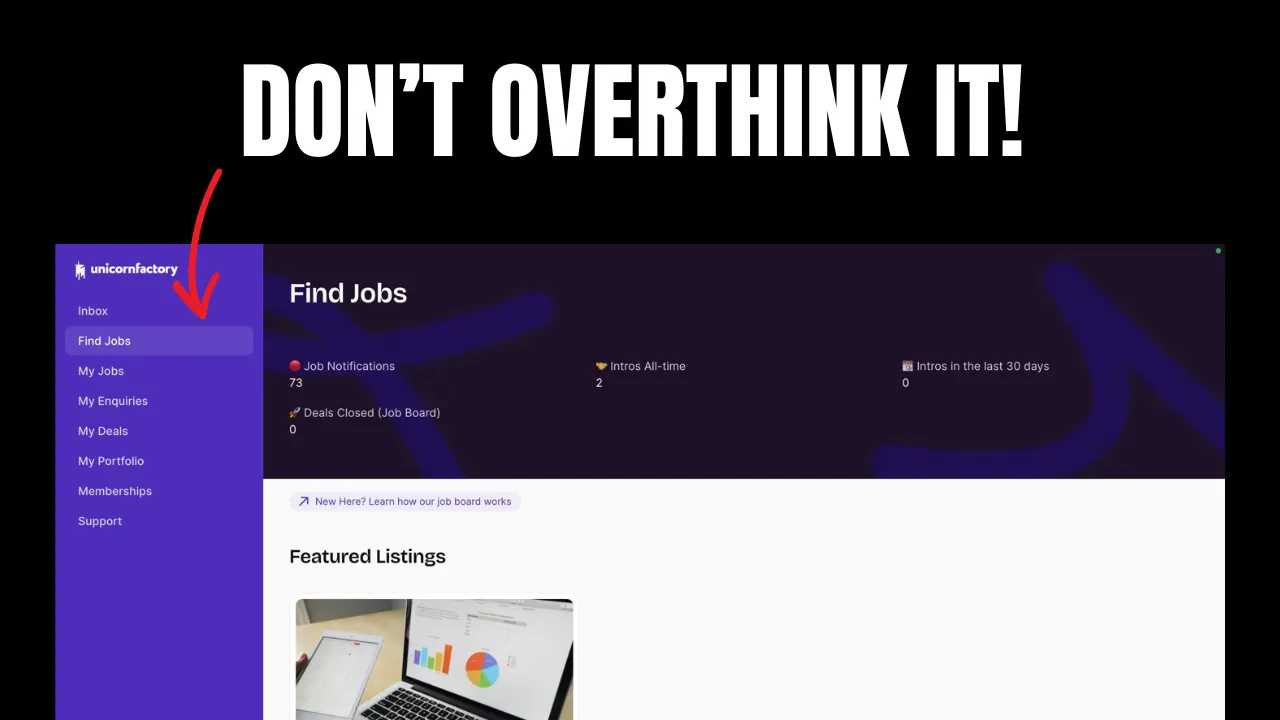
How to Validate Your Marketplace Idea in One Day: A Step-by-Step Guide
Validating a marketplace idea in a single day might sound impossible. But what if I told you there’s a straightforward way to do it that doesn’t require building out the entire platform first? This method isn’t new, but it’s incredibly effective—especially for talent marketplaces where you act as the intermediary. Before you spend months (or even years) building, let’s figure out if your idea has legs. Here’s what you’ll learn: 1. **How to attract your first potential clients without a finished product.** 2. **How to gauge real interest in your marketplace idea.** 3. **How to get paid for your service before you’ve even built your MVP.** If you’re ready to validate your idea quickly and effectively, let’s dive in.
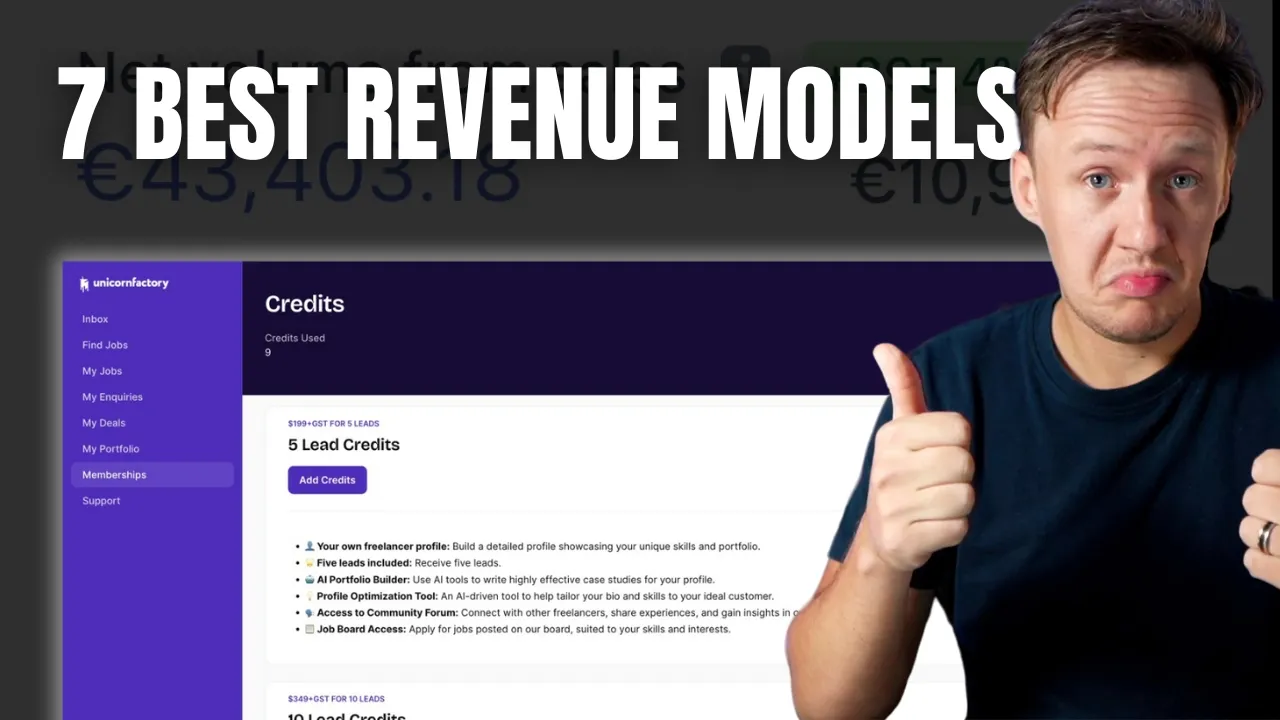
7 Proven Business Models to Monetize Your Marketplace
**Ever wonder why some marketplaces take off like rockets while others barely get off the ground? It’s not just luck. It’s the business model.** In today’s post, we’re cutting through the noise and getting straight to the point. I’m breaking down seven proven models that can turn your marketplace into a revenue-generating machine. Whether you’re just starting out or fine-tuning your platform, these insights will help you choose the right path and avoid costly mistakes. Here’s what we’ll cover: 1. **Commission-Based Model**: Align your success with your sellers’. 2. **Subscription Model**: Build a predictable revenue stream. 3. **Listing Fees**: Charge for visibility and quality. 4. **Freemium Model**: Attract users with free, upsell with premium. 5. **Lead Generation Fees**: Charge for tangible value. 6. **Affiliate Fees**: Monetize partnerships and ads. 7. **Value-Added Services**: Boost revenue with additional offerings. Let’s dive in.
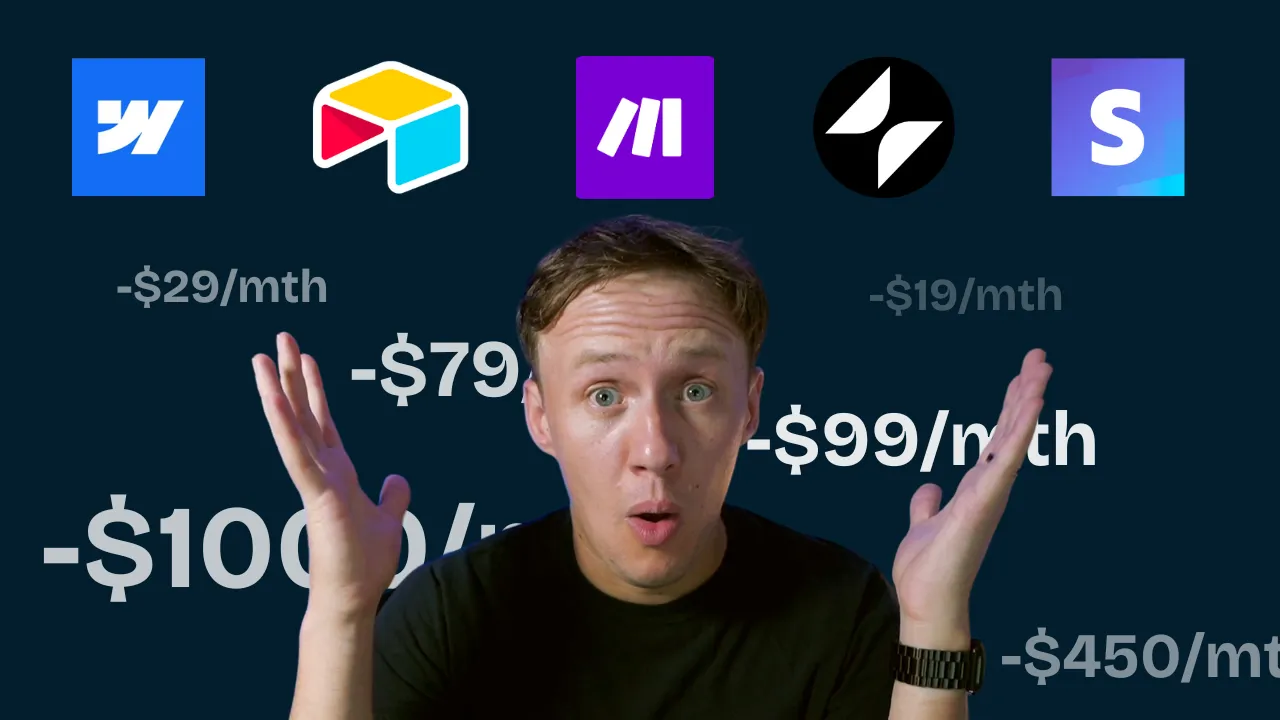
How Much Does It Cost To Run A No-Code Marketplace?
Launching a no-code marketplace is exciting, but figuring out the costs can feel overwhelming. How much should you budget? Which tools do you need? And how can you avoid overspending while still building something effective? I’ve got you covered. In this guide, we’ll break down the costs of building your no-code marketplace step by step. From validating your idea with landing pages to scaling with advanced features, I’ll show you exactly what to expect at each stage. Here’s what you’ll learn: - The must-have tools for your pre-launch phase. - How to build an MVP without breaking the bank. - Advanced tools and strategies for scaling your marketplace. Whether you’re just starting out or ready to scale, this guide will help you create a roadmap for success. Let’s dive in!

How to Find Your Marketplace Niche: A Step-by-Step Guide for Beginners
One of the biggest challenges new marketplace founders face is defining a niche. It’s incredibly tempting to skip niching down and offer a wide range of services and sellers. After all, Amazon sells everything, Uber offers Rides, Eats, and Scooters, and Airbnb provides Stays and Experiences. So, if it works for them, it should work for you too, right? I get it. Over the past year, I've received countless questions from aspiring marketplace builders: - "Is it better to start with a broad marketplace or a niche one?" - "How do I choose the right niche for my marketplace?" - "What if my niche is too small?" In this post, I’ll explain why focusing on a niche is actually a smarter strategy for new marketplace businesses. Using my own experience and a few proven strategies, I'll help you identify and define your niche so you can start building a successful marketplace. You'll learn how to use frameworks like Ikigai, map out industry ecosystems, identify key players and their challenges, and more. By the end, you'll have a clear path to finding a niche that is both fulfilling and profitable. Sound good? Let's get into it.

The Best No-Code Tools For Marketplaces in 2024
So, you want to start a marketplace business? You've been doing your research and are more confused than ever. With so many no-code tools out there, each with slightly different features and promises, it can seem like a lot is at stake when it comes to choosing the right tool. I get it. Over the last three years, the no-code space has changed drastically. Tools have gotten better, new tools have been launched, and it’s just hard to keep up. It's been three years since I posted my first YouTube video breaking down what no-code tools I used to build Unicorn Factory, and till this day, I still get tons of emails every month asking me questions like: - "What tools are you using on Unicorn Factory now?" - "What do you think about Bubble?" - "Have you tried [insert latest tool here]?" In this post, I will answer all of those questions and break down my exact no-code stack for building marketplaces in 2024. You will find out what I am using to power my freelancer marketplace Unicorn Factory today, why I prefer those tools for building marketplaces, and why I think you should choose the same stack to build your marketplaces. Sound good? Let's get into it.