Circle: Why Circle Is The Best Tool For Starting An Online Community
Discover the latest Circle.so features including Live Streams, Events, and Paywalls. Learn how these updates can enhance your online community engagement and make Circle an unparalleled tool for community management.


What is Circle?
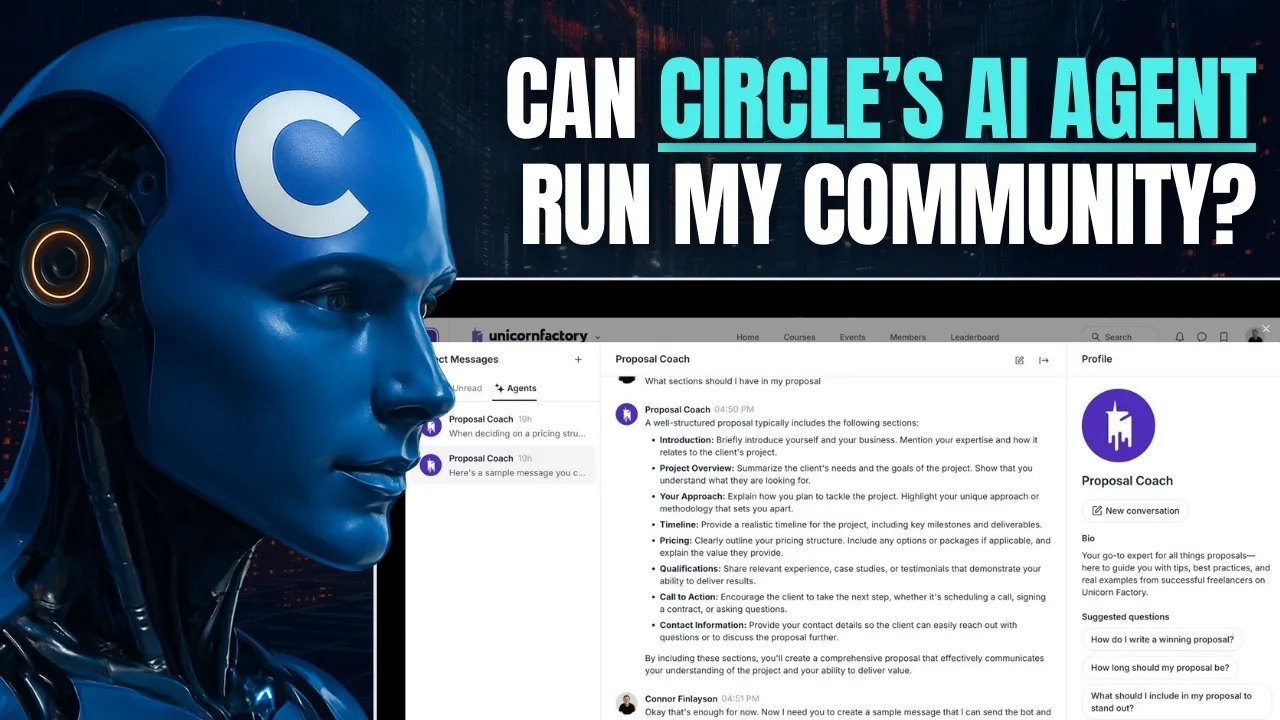
Circle is a platform for building and managing online communities, designed to bring people together in an organized and user-friendly environment. Unlike traditional tools like Slack, which often feel like general-purpose communication platforms, Circle focuses on fostering engagement and providing tools for creators and community managers. Whether you’re running a course, mastermind group, or membership site, Circle centralizes discussions, hosts events, and monetizes content—all in one place. For example, I use Circle to run Unicorn Factory, a freelancing community that connects talented freelancers with businesses in New Zealand. Circle’s features help keep members engaged, manage content, and streamline operations.
How to Use Circle’s Live Stream Feature for Community Engagement
Circle’s live stream feature enhances community engagement by allowing creators and managers to connect with members in real time. Here’s what the live stream feature offers:
- In-Platform Streaming: Host live streams within your Circle community, eliminating the need for external tools like Zoom or YouTube Live.
- Interactive Engagement: Invite guests or members onto the stage to participate in discussions, perfect for Q&A sessions, panels, or member highlights.
- Live Chat: Use the built-in chat feature for attendee questions and feedback during the stream.
- Recording Options: Record streams for members who miss the event, creating reusable content.
- Cost Savings: Replace separate video conferencing tools and consolidate workflows. Setting up a live stream is straightforward. Enable the feature, configure your camera and microphone, and start streaming. This feature streamlines live interactions and strengthens connections within your community. For insights into similar tools, check out my guide on Choosing the Best Platform for Managing Your Community: Circle vs. Skool.
Circle’s New Features: Boosting Monetization and Engagement
Paywalls for Monetizing Content
Circle enables creators to monetize their communities with paywalls for private groups and exclusive content. Charge for access with flexible pricing options, such as one-time payments, monthly subscriptions, or annual fees. This feature is ideal for offering premium content like courses or workshops. For example, a freelancing community could use paywalls to offer a private course on client acquisition, unlocking additional value for members while generating revenue for the creator.
Mobile Apps for iOS and Android
Circle’s mobile apps keep members connected and engaged on the go. Members can access discussions, events, and notifications directly from their phones, ensuring consistent participation. For managers, mobile access improves retention and activity, making it easier for members to stay involved.
Event Management Tools
Circle’s event tools simplify scheduling and promoting events. Key features include:
- Event Posts: Dedicated pages for RSVPs and event details.
- Notifications: Automated alerts for upcoming events and reminders.
- Calendar Integration: Add events to personal calendars for better visibility. These tools are ideal for webinars, workshops, or meetups, keeping everything organized within the platform.
Why Circle Beats Traditional Tools for Communities
Many community managers rely on platforms like Slack or Discord, but these tools lack features for long-term engagement. Circle offers significant advantages:
- Organized Discussions: Unlike Slack’s disappearing threads, Circle uses topic-based structures that keep discussions easy to follow.
- Community-Focused Features: Tools like paywalls, live streams, and event management are designed specifically for community engagement.
- Seamless Member Experience: Circle integrates all features into one platform, eliminating the need for multiple tools. Circle is tailored for creators and businesses prioritizing community, making it the best choice for creating a thriving member experience.
Real Benefits of Using Circle for Communities
Since transitioning from Slack to Circle, many communities report increased engagement, meaningful discussions, and stronger member retention. For example, when Unicorn Factory moved its freelancing community to Circle, member participation grew by 30% within three months. Features like live streams and mobile apps make engagement simple, while tools like paywalls enable new revenue streams. Circle’s intuitive interface ensures a smooth experience for both new and seasoned members, helping communities grow without unnecessary complexity. If you’re ready to enhance your community management, sign up using my affiliate link. It’s the platform I trust to run Unicorn Factory, and it might be the perfect fit for your community too.
Ready to learn more? Check out our Playbooks for step-by-step guidance.
View PlaybooksContinue Reading