
The MVMP Labs Blog
Documenting the journey of building digital businesses as a non-developer. Tips, tutorials, and lessons learned along the way.
177 articles

Relume’s New Webflow Feature Just Made Building Websites 10x Faster
Building websites in [Webflow](https://www.connorfinlayson.com/a/webflow) with Relume just got 10x more efficient! [Relume](https://www.connorfinlayson.com/a/relume) just launched a new feature that allows you to import your Relume Style Guide directly into Webflow, making it even easier and faster to build production-ready websites. If you use Webflow for client projects or personal sites, you’ll want to see this. Over the last few months, you have probably seen a ton of new AI website building tools launch, promising to get a website live in minutes without you needing to do a thing. The problem? Most of these tools skip crucial steps like feedback and iteration, forcing you to spend more time fixing AI-generated designs instead of streamlining your process. That’s why, despite all the new tools, I still stick to Relume—because it does what these other AI tools fail to do: incorporate me into the decision-making process. Instead of just giving a high-level idea of what I want, I work hand in hand with Relume to build a website from scratch, following a clear and logical design process. Today, I’m going to walk you through the updated way of building websites in Webflow using Relume and show you why this will help designers land more clients and make more money. ### **What we’ll cover:** 1. **How To Turn Your Website Idea Into a Sitemap** – Plan your site structure with Relume’s sitemap builder. 2. **How To Turn Your Sitemap Into Wireframes** – Turn your sitemap into wireframes, refine layouts, and get client feedback. 3. **How To Create Design Concepts For Your Wireframes** – Find inspiration, apply styles in Relume’s style guide, and bring wireframes to life. 4. **How To Efficiently Turn Your Concepts Into Webflow Sites** – Seamlessly transfer everything into Webflow with a structured design system. 5. **How Relume Will Help Designers Make Money Rather Than Replacing Them** If AI tools have ever felt like they cut corners instead of making the process smoother, this is the game-changer you’ve been waiting for. Let’s dive in.


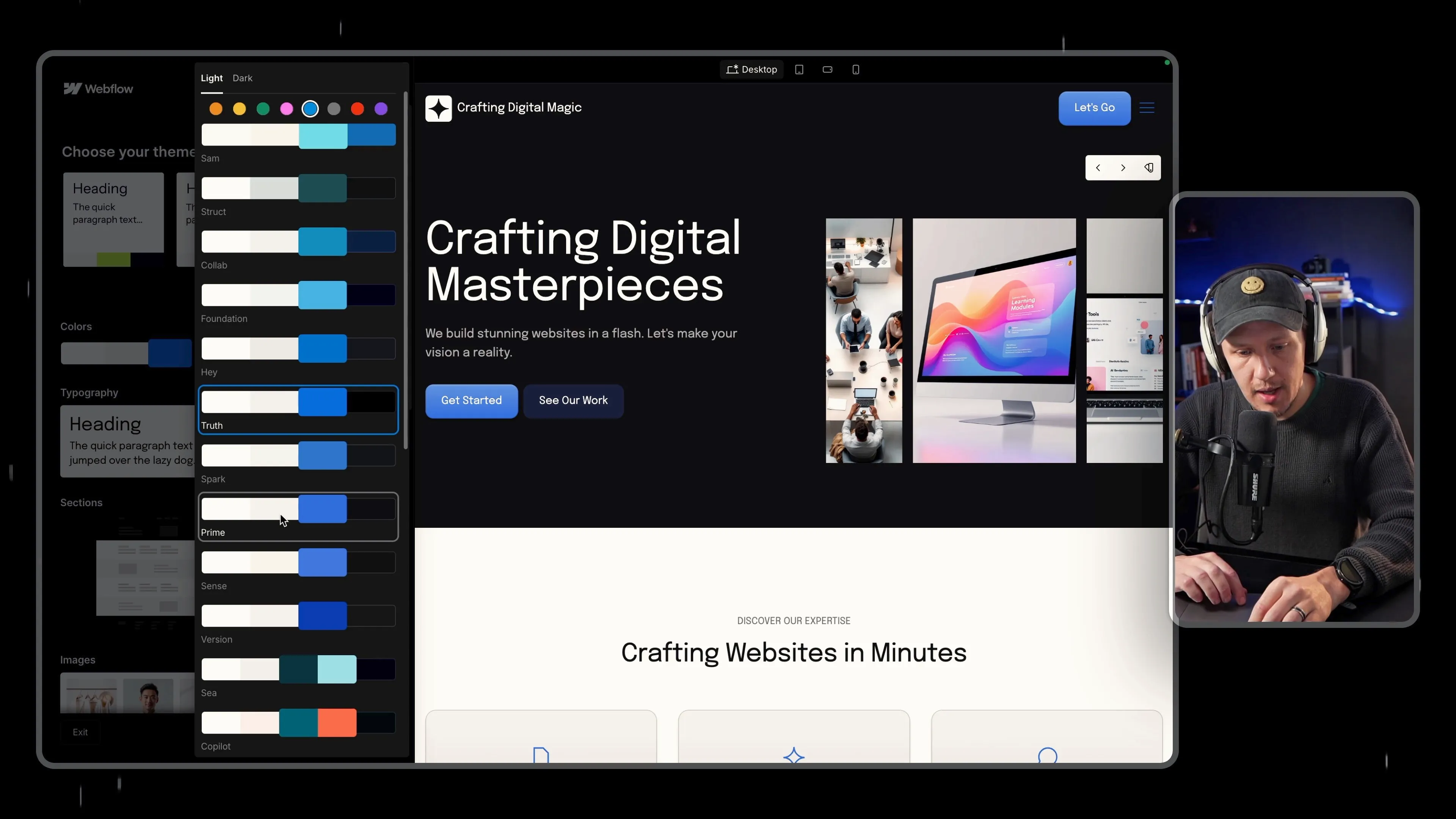
Webflow AI Site Builder Review – First Look at AI Website Builder
[Webflow](https://www.connorfinlayson.com/a/webflow) just launched its **AI Site Builder**, and this is my **first time testing it out**. No edits, no deep dive—just a raw, unfiltered walkthrough of how this tool works. Instead of manually designing every element, this AI tool **generates an entire website** based on a few inputs. But how much control do you actually have? And is this something beginners can use, or will designers find it too limiting? Let’s jump in and see what Webflow’s AI Site Builder can do.

Skool vs. Circle: Which Platform is Best for Managing and Scaling Your Online Community?
Over the last few years, I’ve been running my course business and mastermind using a mix of tools like Podia, Slack, and Zoom. And while each tool has worked well on its own, as my community has grown, managing everything across multiple platforms has started to become a bit of a nightmare. That’s why I decided it was time to streamline my setup and move everything to a single platform. After doing my research, two clear contenders stood out: Skool and [Circle](https://www.connorfinlayson.com/a/circle). Both platforms offer solid solutions for hosting courses and managing communities, but I wanted to find out which one was best suited for long-term growth and managing a large community. Today, I’m going to break down everything you need to know about these two platforms. Whether you’re looking to simplify your community management or scale a growing membership, this post is for you. Here’s what we’ll be going over: 1. **Feature Comparison:** A side-by-side look at what Skool and Circle offer. 2. **Key Differences:** How each platform handles navigation, automation, and customization. 3. **Pricing Breakdown:** A comparison of costs and transaction fees for both platforms. 4. **My Final Decision:** Which platform I chose and why it could be the right choice for your community. By the end of this post, you’ll have a clear understanding of the strengths and weaknesses of both platforms and how they might fit your specific needs. Whether you’re running a small, intimate community or looking to scale a larger group, this guide will help you make the best choice for your business. Let’s dive in!

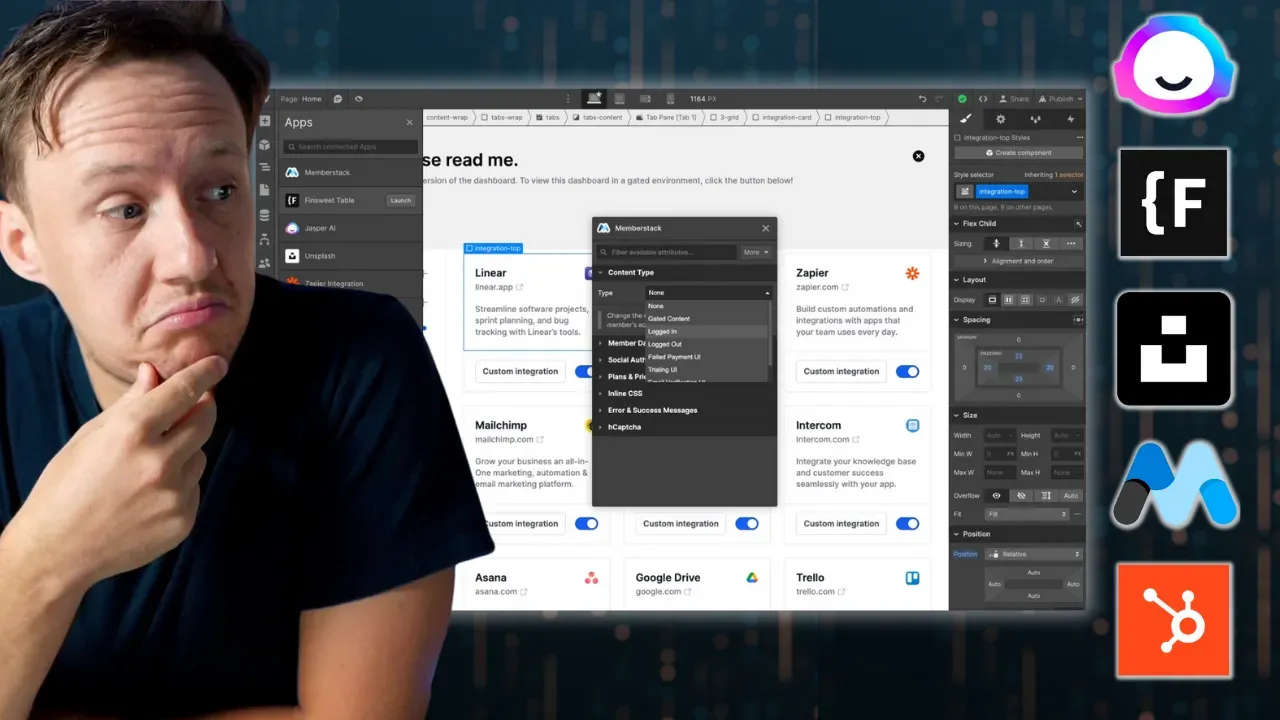
Webflow Apps: Is This Webflow's App Store Moment?
Have you ever felt that Webflow's tools were just shy of what you needed? It's like Webflow has been reading our minds because they've just rolled out some big updates to their apps and API. These changes are set to change the game, letting you create more advanced features, adding greater functionality and flexibility to your projects. Let's dive in and see how these updates can help you take your Webflow projects to the next level.

5 Glide AI Features To Use In Your Next Project


Relume AI Site Builder: How To Create AI Sitemaps and Wireframes for Webflow
[Relume](https://www.connorfinlayson.com/a/relume)'s new site builder tool is 🤯 Going from a website concept to a sitemap, and then to a multi-page wireframe with copy, used to take weeks. Now, it's 2 minutes, and here is how: 1. **Specify Your Website Concept**: Describe what kind of site you want to build. 2. **Generate a Sitemap**: Click and let Relume create your site's structure. 3. **Customize Your Sitemap**: Tweak it to fit your vision. 4. **Create Wireframes and Copy**: Watch Relume take over the design and writing. 5. **Finalize and Export**: Make your adjustments and export to Figma or Webflow. Interested in setting this up for you? Let's get into it...

Memberstack vs Glide: What Tools To Use For Building Apps



Relume Ipsum: How To Automatically Generate High Quality Landing Page Copy

Google Lighthouse: How To Get Better SEO Scores in Webflow

Relume Class Sync: How To Automatically Apply Your Webflow Styles To New Components
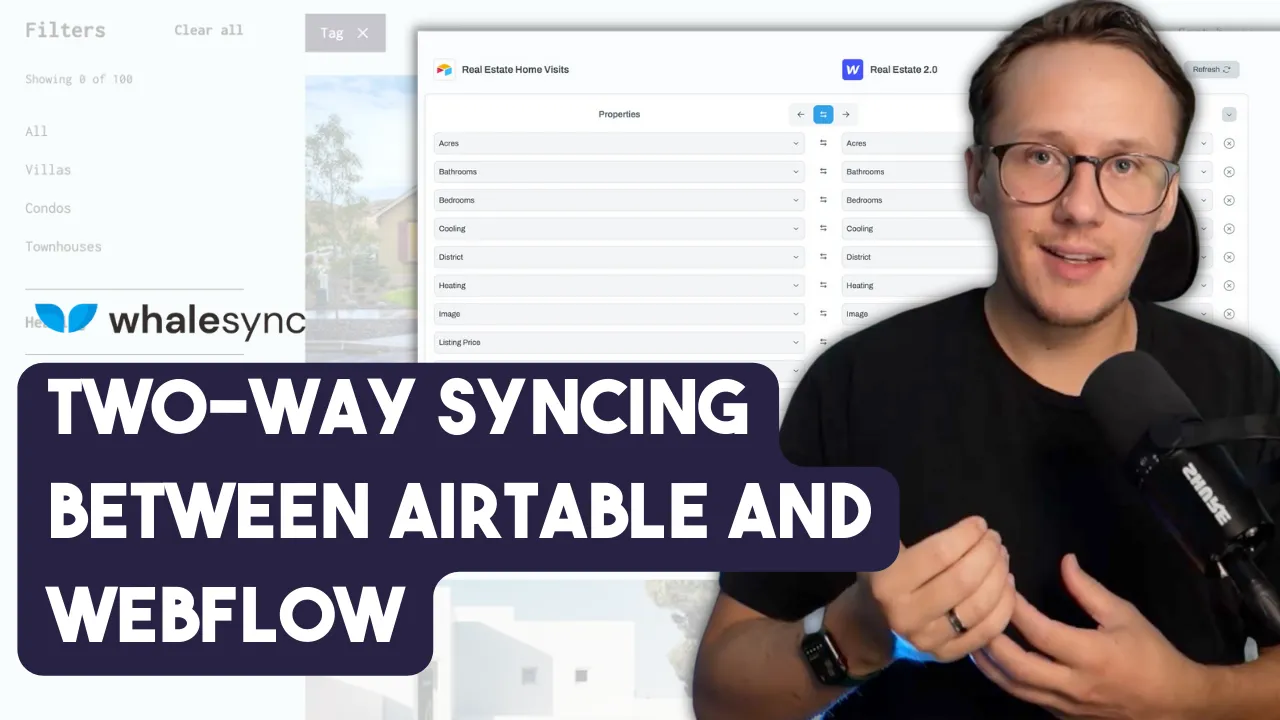
Whalesync: How To Sync Data Between Airtable and Webflow


Memberstack 2.0: How Much Better Is The New Memberstack?