How To Fire Webhooks From Airtable Automations
By Connor Finlayson||2 min read
Learn how to instantly trigger Airtable workflows in make.com using custom webhooks. Our step-by-step guide shows you how to bypass scheduled intervals and get real-time updates.
Tools covered: Airtable
 Make
Make
Why Use Webhooks in Airtable Automations?
Webhooks let you instantly notify Make.com (or any automation platform) when a specific event occurs in Airtable. This eliminates delays and allows your workflows to execute in real-time. For example:
- When a record meets a condition.
- When a new record is created.
- When a record enters a specific view. Using Airtable Automations with webhooks ensures that actions are triggered the moment an event happens, providing a more seamless and efficient workflow.
Step-by-Step Guide to Using Webhooks with Airtable and Make.com
Follow these steps to set up a webhook that triggers workflows instantly:
1. Set Up Your Trigger in Airtable Automations
- Navigate to Automations in your Airtable base.
- Choose a trigger type like "When a record matches conditions."
- Define the condition that triggers the automation, such as when a status field updates to "Ready."
2. Add a Webhook Action
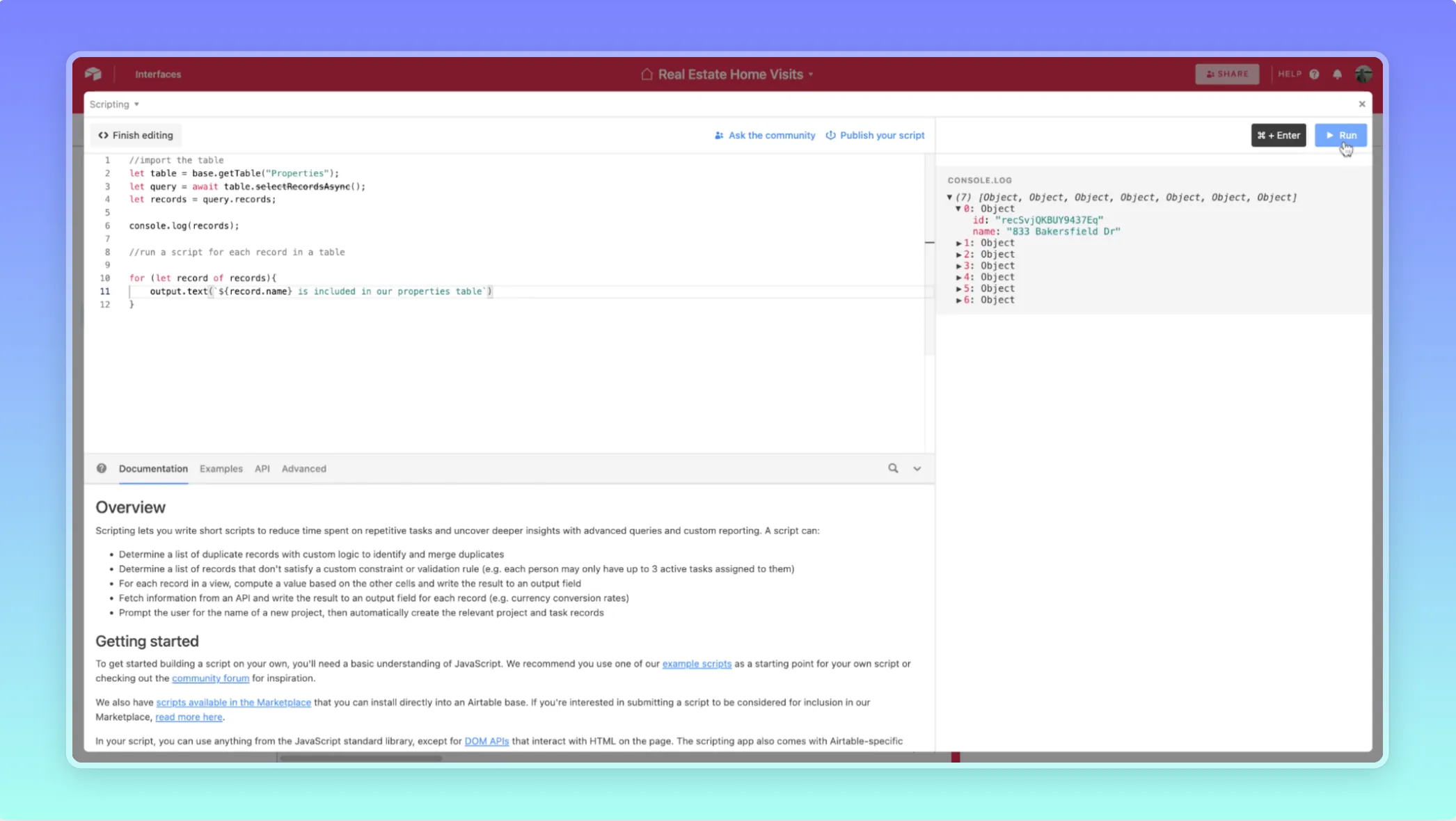
- Add a step to the automation and select Run Script.
- Use this JavaScript to send a POST request to Make.com’s webhook URL:
Replace
"YOUR_WEBHOOK_URL"with the webhook URL generated in Make.com.
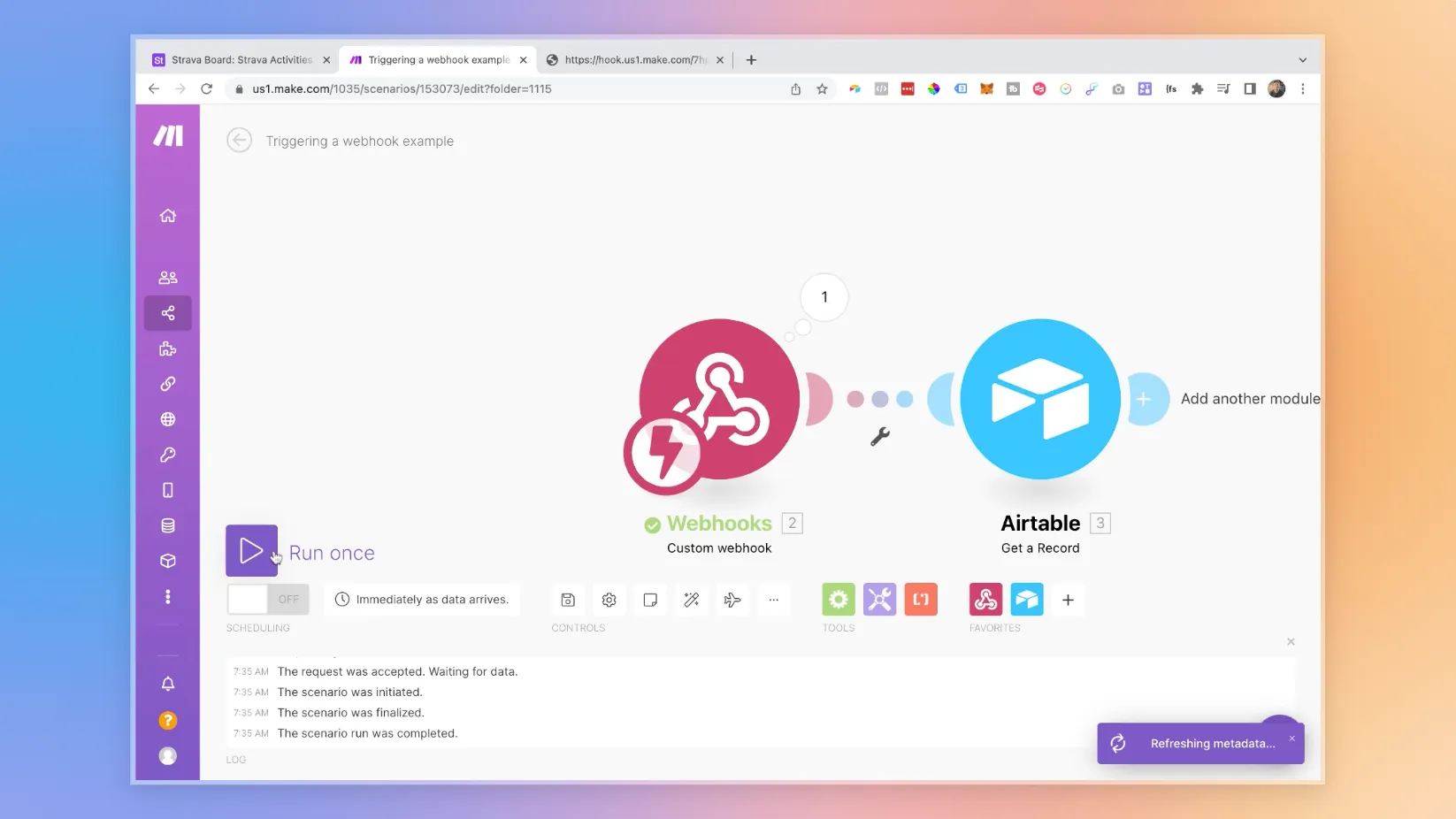
3. Create a Webhook Trigger in Make.com
- Open Make.com and create a new scenario.
- Add the Webhook module and generate a unique webhook URL.
- Copy the URL and paste it into your Airtable script.
4. Test Your Setup
- Save and activate the automation in Airtable.
- Trigger the condition to send the webhook.
- Verify that Make.com receives and processes the webhook.
Example Workflow: Instant Airtable to Webflow Updates
Here’s how you can apply this setup:
- A client updates a project record in Airtable.
- Airtable triggers a webhook to Make.com.
- Make.com fetches the updated record and syncs it to Webflow via the Webflow API. This approach ensures immediate updates without manual intervention, keeping your platforms synchronized.
Benefits of Using Webhooks in Airtable Automations
- Real-Time Execution: Trigger workflows as events happen, no waiting for scheduled intervals.
- Scalable Solutions: Handle changes dynamically, regardless of record volume.
- Improved Efficiency: Streamline processes and reduce unnecessary API calls.
Ready to learn more? Check out our Playbooks for step-by-step guidance.
View PlaybooksContinue Reading