The MVMP Labs Blog
Documenting the journey of building digital businesses as a non-developer. Tips, tutorials, and lessons learned along the way.
177 articles
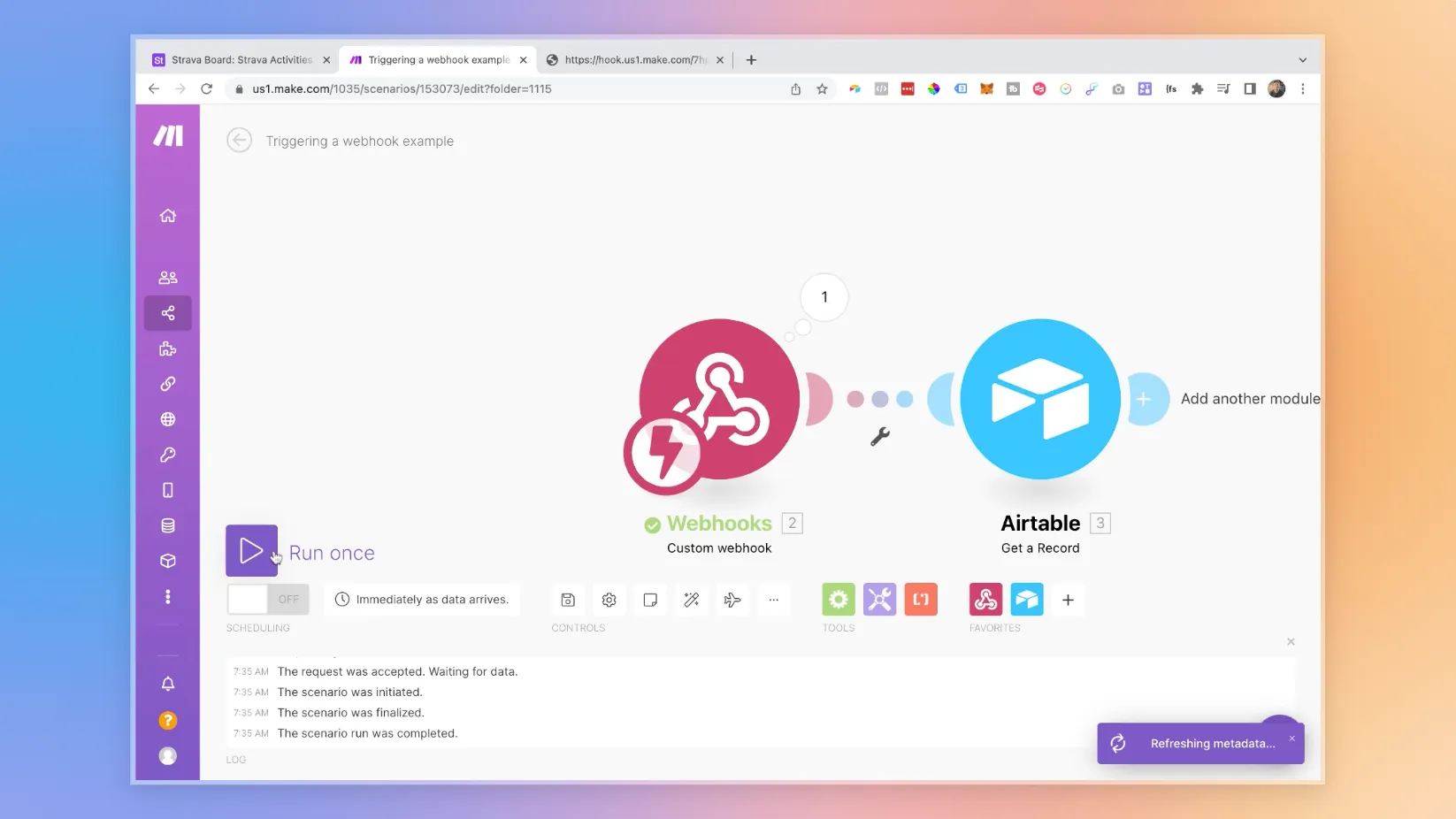
How To Fire Webhooks From Airtable Automations
If you’ve ever felt the frustration of waiting for Airtable triggers to sync on a schedule, I know exactly how you feel. When I started building workflows for **Unicorn Factory**, those delays made everything feel sluggish—like my processes weren’t keeping up with the pace I needed. But then I discovered a game-changing solution: **webhooks**. Using webhooks, I’ve made my workflows snappier and more responsive. Whether it’s updating Webflow with client records or syncing data in real-time, this approach has completely transformed how my automations operate. Now, everything runs faster, smoother, and without the wait. In this guide, we’re breaking it all down. Here’s what you’ll learn: 1. **Why webhooks are a must-have:** How they eliminate delays and make Airtable workflows more responsive. 2. **Step-by-step setup:** A simple, clear process for connecting Airtable Automations to Make.com using webhooks. 3. **Real-life example:** See how you can use this setup to keep platforms like Webflow in perfect sync. By the end of this, you’ll know exactly how to make your workflows instant and efficient, saving yourself time and making your automations feel like magic. Let’s get started!


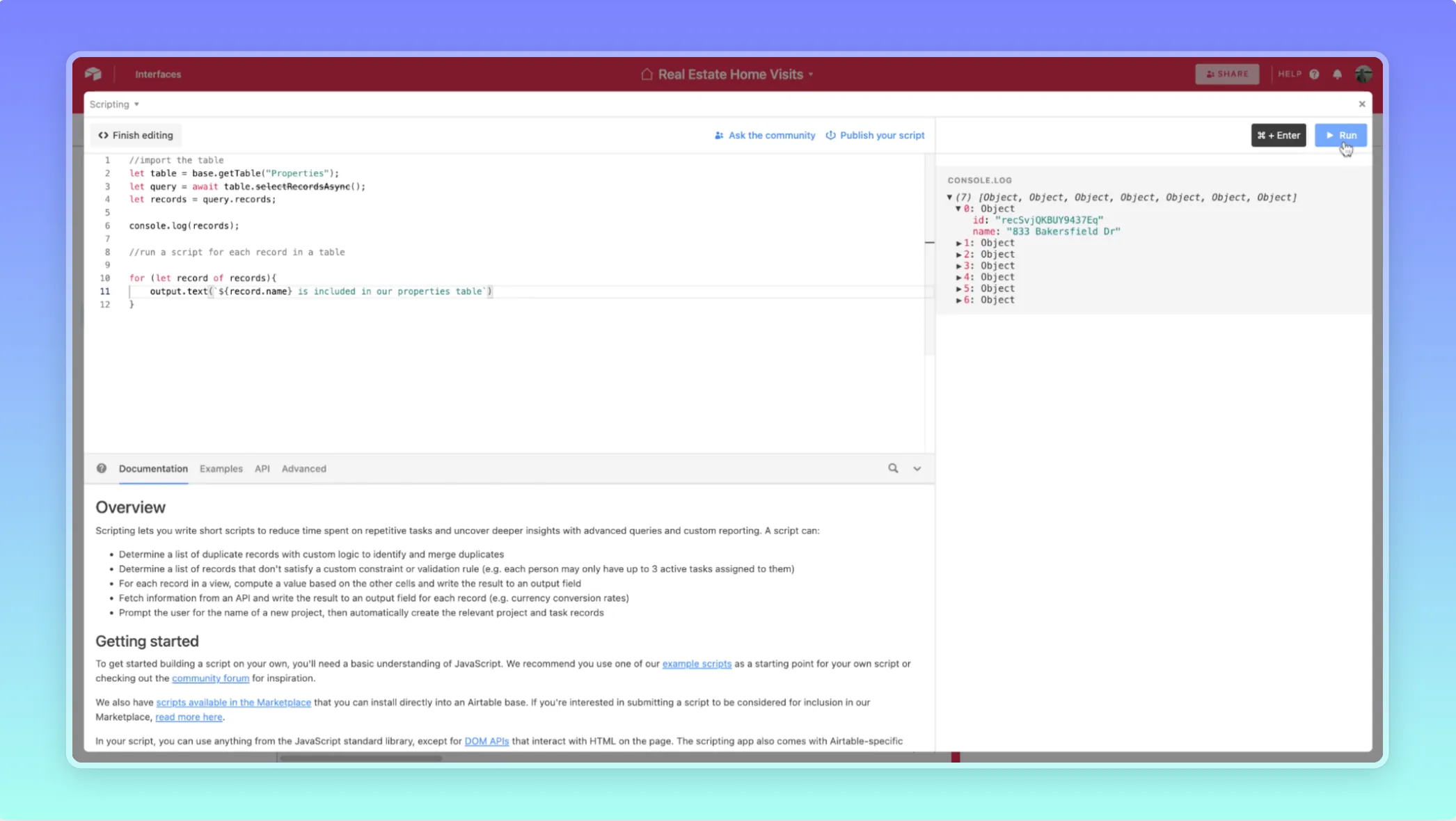
Airtable Scripts: How to Bulk Update Multiple Records Easily

How To Write Webflow CMS Scripts in Airtable


How To Delete Webflow CMS Items via Airtable Scripts
How To Use Airtable Scripts To Automate The Webflow CMS - Part 2

A Beginner's Guide To Airtable Scripts

A Beginner's Guide To "IFELSE" Workflows

A Beginner's Guide To Webhooks