
The MVMP Labs Blog
Documenting the journey of building digital businesses as a non-developer. Tips, tutorials, and lessons learned along the way.
177 articles

How to Monetize a Directory Website with Paid Online Communities
If you’ve ever launched a directory website, you’ve probably asked yourself: **“How do I actually make money from this?”** Most people default to charging vendors for listings — $5, $10, maybe $20/month. And at first, that feels like a win… until the churn kicks in, vendors ghost, and your revenue stalls out. Here’s the truth: Listing fees are easy to set up — but hard to scale. The good news? There’s a better way. One that generates recurring revenue, increases vendor retention, and builds real community around your niche. ### It’s called the **Paid Community Business Model** — and in this post, I’ll show you exactly how to use it to monetize your directory site. You’ll learn: - How this model works and why it scales - What tools I recommend (including [Circle](https://www.connorfinlayson.com/a/circle)) - Real-world examples from projects like The Spokes Collective and Flag Football Finder - How to test your offer before building anything - What kind of income you can expect — and how to grow it If you’re tired of chasing $5 listings and want to build something sustainable, profitable, and fun — this guide is for you.

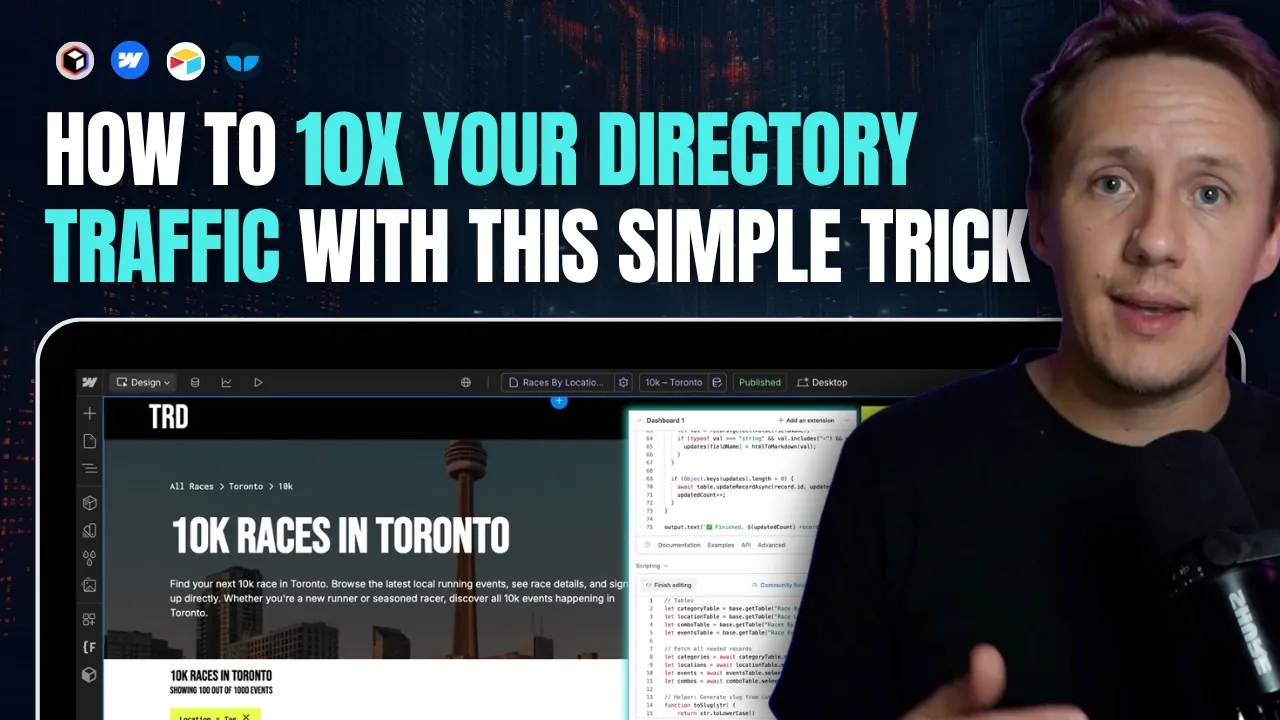
How to 10x Your Directory Traffic: Automate Combo Pages for Long-Tail Keywords
Most directory site owners eventually hit the same wall: they build out a great list of businesses, events, or services, maybe even add some basic location or category filters, and then… wonder why their Google traffic never really takes off. Sure, you might show up for a handful of broad keywords, but the specific, high-intent searches—the ones that actually lead to clicks, signups, or bookings—are nowhere to be found in your analytics. Here’s why: almost everyone stops at the basics. The real goldmine in directory SEO isn’t just “yoga studios” or “races in Canada”—it’s “beginner yoga studios in Ottawa” or “5K races in Toronto this spring.” Those _combo_ searches are what your best users type into Google, and they’re exactly where most directories miss out. But what if you could create dedicated landing pages for every high-value combo your users are searching for—without endless manual work or flooding your site with thin, useless pages? Imagine showing up for thousands of those ultra-specific, ready-to-convert searches, all with an automated, scalable workflow. **In this guide, you’ll learn:** - Why long-tail combo searches drive the best traffic for directories - How to set up your CMS and database for automated combo page creation - Step-by-step tactics for using Airtable and Whalesync to sync it all with Webflow - Practical strategies for managing SEO, avoiding junk pages, and scaling as you grow If you’re tired of settling for generic traffic and want your directory to finally rank for the keywords that matter, this walkthrough is for you. Let’s dig in—starting with the real reason most directories never tap into high-intent, long-tail search.




How to Build a Directory Outreach System That Gets Replies
**So you launched your directory. Now what?** You’ve got listings, a homepage, maybe even a filter system. But unless those businesses know you exist, your site will just sit there collecting digital dust. In this post, I’ll show you how to turn your directory into a _relationship-building machine_ using a personalized outreach system that stands out in crowded inboxes. You’ll learn how to create cold emails that don’t feel cold — complete with: - 🔗 A link to the business’s live listing page - 🖼️ A custom preview thumbnail using their brand - 🎥 A personalized Tella video that walks them through your site - ⚙️ And a scalable automation workflow using Airtable + Make.com Whether you're just starting or want to systematize outreach at scale, this guide will help you build trust, spark conversations, and open doors for monetization down the line.


How I’d Build a Directory Website as a Complete Beginner (2025)
**You’ve got an idea for a directory.** Maybe it’s a local business directory. A niche marketplace. A curated list of tools, events, or service providers. You’ve seen the tutorials. Read the blog posts. Maybe even opened up Webflow or Airtable… But if you’re still staring at a blank page wondering where to start, this guide is for you. Here’s the truth: **Most people don’t fail to build because they lack skill. They fail because they overthink and never get started.** That ends today. In this post, I’ll walk you through the **exact process I’d follow to build a directory website from scratch in 2025**—even if I had: - Zero tech experience - No budget - No team Whether you want to create a simple listing site or a scalable, SEO-powered platform, I’ll show you how to go from **idea → prototype → MVP → monetized product** in 7 steps using no-code tools. ### Here’s what we’ll cover: 1. **How to get your idea out of your head** and into a shareable prototype using Notion 2. **How to build a simple, clean landing page in Webflow**—even if you’ve never used it before 3. **How to do basic keyword research and analyze competitors** (without paid SEO tools) 4. **How to build CMS-powered listing and detail pages** for your directory MVP 5. **How to automate your listing database** using Airtable, Make.com, and Whalesync 6. **How to create SEO category and location pages** that attract traffic passively 7. **How to monetize and promote your directory** without relying on ads This is the exact strategy I use (and teach) to launch profitable directories with no-code tools. And if you follow along, you’ll walk away with your first live version—ready to grow and earn. **Let’s build.**
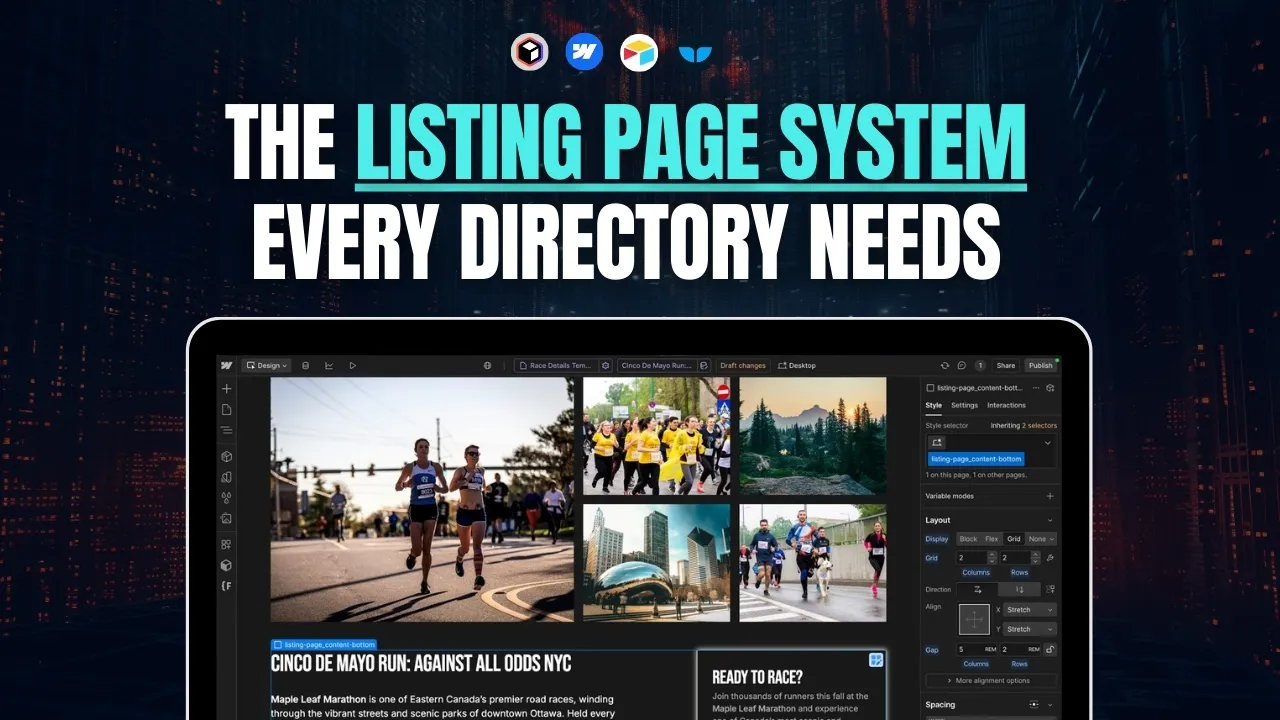
How to Build High-Quality Listing Pages for Your Directory
If you’re building a directory website, your **listing detail page** is the most important page on your site. It’s what ranks in search, what your users land on, and what potential advertisers will judge you by. Get this page right, and it becomes a conversion machine. Get it wrong, and all your traffic goes to waste. In this guide, I’ll show you exactly how to build **high-quality, scalable, and SEO-friendly listing pages** — the kind that actually drive traffic and results. We’ll cover: - What makes a great listing page (based on real-world examples) - How to design and structure your page for clarity and conversion - How to turn it into a dynamic template so you can scale fast - How to connect your backend and sync your data automatically - And how to **source, enrich, and clean listing content on autopilot** This is the same process I use across all my directory builds — from local marketplaces to nationwide platforms. If you're serious about launching a directory that grows without burning you out, this post will give you the full blueprint. Let’s get into it.
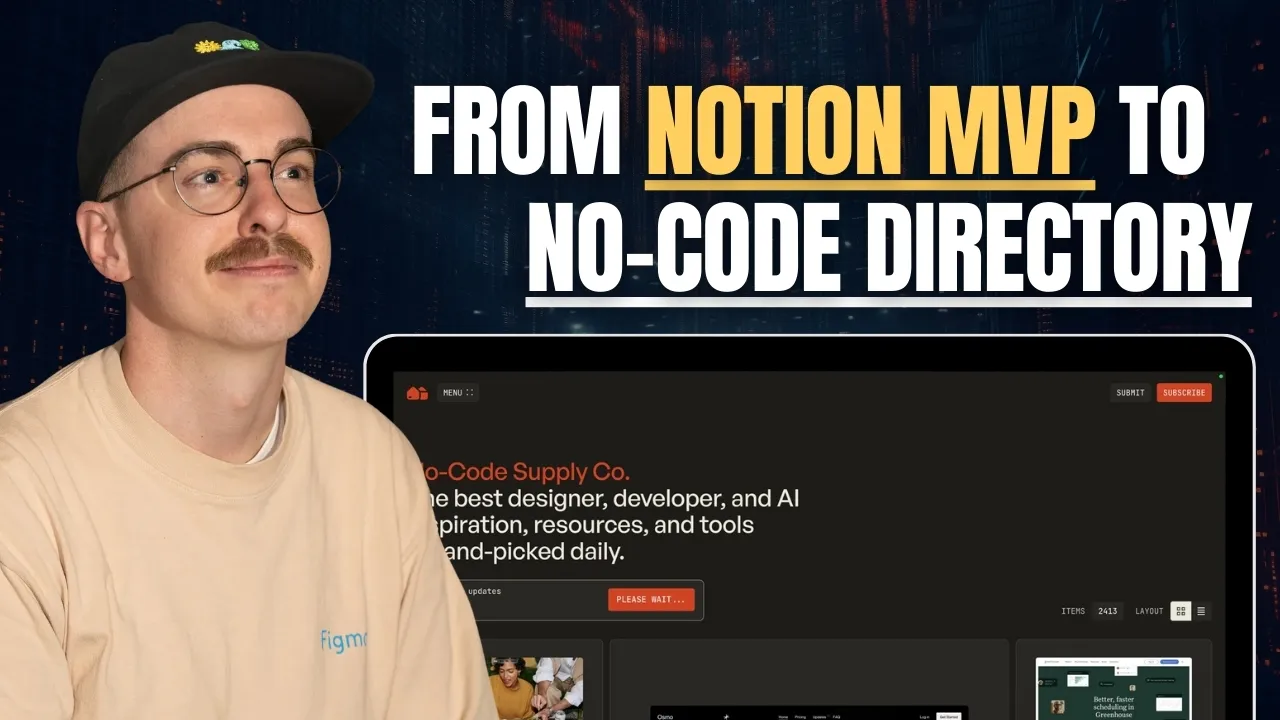
How Corey Moen Built No-Code Supply – A High-Quality No-Code Directory Using Webflow & Airtable
If you're thinking about building a content, tool, or product directory, this conversation with [Corey Moen](https://www.coreymoen.com/) is required viewing. Corey is the founder of [No-Code Supply](https://www.nocodesupply.co/), one of the most beautifully curated directories in the no-code space. He’s also a brand designer at [Webflow](https://www.connorfinlayson.com/a/webflow) and has worked on well-known projects like the [Whalesync](https://www.whalesync.com) directory, Webflow Experts, and more. We originally set out to talk for 40 minutes… it turned into 75. Why? Because Corey dropped so much gold on how to build high-quality directories—from design systems to automation to business models. Here’s the breakdown.
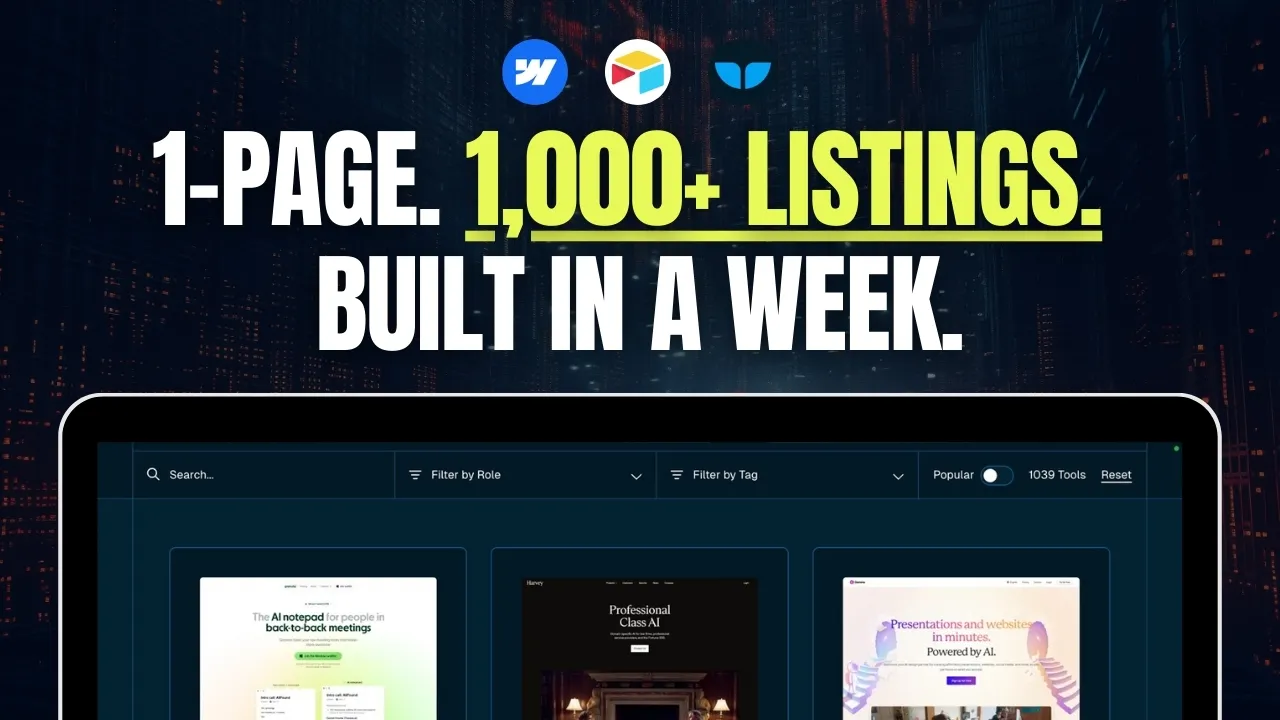
How Whalesync Built a 1,000+ Listing AI Tools Directory in 1 Week (No-Code Stack Breakdown)
In this interview, I caught up with **Matt Busel**, co-founder of **Whalesync**, to talk about how they used their own product [to build a directory of over 1,000 AI tools] (https://www.whalesync.com/tools/ai-directory)— in just one week. We covered: - Why syncing beats automation for directories - How they structured their Webflow + Airtable + Whalesync tech stack - Step-by-step details of how they collected, enriched, and published the data - Tips for filtering, tagging, and optimizing your directory for SEO
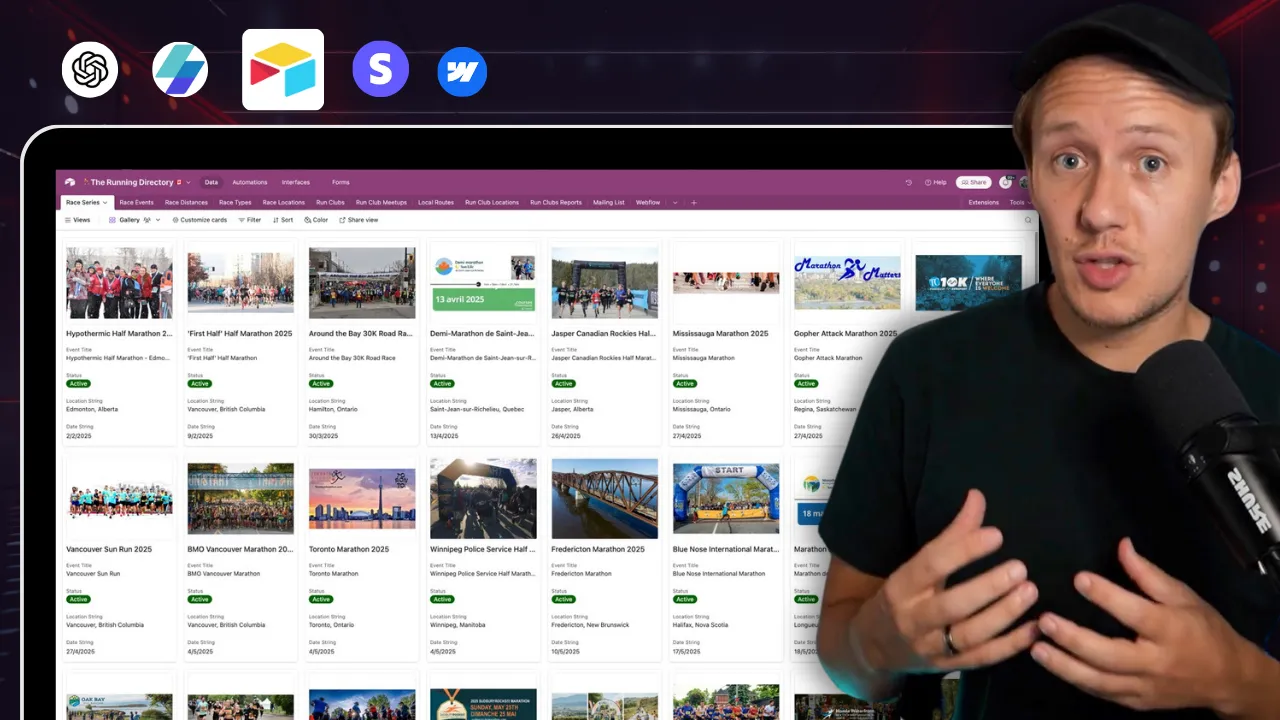
How to Create a Scalable Database for Your Directory Business in 2025 (Step-by-Step Guide)
If you’re building a directory website, relying only on Webflow CMS might seem fine at first—but as your site grows, you’ll quickly hit roadblocks that limit your scalability. Today, I’ll walk you through exactly why Webflow CMS alone isn’t enough, why you need a proper automation and data management system, and how Airtable can help you build a scalable, reliable database from day one. I’ll also show you how you can leverage ChatGPT to instantly generate your Airtable database structure, saving you hours of setup time. In this post, we’re going to cover: - Why Webflow CMS alone can’t serve as your database. - Why an automation and data management system is essential for scaling your directory. - The clear benefits of using a dedicated database tool like Airtable. - How to quickly design your database structure based on your website layout. - How to use ChatGPT to instantly generate your database schema. By the end of this video, you’ll have a clear understanding of how to set up a scalable directory database that grows seamlessly with your business. With that said, let’s jump straight into why Webflow CMS by itself won’t cut it.

How to Automate Competitor Analysis for Your Directory Business in 2025
If you’re building a **directory business** or planning to rely on **organic search traffic**, understanding your competitors is **essential**. Without knowing who you’re up against, you might waste time targeting the wrong keywords or structuring your content in a way that **won’t rank well**. ## **The Problem** Manually researching competitors takes **too much time**. You’d have to: • **Search each keyword individually** in Google. • **Manually list out competitors** ranking in the top results. • **Analyze their websites** to understand their **business model, monetization, and strengths.** • **Identify content gaps** to position yourself strategically. For a few keywords, this might be manageable. But what if you’re working with **hundreds or thousands** of keywords? It quickly becomes overwhelming. ## **The Solution: Automating Competitor Research** Instead of doing all this manually, I built an **automated workflow** that handles everything for me. Using **[Make.com](https://www.connorfinlayson.com/a/make),** **[Apify](https://www.apify.com?fpr=9ni89),** **[Perplexity AI](https://perplexity.ai/pro?referral_code=51POEJHL), and** **[Airtable](https://www.connorfinlayson.com/a/airtable)**, I can: ✅ **Identify top competitors** ranking for my keywords. ✅ **Categorize them** by type (directories, blogs, vendor sites, etc.). ✅ **Extract key insights** about their business models, strengths, and weaknesses. ✅ **Use this data** to build a better SEO and content strategy. And the best part? This automation **costs only ~$3 per 1,000 keywords**—saving me **hours of work**. In this guide, I’ll walk you through my **four-step competitor analysis process**, showing you exactly how to **automate it from start to finish**.


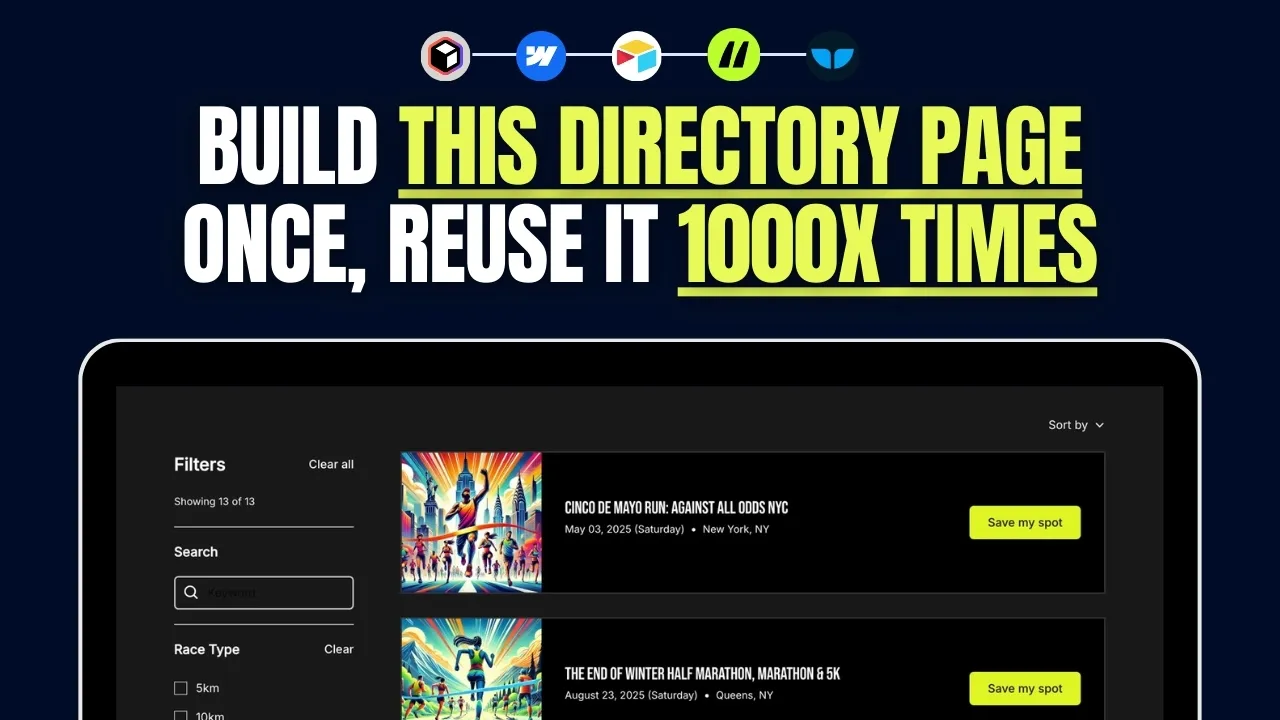
How to Build an SEO-Friendly Directory Listing Page in Webflow (Step-by-Step Guide)
If you're building a directory website, the **listing page** is arguably the most important page. It's where users browse listings, apply filters, and find what they're looking for. A well-structured listing page improves user experience and SEO, making it easier for people to navigate your site and for search engines to index your content. In this guide, I’ll walk you through my **exact step-by-step process** for building a directory listing page in Webflow, from design to data syncing and filtering. A well-designed **listing page** ensures that visitors can quickly find relevant results without frustration. It also plays a significant role in SEO, helping individual listing pages rank based on target keywords. In this tutorial, we’ll cover: - Setting up your Webflow project using **[Relume](https://www.connorfinlayson.com/a/relume)**. - Designing your **listing page** with **Webflow components**. - Connecting **Webflow CMS** for dynamic content. - Syncing data between **[Airtable](https://www.connorfinlayson.com/a/airtable)** and **Webflow using** **[Whalesync](https://www.connorfinlayson.com/a/whalesync)**. - Implementing **search and filtering** with **Finsweet Attributes**. - Automating directory operations with **[Make.com](https://www.connorfinlayson.com/a/make)**. By the end of this guide, you’ll have a **fully functional, scalable listing page** that enhances user experience and boosts your site's SEO performance. Let’s get started!

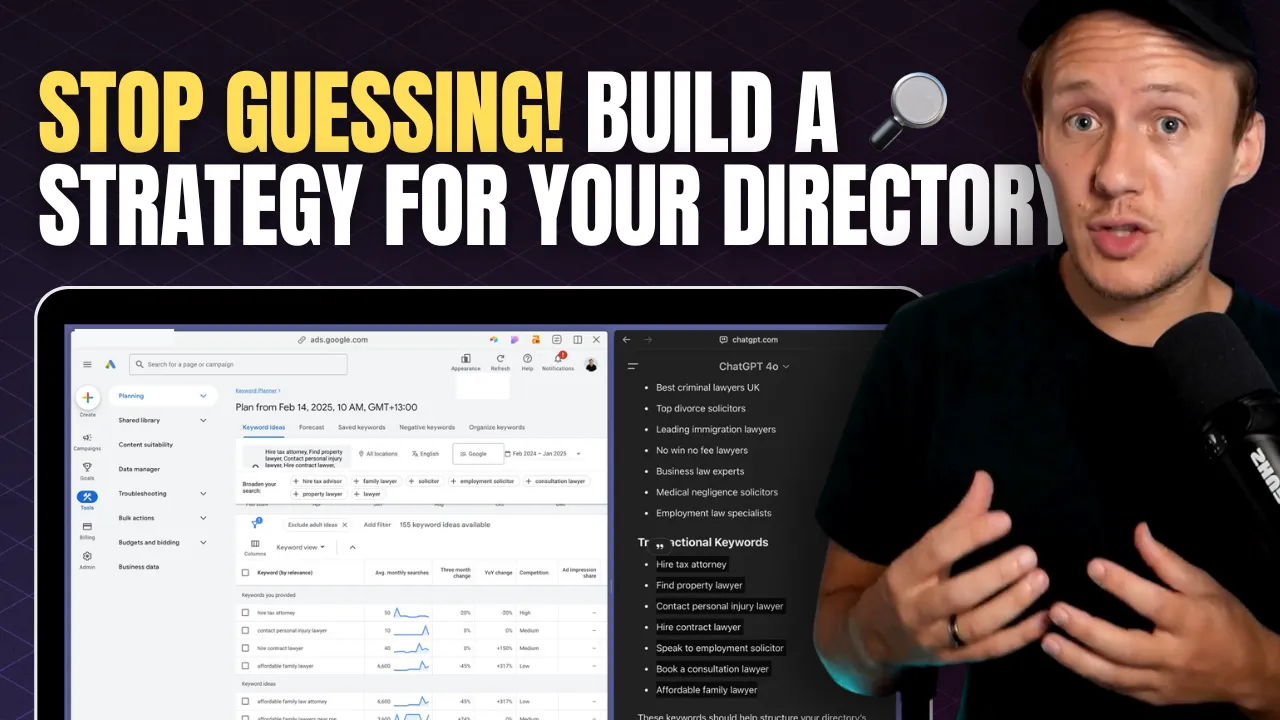
How to Do Keyword Research for Directories: A Step-by-Step SEO Guide
You’ve got an amazing idea for a directory. You’re excited, you know your niche, and you’re ready to start building. But before you dive in, ask yourself this: **How will people actually find your directory?** One of the biggest mistakes directory builders make is jumping straight into building without understanding how people search online. They assume that just because their idea is great, people will magically find their website. Unfortunately, that’s not how search engines work. Think about it—when was the last time you discovered a website by accident? The reality is that most people find what they’re looking for by typing specific search queries into Google. If your directory isn’t optimized for those searches, it won’t appear in results, no matter how useful it is. Without proper keyword research, you might be building something nobody is searching for. And if no one is searching for it, no one will ever find it. ### **What You’ll Learn** In this step-by-step guide, you’ll learn how to do keyword research specifically for directories. We’ll cover: 1. **How people search for directories** and how Google prioritizes search results. 2. **How to find keyword ideas** using Google Autocomplete, People Also Ask, ChatGPT, and Google Keyword Planner. 3. **How to analyze search volume and competition** to pick the best keywords. 4. **How to structure your directory** based on keyword research. 5. **How to analyze competition** and develop a strategy to outrank established players. By the end of this guide, you’ll have a clear strategy to ensure your directory gets found by the right people at the right time. Let’s get started. **If you’re still deciding on the focus of your directory, check out** [How to Pick the Right Directory Niche 2025 (Step-By-Step)](https://www.connorfinlayson.com/blog/how-to-find-the-perfect-niche-for-your-directory-site) **for more niche ideas.**
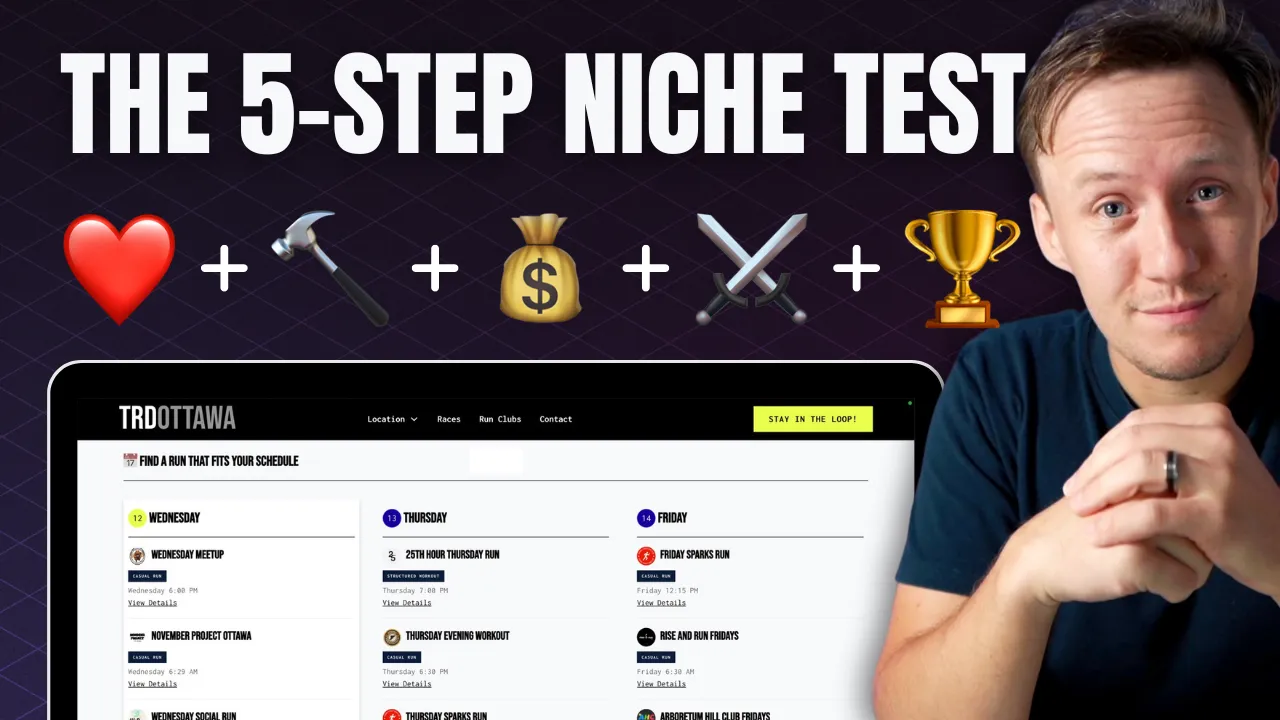
How to Pick the Right Directory Niche 2025 (Step-by-Step)
When you're thinking about starting a directory, the biggest question is: **Is this niche actually worth pursuing?** There’s nothing worse than sinking months into an idea only to realize it’s not profitable, nobody really needs it, or it’s just not something you enjoy working on. That’s why I use a **simple 5-step framework** to test any directory niche **before investing too much time and money**. This framework helps you figure out: ✅ **If you're actually interested in the niche** ✅ **If your directory solves a real problem** ✅ **Whether or not it can make money** ✅ **If the market is too saturated** ✅ **What unique advantage you have** If your directory checks all five boxes, **you’re on the right track**. If not, it’s a sign you need to pivot—or maybe even pick a different niche altogether. Let’s break it down.