
The MVMP Labs Blog
Documenting the journey of building digital businesses as a non-developer. Tips, tutorials, and lessons learned along the way.
177 articles

Relume AI Site Builder: How To Create AI Sitemaps and Wireframes for Webflow
[Relume](https://www.connorfinlayson.com/a/relume)'s new site builder tool is 🤯 Going from a website concept to a sitemap, and then to a multi-page wireframe with copy, used to take weeks. Now, it's 2 minutes, and here is how: 1. **Specify Your Website Concept**: Describe what kind of site you want to build. 2. **Generate a Sitemap**: Click and let Relume create your site's structure. 3. **Customize Your Sitemap**: Tweak it to fit your vision. 4. **Create Wireframes and Copy**: Watch Relume take over the design and writing. 5. **Finalize and Export**: Make your adjustments and export to Figma or Webflow. Interested in setting this up for you? Let's get into it...

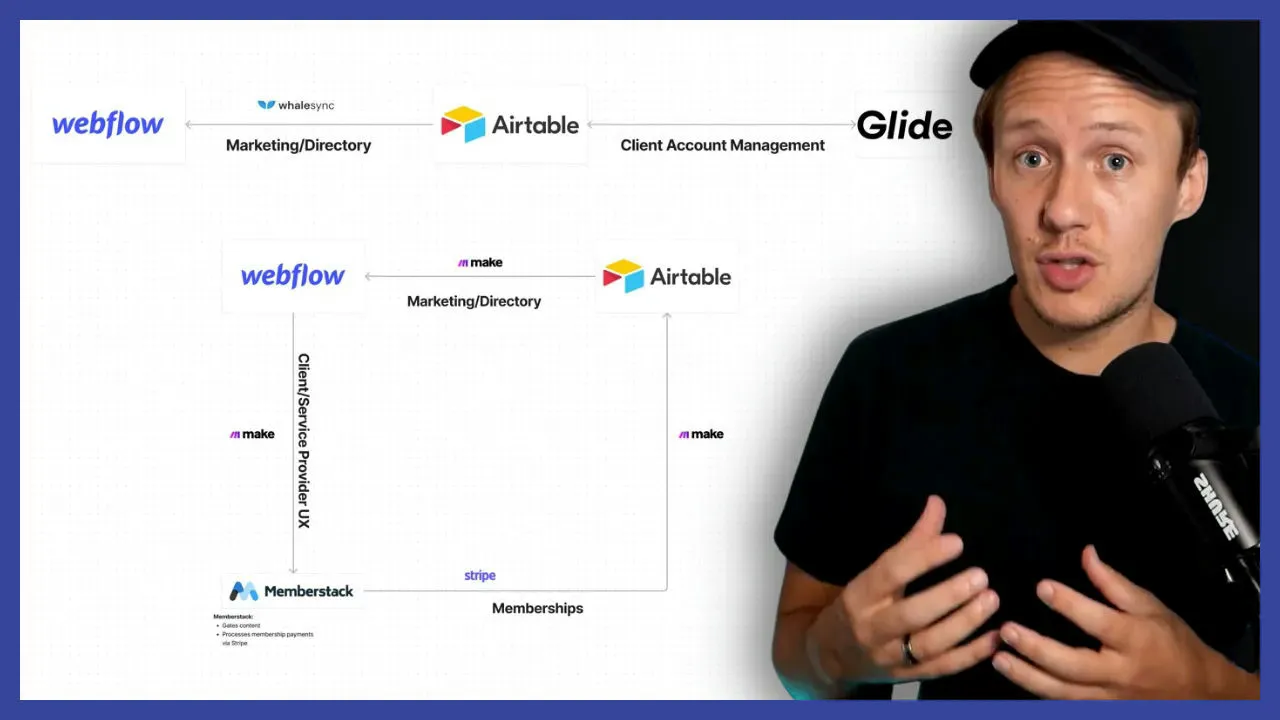
Memberstack vs Glide: What Tools To Use For Building Apps




How To Automatically Generate Open Graph Images For Your Landing Pages



How To Automatically Generate SEO Titles & Meta Descriptions for Your Webflow Site

6 Ways To Become A Better Webflow Developer
Designing and building Webflow sites used to feel overwhelming to me. From juggling inconsistent styles to figuring out how to keep projects organized, I often found myself stuck, frustrated, and redoing work I thought was finished. But after refining my process and adopting a few key tools and strategies, I’ve turned Webflow projects into something I actually enjoy—and even look forward to! In this post, I’ll share six practical tips that have transformed how I approach Webflow projects. Whether you’re a beginner or someone looking to streamline your workflow, these tips will help you create better designs, work more efficiently, and avoid common pitfalls. Here’s what we’ll cover: 1. **Starting with a Style Guide** for consistent and time-saving designs. 2. **Using Component Libraries** to speed up your build process. 3. **Adopting a Class Naming Framework** to keep your CSS clean and organized. 4. **Reusing Existing Components** for efficiency and design cohesion. 5. **Avoiding Lorem Ipsum** by using realistic placeholder text. 6. **Taking Care of On-Page SEO** to ensure your site performs well in search engines. Each tip comes with actionable steps and tools I’ve personally used to make my Webflow projects smoother and more enjoyable. Let’s dive in and start transforming the way you build!

How To Use Airtable As Your Webflow CMS
How To Hide and Show Elements in Memberstack

Relume Ipsum: How To Automatically Generate High Quality Landing Page Copy
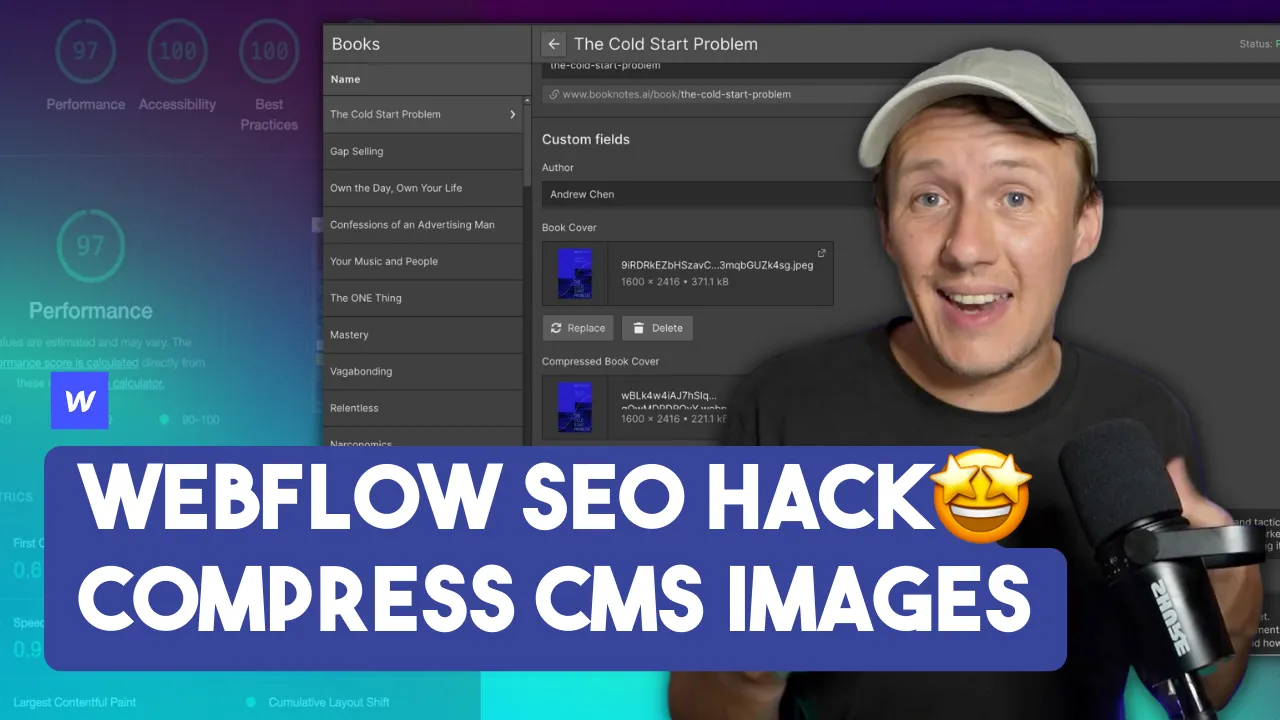
How To Convert Your Webflow CMS Images To WebP

Google Lighthouse: How To Get Better SEO Scores in Webflow
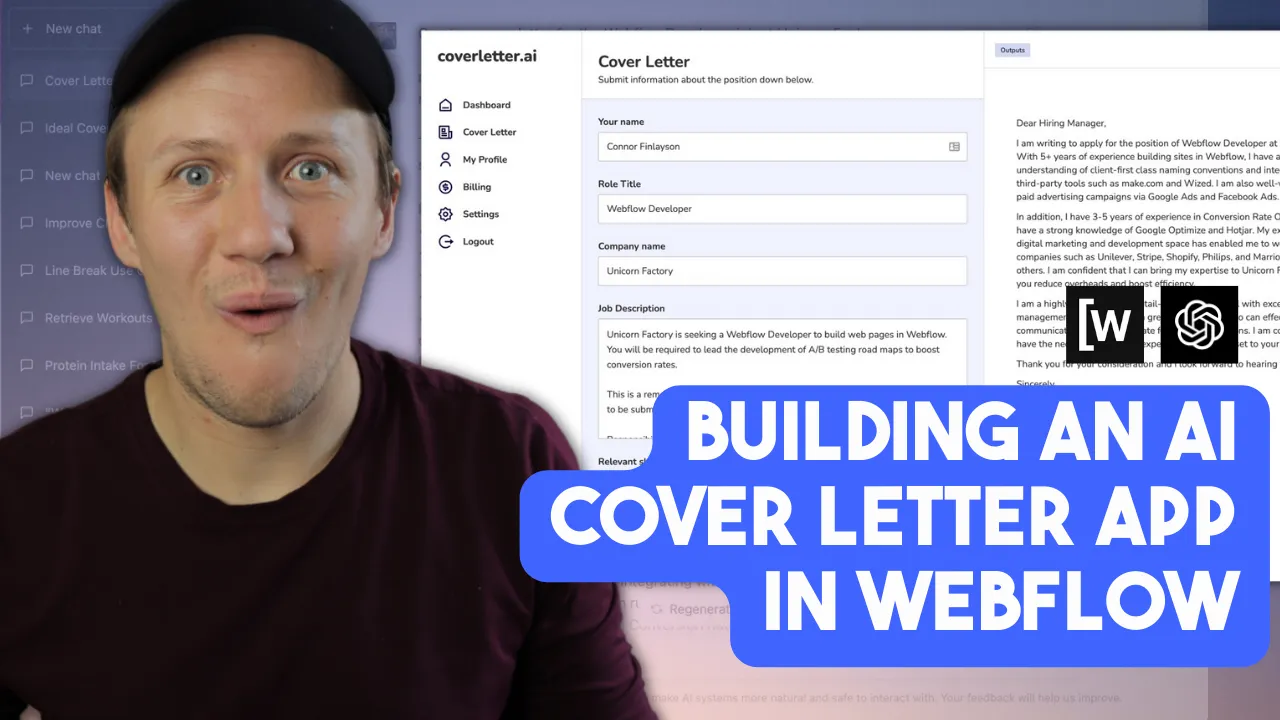
How To Build A Cover Letter Generator Using Wized

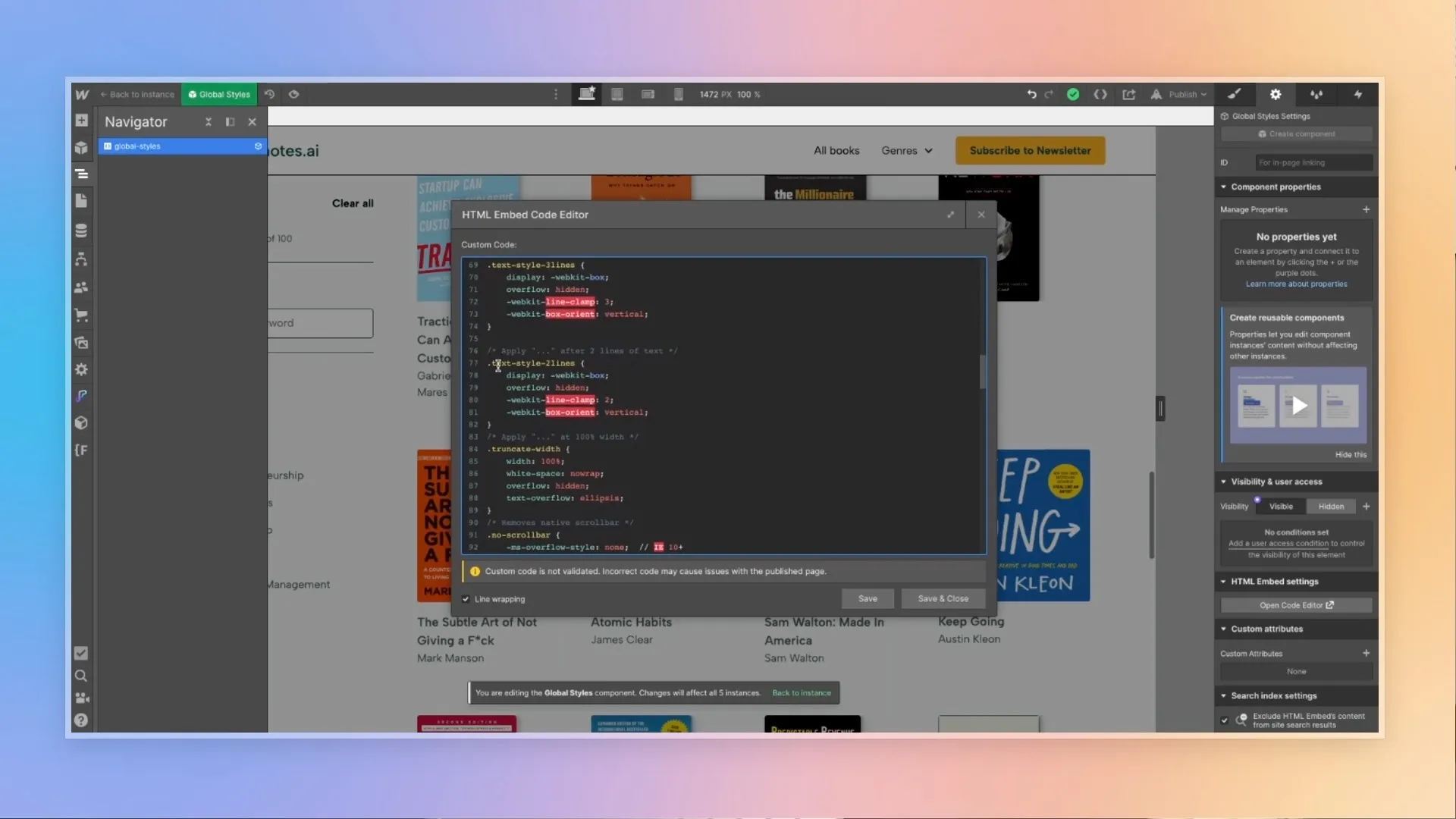
How To Use "Line Clamping" in Webflow