The MVMP Labs Blog
Documenting the journey of building digital businesses as a non-developer. Tips, tutorials, and lessons learned along the way.
177 articles
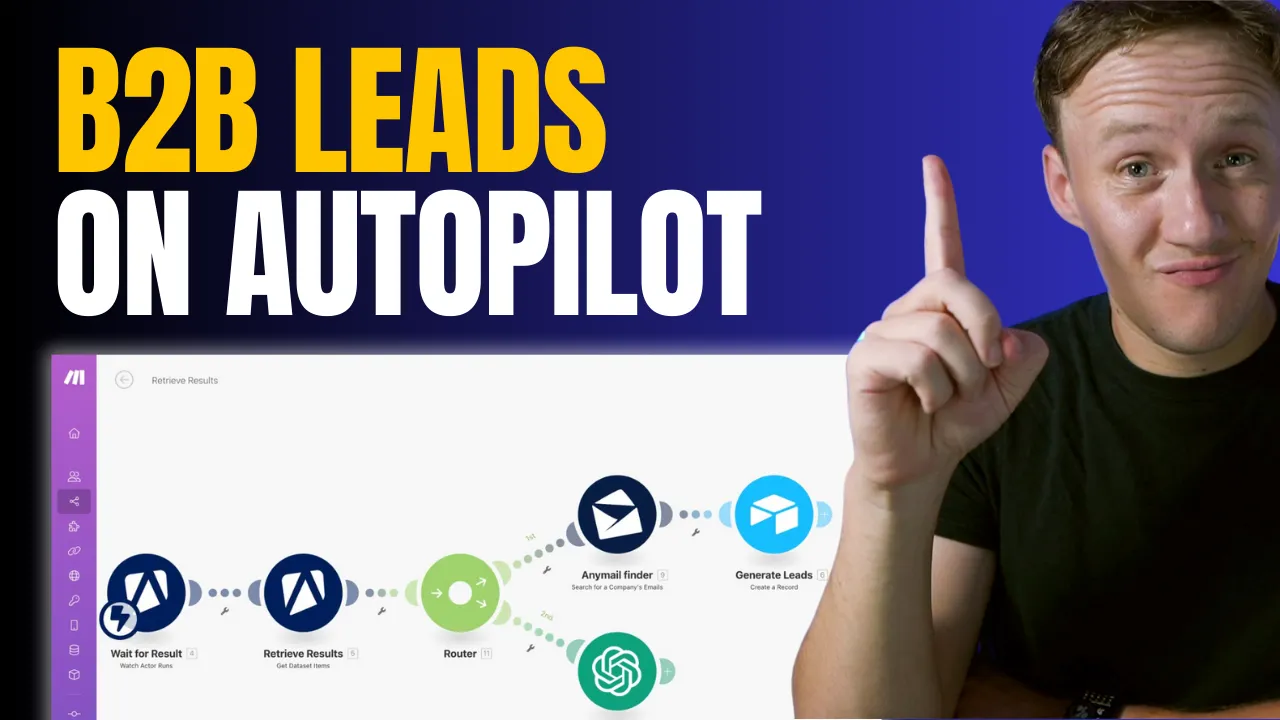
How to Automate B2B Lead Generation: Scrape Google My Business with Apify and Make.com
If you’ve been manually building your prospecting database, you’re probably sick of the tedious, repetitive tasks that come with it. But what if I told you there’s a way to automate the entire process, freeing up your time for more important things? Today, I’m walking you through a step-by-step guide to putting your lead generation on autopilot. This workflow is a game changer for anyone building a B2B marketplace, especially if you’re focusing on local business directories. We’re going to use a combination of Google My Business, Apify, Make.com, and AnyMailFinder to create a seamless, automated prospecting machine. Let’s get into it.



Skool vs. Circle: Which Platform is Best for Managing and Scaling Your Online Community?
Over the last few years, I’ve been running my course business and mastermind using a mix of tools like Podia, Slack, and Zoom. And while each tool has worked well on its own, as my community has grown, managing everything across multiple platforms has started to become a bit of a nightmare. That’s why I decided it was time to streamline my setup and move everything to a single platform. After doing my research, two clear contenders stood out: Skool and [Circle](https://www.connorfinlayson.com/a/circle). Both platforms offer solid solutions for hosting courses and managing communities, but I wanted to find out which one was best suited for long-term growth and managing a large community. Today, I’m going to break down everything you need to know about these two platforms. Whether you’re looking to simplify your community management or scale a growing membership, this post is for you. Here’s what we’ll be going over: 1. **Feature Comparison:** A side-by-side look at what Skool and Circle offer. 2. **Key Differences:** How each platform handles navigation, automation, and customization. 3. **Pricing Breakdown:** A comparison of costs and transaction fees for both platforms. 4. **My Final Decision:** Which platform I chose and why it could be the right choice for your community. By the end of this post, you’ll have a clear understanding of the strengths and weaknesses of both platforms and how they might fit your specific needs. Whether you’re running a small, intimate community or looking to scale a larger group, this guide will help you make the best choice for your business. Let’s dive in!

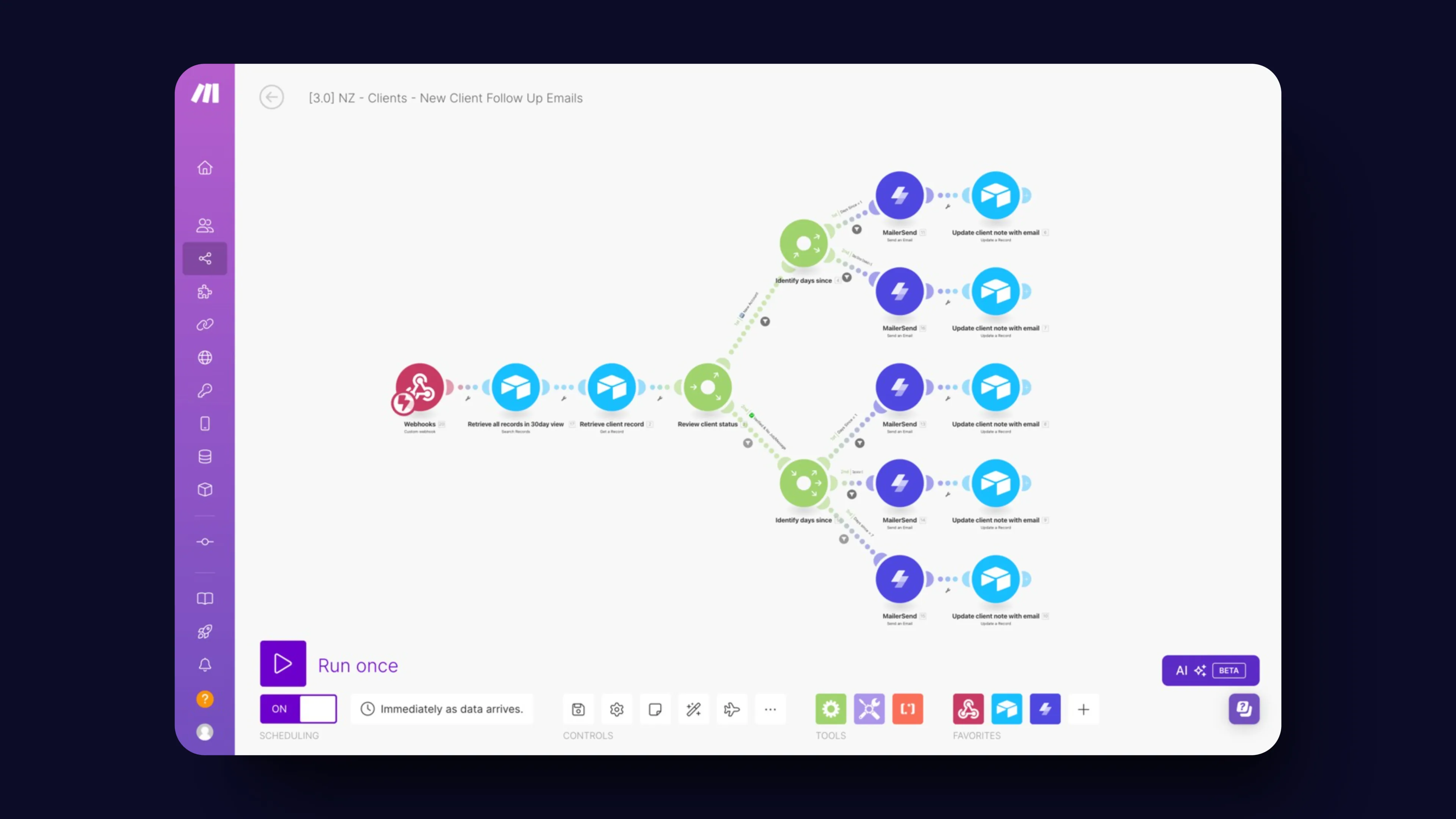
How We Automated Client Follow-Ups on Unicorn Factory
Manual follow-ups are the bane of every business owner's existence. They’re critical for keeping clients engaged and deals moving, but let’s be honest—they’re also a massive time suck. You know the drill: you’ve got a million things on your plate, and chasing down clients with reminder emails quickly falls to the bottom of the list. That’s exactly where we found ourselves at Unicorn Factory. We were spending way too much time on follow-ups, and it was holding us back. So, we decided to automate the whole process with [Make.com](https://www.connorfinlayson.com/a/make), and let me tell you—it’s been a game changer. In this post, you’ll learn: - How to set up a follow-up system that runs on autopilot, freeing you from manual drudgery. - How to send personalized, timely emails without lifting a finger. - How to keep your client data organized and up-to-date automatically with [Airtable](https://www.connorfinlayson.com/a/airtable). By the end of this post, you’ll know exactly how to ditch the manual follow-ups and reclaim hours of your time, all while keeping your clients happier than ever.

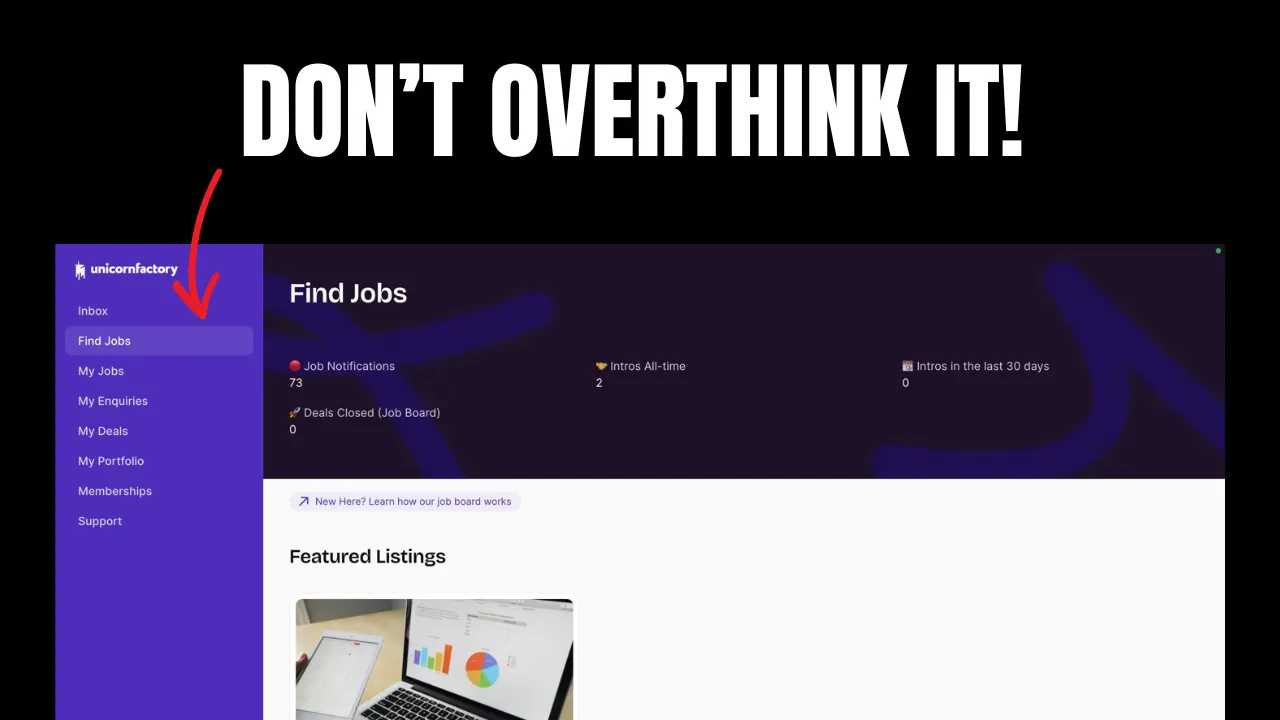
How to Validate Your Marketplace Idea in One Day: A Step-by-Step Guide
Validating a marketplace idea in a single day might sound impossible. But what if I told you there’s a straightforward way to do it that doesn’t require building out the entire platform first? This method isn’t new, but it’s incredibly effective—especially for talent marketplaces where you act as the intermediary. Before you spend months (or even years) building, let’s figure out if your idea has legs. Here’s what you’ll learn: 1. **How to attract your first potential clients without a finished product.** 2. **How to gauge real interest in your marketplace idea.** 3. **How to get paid for your service before you’ve even built your MVP.** If you’re ready to validate your idea quickly and effectively, let’s dive in.
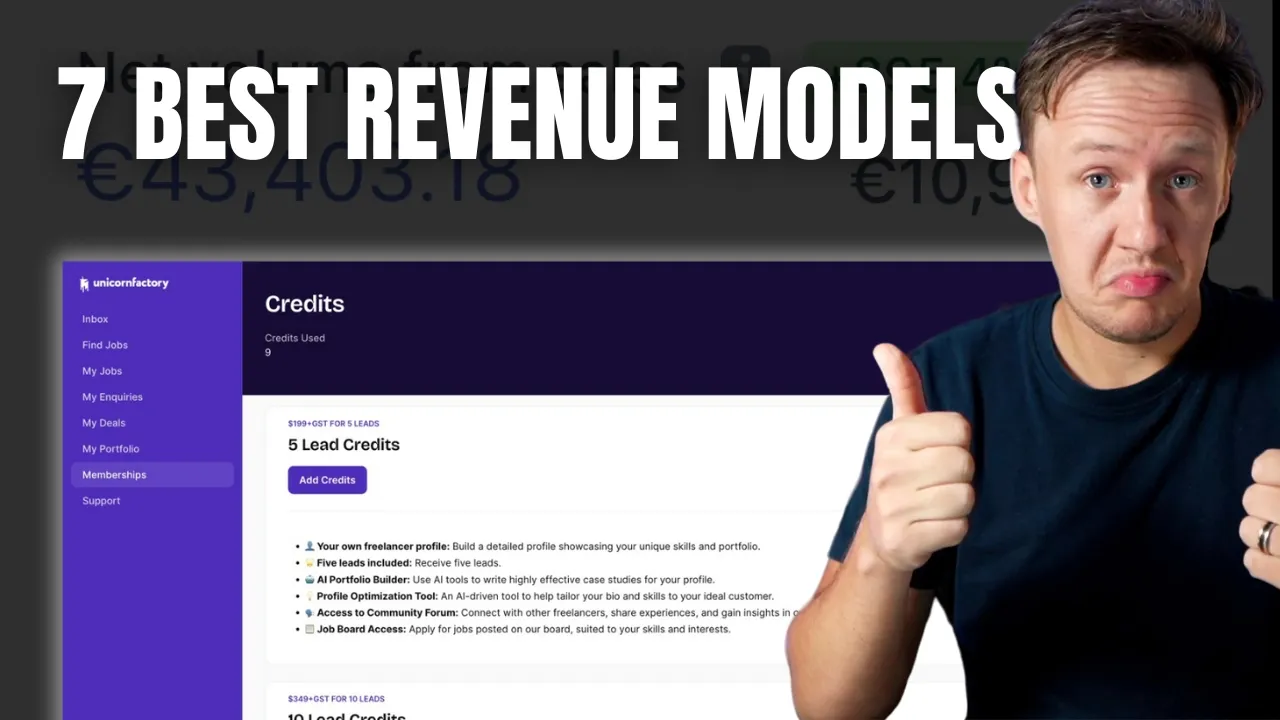
7 Proven Business Models to Monetize Your Marketplace
**Ever wonder why some marketplaces take off like rockets while others barely get off the ground? It’s not just luck. It’s the business model.** In today’s post, we’re cutting through the noise and getting straight to the point. I’m breaking down seven proven models that can turn your marketplace into a revenue-generating machine. Whether you’re just starting out or fine-tuning your platform, these insights will help you choose the right path and avoid costly mistakes. Here’s what we’ll cover: 1. **Commission-Based Model**: Align your success with your sellers’. 2. **Subscription Model**: Build a predictable revenue stream. 3. **Listing Fees**: Charge for visibility and quality. 4. **Freemium Model**: Attract users with free, upsell with premium. 5. **Lead Generation Fees**: Charge for tangible value. 6. **Affiliate Fees**: Monetize partnerships and ads. 7. **Value-Added Services**: Boost revenue with additional offerings. Let’s dive in.


How to Track Webflow CMS Form Submissions Easily | Step-by-Step Guide
When working with [Webflow CMS](https://www.connorfinlayson.com/a/webflow), one common challenge is tracking which specific page a form submission comes from. This can be crucial for optimizing lead magnets, understanding which blog posts drive sign-ups, and pinpointing the effectiveness of course landing pages. Unfortunately, Webflow doesn't offer a native solution for this. But don’t worry, we've got a workaround that will make this possible. In this tutorial, we'll cover: 1. Configuring your form inside the Webflow CMS. 2. Handling multiple forms in a Webflow project. 3. Sending form submissions to [Airtable](https://www.connorfinlayson.com/a/airtable). 4. Enhancing your existing Webflow form submissions. By the end of this tutorial, you'll be able to track the origin of your Webflow CMS form submissions, manage multiple forms efficiently, and integrate your data with Airtable for better analysis and insights.


How Much Does It Cost To Run A No-Code Marketplace?
Launching a no-code marketplace is exciting, but figuring out the costs can feel overwhelming. How much should you budget? Which tools do you need? And how can you avoid overspending while still building something effective? I’ve got you covered. In this guide, we’ll break down the costs of building your no-code marketplace step by step. From validating your idea with landing pages to scaling with advanced features, I’ll show you exactly what to expect at each stage. Here’s what you’ll learn: - The must-have tools for your pre-launch phase. - How to build an MVP without breaking the bank. - Advanced tools and strategies for scaling your marketplace. Whether you’re just starting out or ready to scale, this guide will help you create a roadmap for success. Let’s dive in!

How to Find Your Marketplace Niche: A Step-by-Step Guide for Beginners
One of the biggest challenges new marketplace founders face is defining a niche. It’s incredibly tempting to skip niching down and offer a wide range of services and sellers. After all, Amazon sells everything, Uber offers Rides, Eats, and Scooters, and Airbnb provides Stays and Experiences. So, if it works for them, it should work for you too, right? I get it. Over the past year, I've received countless questions from aspiring marketplace builders: - "Is it better to start with a broad marketplace or a niche one?" - "How do I choose the right niche for my marketplace?" - "What if my niche is too small?" In this post, I’ll explain why focusing on a niche is actually a smarter strategy for new marketplace businesses. Using my own experience and a few proven strategies, I'll help you identify and define your niche so you can start building a successful marketplace. You'll learn how to use frameworks like Ikigai, map out industry ecosystems, identify key players and their challenges, and more. By the end, you'll have a clear path to finding a niche that is both fulfilling and profitable. Sound good? Let's get into it.
How to Count Words in Airtable: Step-by-Step Guide
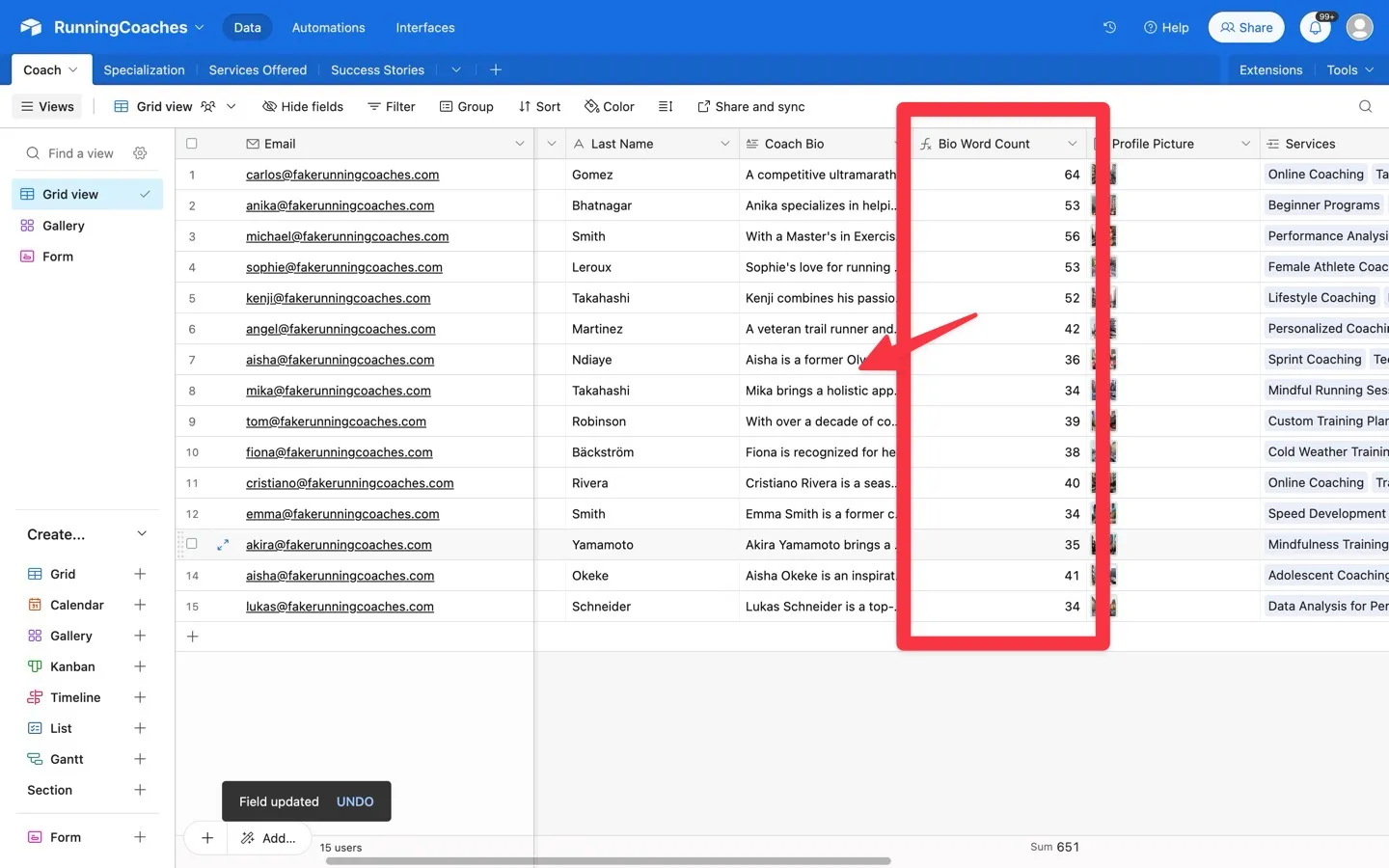
Today, we're going to learn how to create a word count formula in Airtable. This guide will help you set up a formula that automatically counts the number of words in any text field, making your data management easier. Counting words can be useful for many reasons, especially if you're building and managing online marketplaces: - **Content Quality:** Ensure product descriptions, seller profiles, and user reviews meet specific word count requirements. This helps keep the content on your platform high-quality and consistent. - **Feedback Analysis:** Easily quantify and categorize customer feedback and seller responses, making it easier to understand and analyze input. - **SEO Optimization:** Monitor and optimize content length for better SEO, improving your marketplace’s visibility in search results. Using a word count formula in Airtable will save you time and help keep your records accurate, making your marketplace more efficient and professional.

The Best No-Code Tools For Marketplaces in 2024
So, you want to start a marketplace business? You've been doing your research and are more confused than ever. With so many no-code tools out there, each with slightly different features and promises, it can seem like a lot is at stake when it comes to choosing the right tool. I get it. Over the last three years, the no-code space has changed drastically. Tools have gotten better, new tools have been launched, and it’s just hard to keep up. It's been three years since I posted my first YouTube video breaking down what no-code tools I used to build Unicorn Factory, and till this day, I still get tons of emails every month asking me questions like: - "What tools are you using on Unicorn Factory now?" - "What do you think about Bubble?" - "Have you tried [insert latest tool here]?" In this post, I will answer all of those questions and break down my exact no-code stack for building marketplaces in 2024. You will find out what I am using to power my freelancer marketplace Unicorn Factory today, why I prefer those tools for building marketplaces, and why I think you should choose the same stack to build your marketplaces. Sound good? Let's get into it.
Webflow Apps: Is This Webflow's App Store Moment?
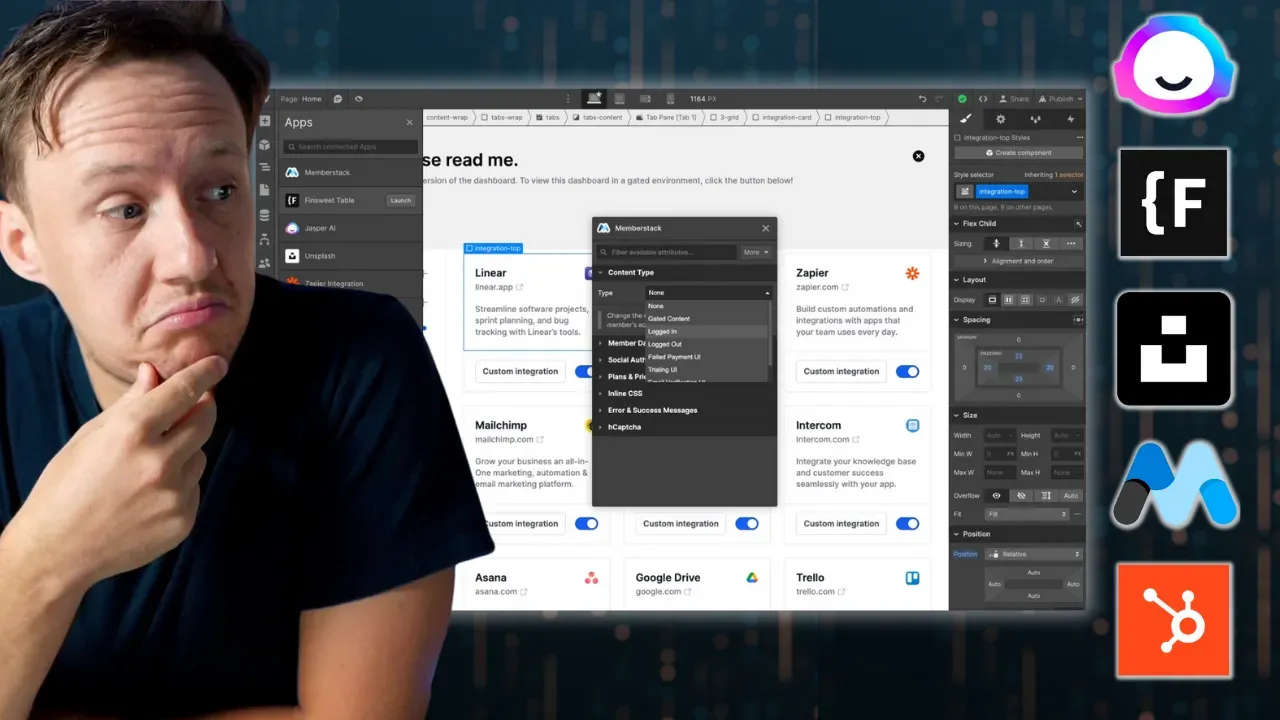
Have you ever felt that Webflow's tools were just shy of what you needed? It's like Webflow has been reading our minds because they've just rolled out some big updates to their apps and API. These changes are set to change the game, letting you create more advanced features, adding greater functionality and flexibility to your projects. Let's dive in and see how these updates can help you take your Webflow projects to the next level.

5 Glide AI Features To Use In Your Next Project