The MVMP Labs Blog
Documenting the journey of building digital businesses as a non-developer. Tips, tutorials, and lessons learned along the way.
177 articles
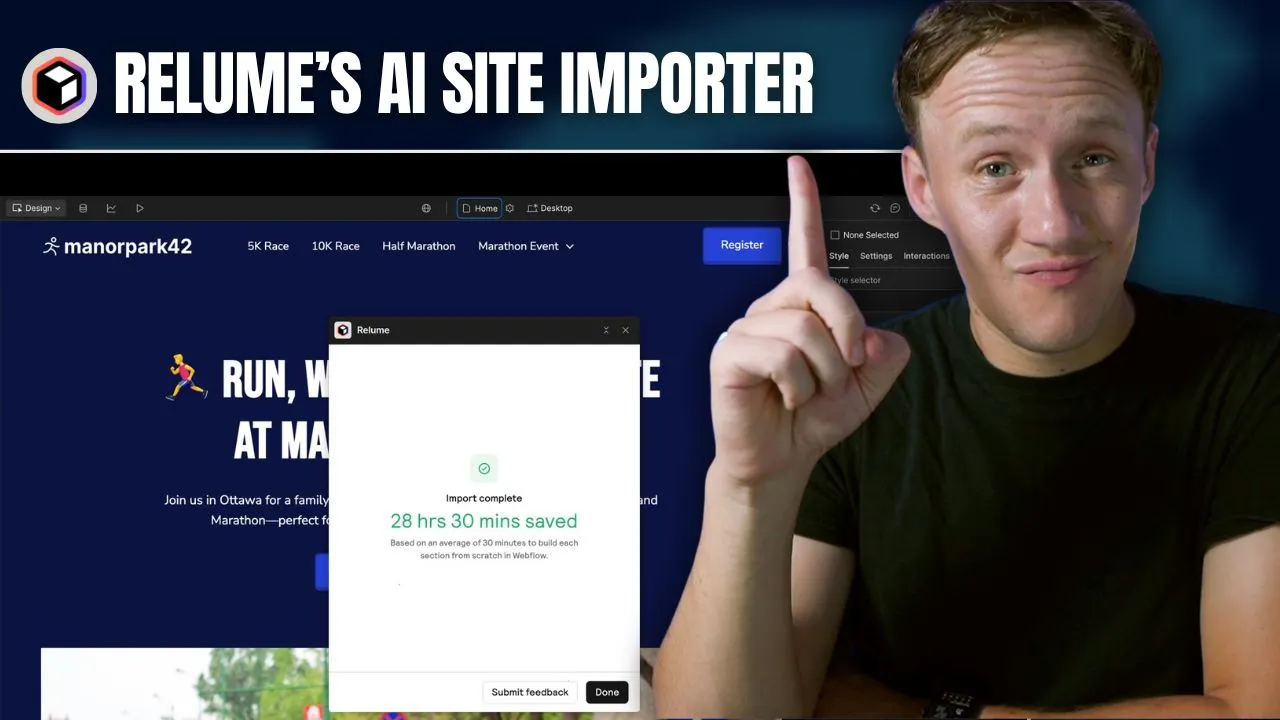
Relume’s New Webflow Feature Just Made Building Websites 10x Faster
Building websites in [Webflow](https://www.connorfinlayson.com/a/webflow) with Relume just got 10x more efficient! [Relume](https://www.connorfinlayson.com/a/relume) just launched a new feature that allows you to import your Relume Style Guide directly into Webflow, making it even easier and faster to build production-ready websites. If you use Webflow for client projects or personal sites, you’ll want to see this. Over the last few months, you have probably seen a ton of new AI website building tools launch, promising to get a website live in minutes without you needing to do a thing. The problem? Most of these tools skip crucial steps like feedback and iteration, forcing you to spend more time fixing AI-generated designs instead of streamlining your process. That’s why, despite all the new tools, I still stick to Relume—because it does what these other AI tools fail to do: incorporate me into the decision-making process. Instead of just giving a high-level idea of what I want, I work hand in hand with Relume to build a website from scratch, following a clear and logical design process. Today, I’m going to walk you through the updated way of building websites in Webflow using Relume and show you why this will help designers land more clients and make more money. ### **What we’ll cover:** 1. **How To Turn Your Website Idea Into a Sitemap** – Plan your site structure with Relume’s sitemap builder. 2. **How To Turn Your Sitemap Into Wireframes** – Turn your sitemap into wireframes, refine layouts, and get client feedback. 3. **How To Create Design Concepts For Your Wireframes** – Find inspiration, apply styles in Relume’s style guide, and bring wireframes to life. 4. **How To Efficiently Turn Your Concepts Into Webflow Sites** – Seamlessly transfer everything into Webflow with a structured design system. 5. **How Relume Will Help Designers Make Money Rather Than Replacing Them** If AI tools have ever felt like they cut corners instead of making the process smoother, this is the game-changer you’ve been waiting for. Let’s dive in.


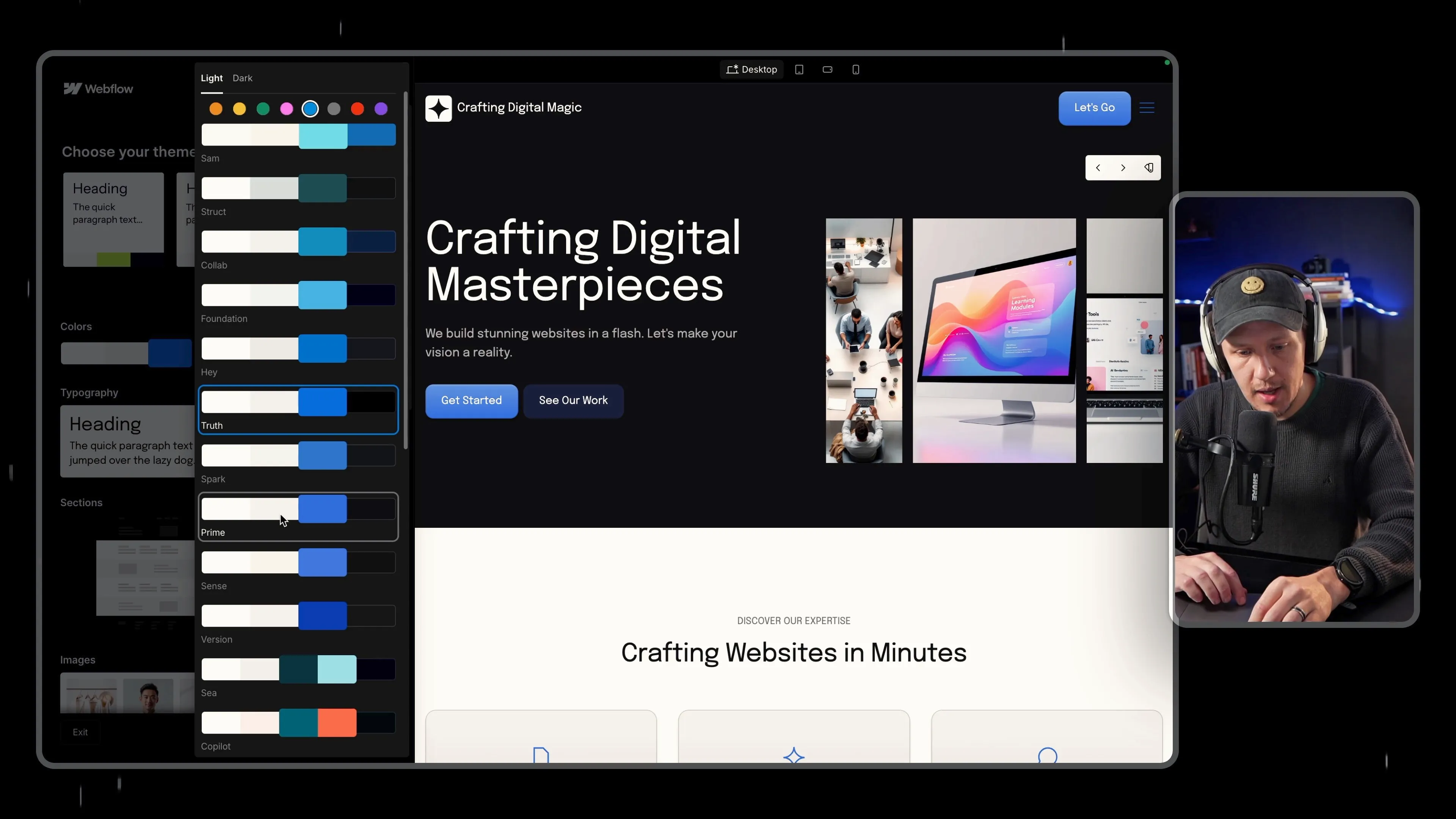
Webflow AI Site Builder Review – First Look at AI Website Builder
[Webflow](https://www.connorfinlayson.com/a/webflow) just launched its **AI Site Builder**, and this is my **first time testing it out**. No edits, no deep dive—just a raw, unfiltered walkthrough of how this tool works. Instead of manually designing every element, this AI tool **generates an entire website** based on a few inputs. But how much control do you actually have? And is this something beginners can use, or will designers find it too limiting? Let’s jump in and see what Webflow’s AI Site Builder can do.

How to Automate Competitor Analysis for Your Directory Business in 2025
If you’re building a **directory business** or planning to rely on **organic search traffic**, understanding your competitors is **essential**. Without knowing who you’re up against, you might waste time targeting the wrong keywords or structuring your content in a way that **won’t rank well**. ## **The Problem** Manually researching competitors takes **too much time**. You’d have to: • **Search each keyword individually** in Google. • **Manually list out competitors** ranking in the top results. • **Analyze their websites** to understand their **business model, monetization, and strengths.** • **Identify content gaps** to position yourself strategically. For a few keywords, this might be manageable. But what if you’re working with **hundreds or thousands** of keywords? It quickly becomes overwhelming. ## **The Solution: Automating Competitor Research** Instead of doing all this manually, I built an **automated workflow** that handles everything for me. Using **[Make.com](https://www.connorfinlayson.com/a/make),** **[Apify](https://www.apify.com?fpr=9ni89),** **[Perplexity AI](https://perplexity.ai/pro?referral_code=51POEJHL), and** **[Airtable](https://www.connorfinlayson.com/a/airtable)**, I can: ✅ **Identify top competitors** ranking for my keywords. ✅ **Categorize them** by type (directories, blogs, vendor sites, etc.). ✅ **Extract key insights** about their business models, strengths, and weaknesses. ✅ **Use this data** to build a better SEO and content strategy. And the best part? This automation **costs only ~$3 per 1,000 keywords**—saving me **hours of work**. In this guide, I’ll walk you through my **four-step competitor analysis process**, showing you exactly how to **automate it from start to finish**.



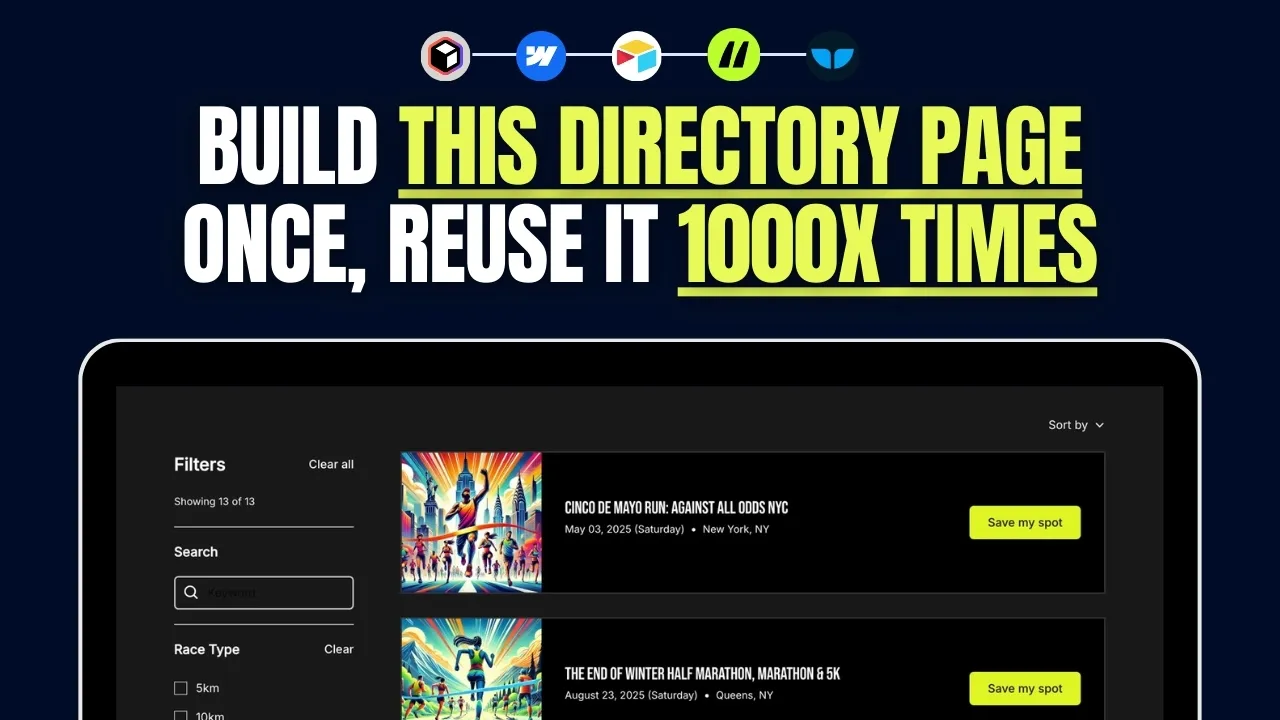
How to Build an SEO-Friendly Directory Listing Page in Webflow (Step-by-Step Guide)
If you're building a directory website, the **listing page** is arguably the most important page. It's where users browse listings, apply filters, and find what they're looking for. A well-structured listing page improves user experience and SEO, making it easier for people to navigate your site and for search engines to index your content. In this guide, I’ll walk you through my **exact step-by-step process** for building a directory listing page in Webflow, from design to data syncing and filtering. A well-designed **listing page** ensures that visitors can quickly find relevant results without frustration. It also plays a significant role in SEO, helping individual listing pages rank based on target keywords. In this tutorial, we’ll cover: - Setting up your Webflow project using **[Relume](https://www.connorfinlayson.com/a/relume)**. - Designing your **listing page** with **Webflow components**. - Connecting **Webflow CMS** for dynamic content. - Syncing data between **[Airtable](https://www.connorfinlayson.com/a/airtable)** and **Webflow using** **[Whalesync](https://www.connorfinlayson.com/a/whalesync)**. - Implementing **search and filtering** with **Finsweet Attributes**. - Automating directory operations with **[Make.com](https://www.connorfinlayson.com/a/make)**. By the end of this guide, you’ll have a **fully functional, scalable listing page** that enhances user experience and boosts your site's SEO performance. Let’s get started!

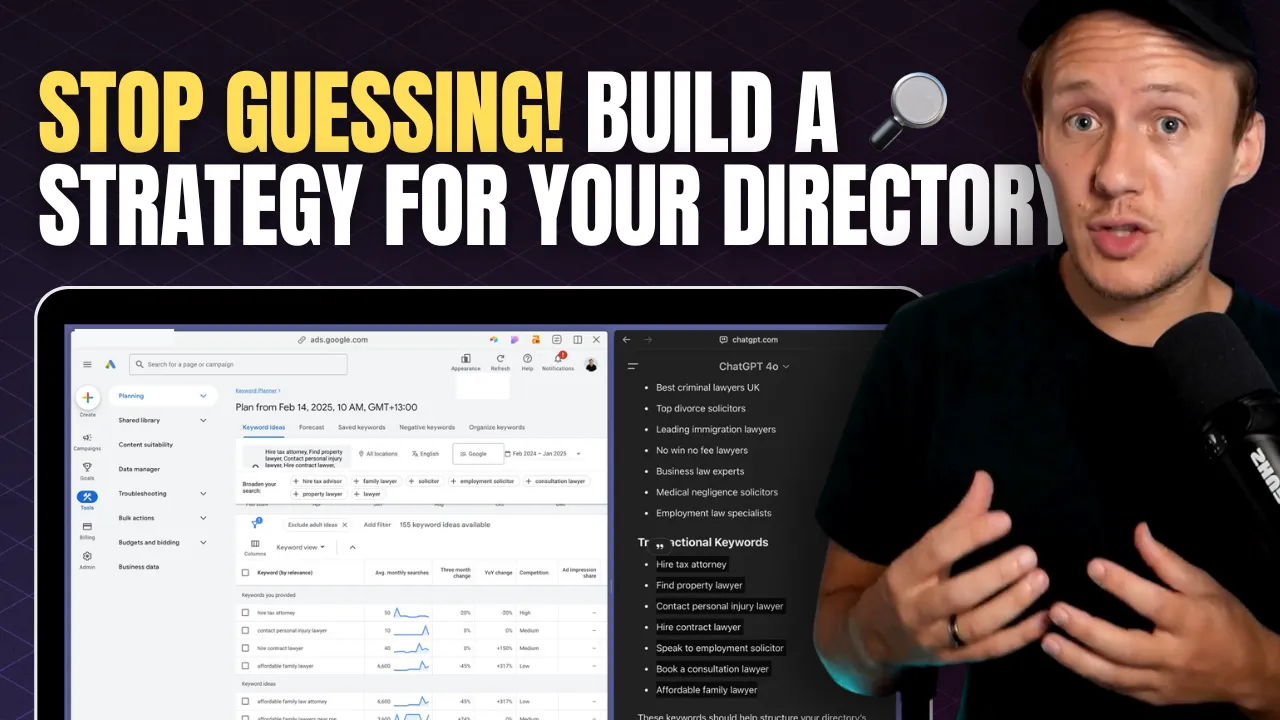
How to Do Keyword Research for Directories: A Step-by-Step SEO Guide
You’ve got an amazing idea for a directory. You’re excited, you know your niche, and you’re ready to start building. But before you dive in, ask yourself this: **How will people actually find your directory?** One of the biggest mistakes directory builders make is jumping straight into building without understanding how people search online. They assume that just because their idea is great, people will magically find their website. Unfortunately, that’s not how search engines work. Think about it—when was the last time you discovered a website by accident? The reality is that most people find what they’re looking for by typing specific search queries into Google. If your directory isn’t optimized for those searches, it won’t appear in results, no matter how useful it is. Without proper keyword research, you might be building something nobody is searching for. And if no one is searching for it, no one will ever find it. ### **What You’ll Learn** In this step-by-step guide, you’ll learn how to do keyword research specifically for directories. We’ll cover: 1. **How people search for directories** and how Google prioritizes search results. 2. **How to find keyword ideas** using Google Autocomplete, People Also Ask, ChatGPT, and Google Keyword Planner. 3. **How to analyze search volume and competition** to pick the best keywords. 4. **How to structure your directory** based on keyword research. 5. **How to analyze competition** and develop a strategy to outrank established players. By the end of this guide, you’ll have a clear strategy to ensure your directory gets found by the right people at the right time. Let’s get started. **If you’re still deciding on the focus of your directory, check out** [How to Pick the Right Directory Niche 2025 (Step-By-Step)](https://www.connorfinlayson.com/blog/how-to-find-the-perfect-niche-for-your-directory-site) **for more niche ideas.**
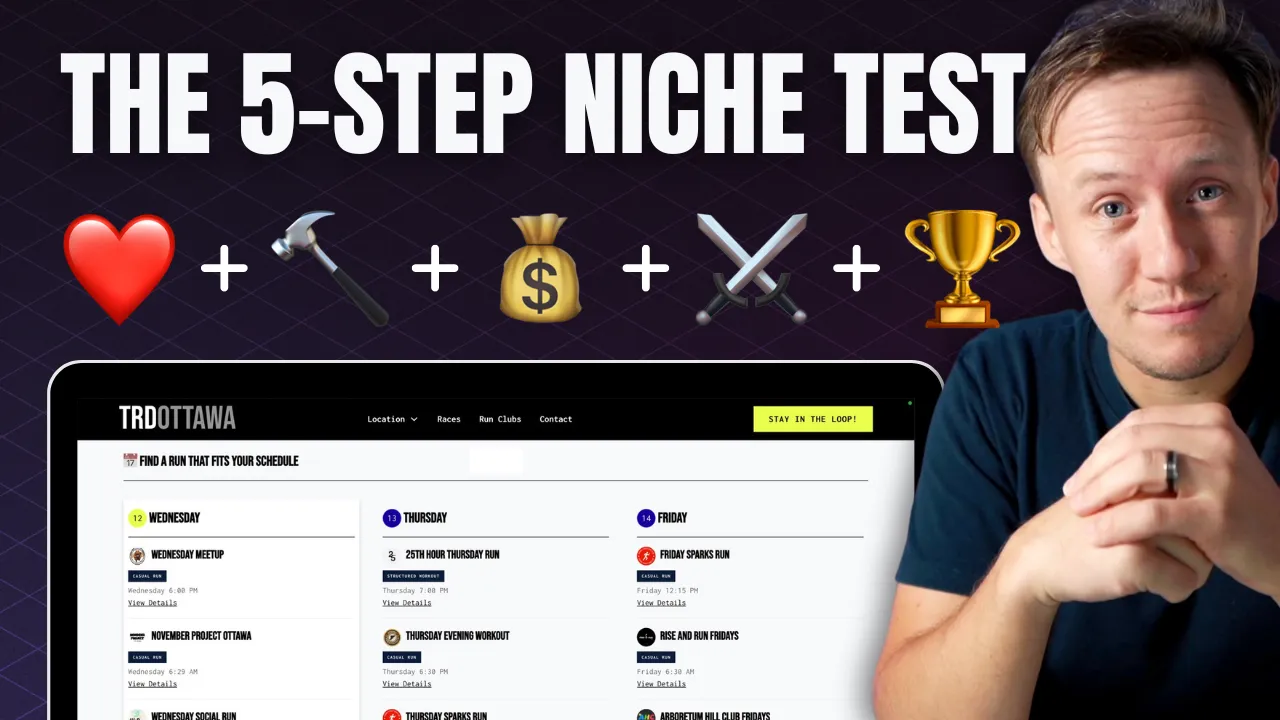
How to Pick the Right Directory Niche 2025 (Step-by-Step)
When you're thinking about starting a directory, the biggest question is: **Is this niche actually worth pursuing?** There’s nothing worse than sinking months into an idea only to realize it’s not profitable, nobody really needs it, or it’s just not something you enjoy working on. That’s why I use a **simple 5-step framework** to test any directory niche **before investing too much time and money**. This framework helps you figure out: ✅ **If you're actually interested in the niche** ✅ **If your directory solves a real problem** ✅ **Whether or not it can make money** ✅ **If the market is too saturated** ✅ **What unique advantage you have** If your directory checks all five boxes, **you’re on the right track**. If not, it’s a sign you need to pivot—or maybe even pick a different niche altogether. Let’s break it down.
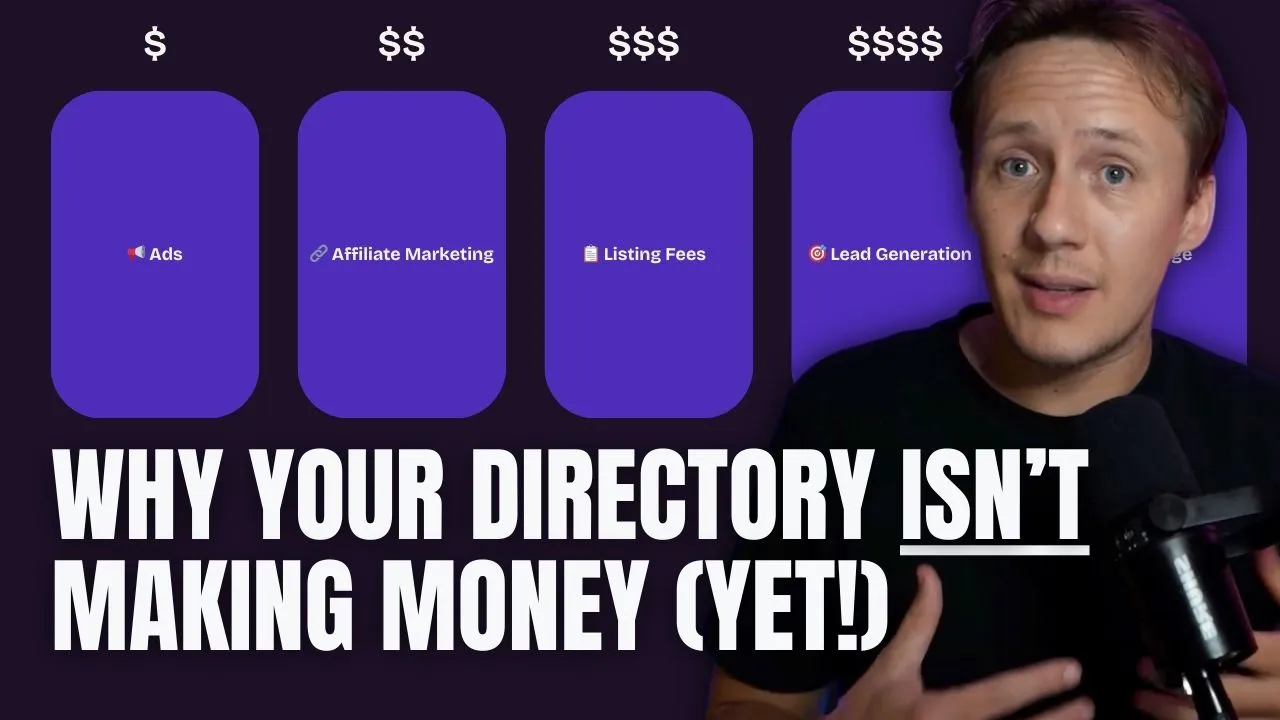
How To Monetize Your Directory Website 2025 (5 Proven Business Models)
You’ve probably come across the **most common ways to monetize a directory website**—ads, affiliate links, listing fees, or selling leads. But here’s the thing: **none of these models work without traffic.** - **Ads?** Useless if no one visits. - **Affiliate marketing?** Won’t convert if no one trusts your recommendations. - **Listing fees?** Businesses won’t pay if no one’s watching. - **Lead generation?** No visitors = no leads = no revenue. That’s why most directories fail. They set up a monetization plan, wait for the money to roll in, and nothing happens.So what do you do when you **need to start making money now** but you’re a brand-new directory?There are four tried-and-tested business models—and a fifth way that works even when you have zero traffic. Let’s break it down.
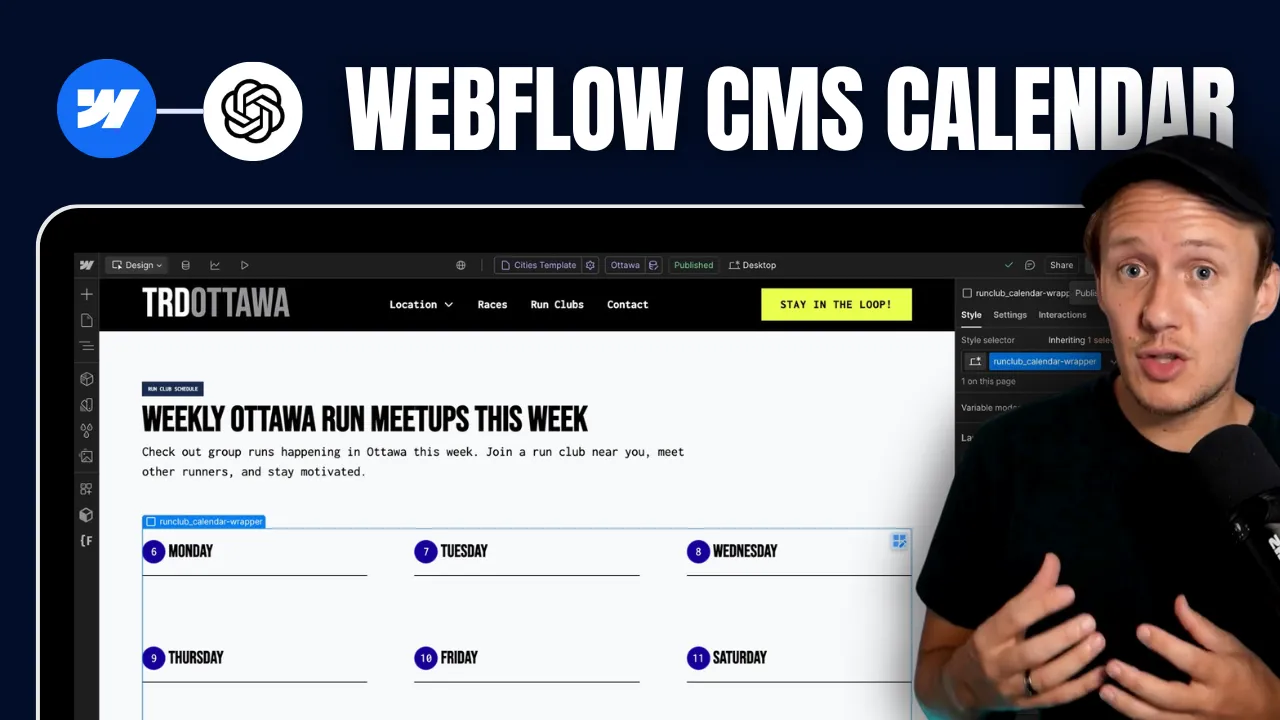
How to Build Custom Webflow CMS Features with ChatGPT & AI
In today's video I am going to show you how I created this custom [Webflow](https://www.connorfinlayson.com/a/webflow) CMS calendar from scratch using AI. Not only will I show you how I built this feature, but I’m also going to share my exact process so you can build any CMS feature you want. Here’s what we’re going to cover: 1. How I created a dynamic CMS calendar that automatically shuffles CMS items (from one collection) into the correct day of the calendar. 2. How I automatically update the calendar daily so it always displays today’s weekday first. 3. How I optimize this daily calendar for both web and mobile devices. 4. Some quick tips for prompting the AI to get the best results fast. Let's get into it.
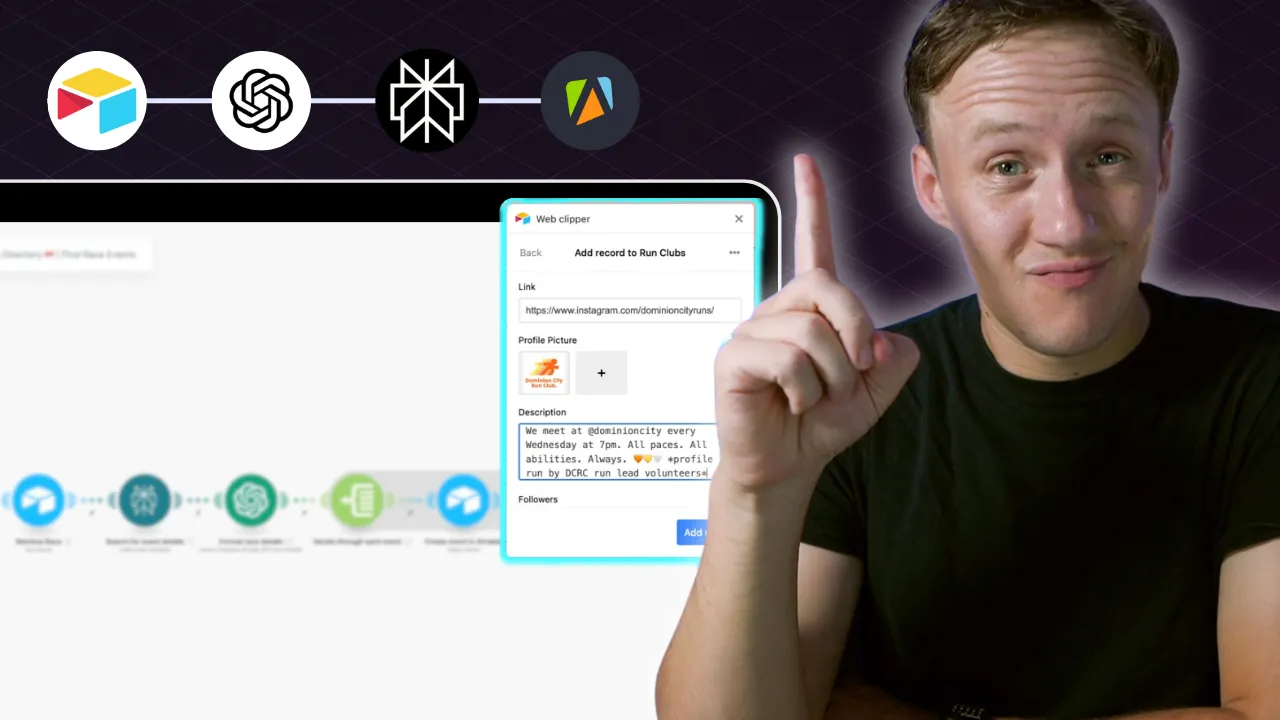
How to Find The High Quality Data for Your Directory 2025: Step-by-Step Guide
When it comes to building a directory, the secret to success isn’t the number of listings you have—it’s the quality of your content. A directory filled with outdated, inaccurate, or irrelevant information will fail to attract users, let alone keep them coming back. On the other hand, a directory with carefully curated, reliable, and enriched data becomes a trusted resource that stands out in any niche. In this guide, we’ll explore how to lay the foundation for a high-quality directory. You’ll learn: - Why curating your data beats scraping every time. - Where to find the best seed data to get started. - How to efficiently collect, enrich, and organize your data using tools like Airtable, Apify, and Perplexity AI. - Practical tips for cleaning and standardizing your data to ensure a seamless user experience. By the end, you’ll have a clear roadmap for creating a directory that users trust, value, and keep returning to. Quality isn’t just the key to a great user experience—it’s the cornerstone of long-term growth and monetization.
How To Build A Local Directory Website in 2025 (Step-By-Step)
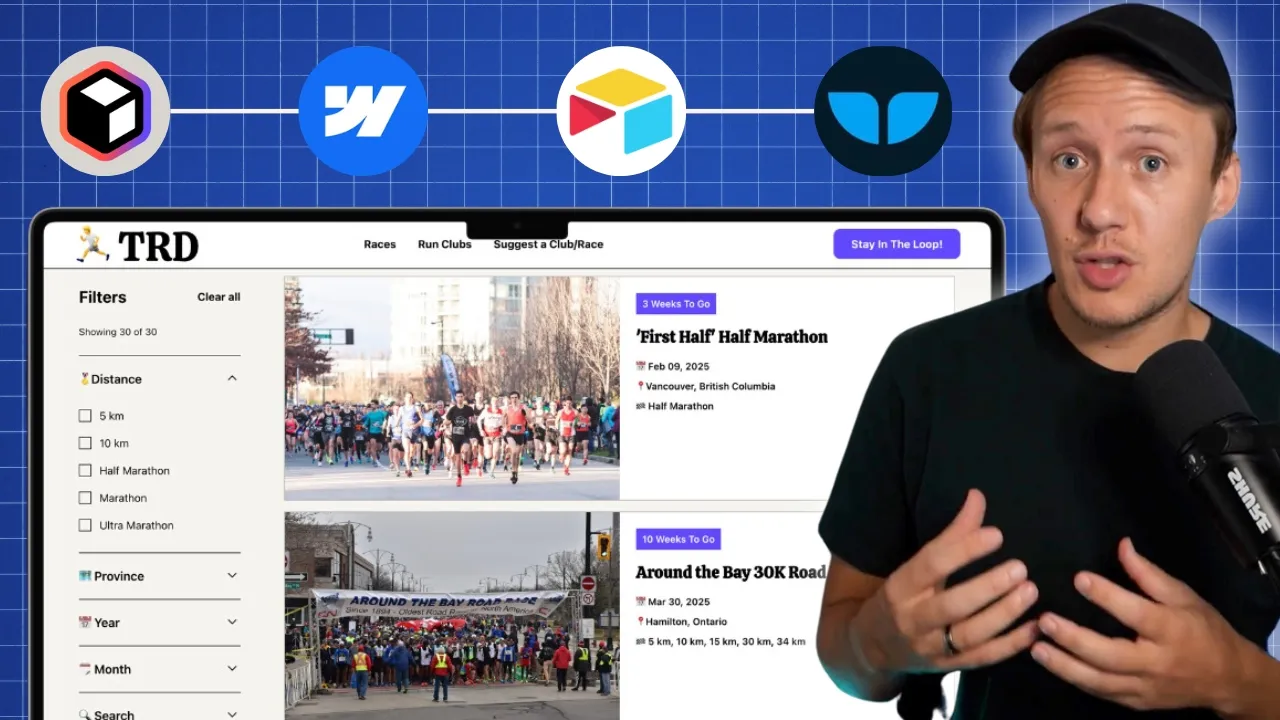
Over the last 48 hours, I designed, built, and automated a local business directory from scratch—and today, I’m going to break down exactly how I did it so you can replicate the process for any niche or market you want. Whether it’s running, baking, or connecting local businesses, building a directory can be simple, valuable, and packed with growth opportunities. In this post, I’ll cover: - Why you should build a business directory. - What no-code tools to use. - How to build your directory website. - How to organize and sync your data. - How to populate it with high-quality information. - How to add powerful search and filtering features. - How to monetize your directory. By the end of this guide, you’ll have a clear step-by-step roadmap to create your own directory website—whether you’re launching it as a business or a passion project. Let’s get started with why building a directory is such a game-changer.
How to Use AI in Your Marketplace
If you run a marketplace and are not leveraging AI yet, you are missing out. Since the first GPT API was released by OpenAI, I have been experimenting with different ways to improve my freelancer marketplace, Unicorn Factory – and today, I want to share with you three specific examples of how I am using AI today. Here is what I will show you: 1. A workflow for improving the quality of job listings clients post on Unicorn Factory. 2. A system for cutting down the time I spend on customer support by 4 hours per week. 3. A tool I created to make custom recommendations to clients who post jobs on our site. These are workflows that I am using on my site today, and they are something that can be easily replicated in your marketplace, whether you can code or not. This is something you don't want to miss out on. Let’s get into it:

How to Use Stripe for Marketplace Payments
Using Stripe to process payments in your no-code marketplace is one of the most efficient ways to streamline your payment workflows while ensuring security and scalability. In this post, I’ll walk you through: 1. What Stripe is and why it’s perfect for marketplaces 2. How to use Stripe Payment Links for no-code setups 3. Setting up advanced workflows with the Stripe API and Make.com 4. Common marketplace business models with Stripe: subscriptions, usage-based pricing, and buyer-seller transactions Let’s dive in.