
The MVMP Labs Blog
Documenting the journey of building digital businesses as a non-developer. Tips, tutorials, and lessons learned along the way.
177 articles
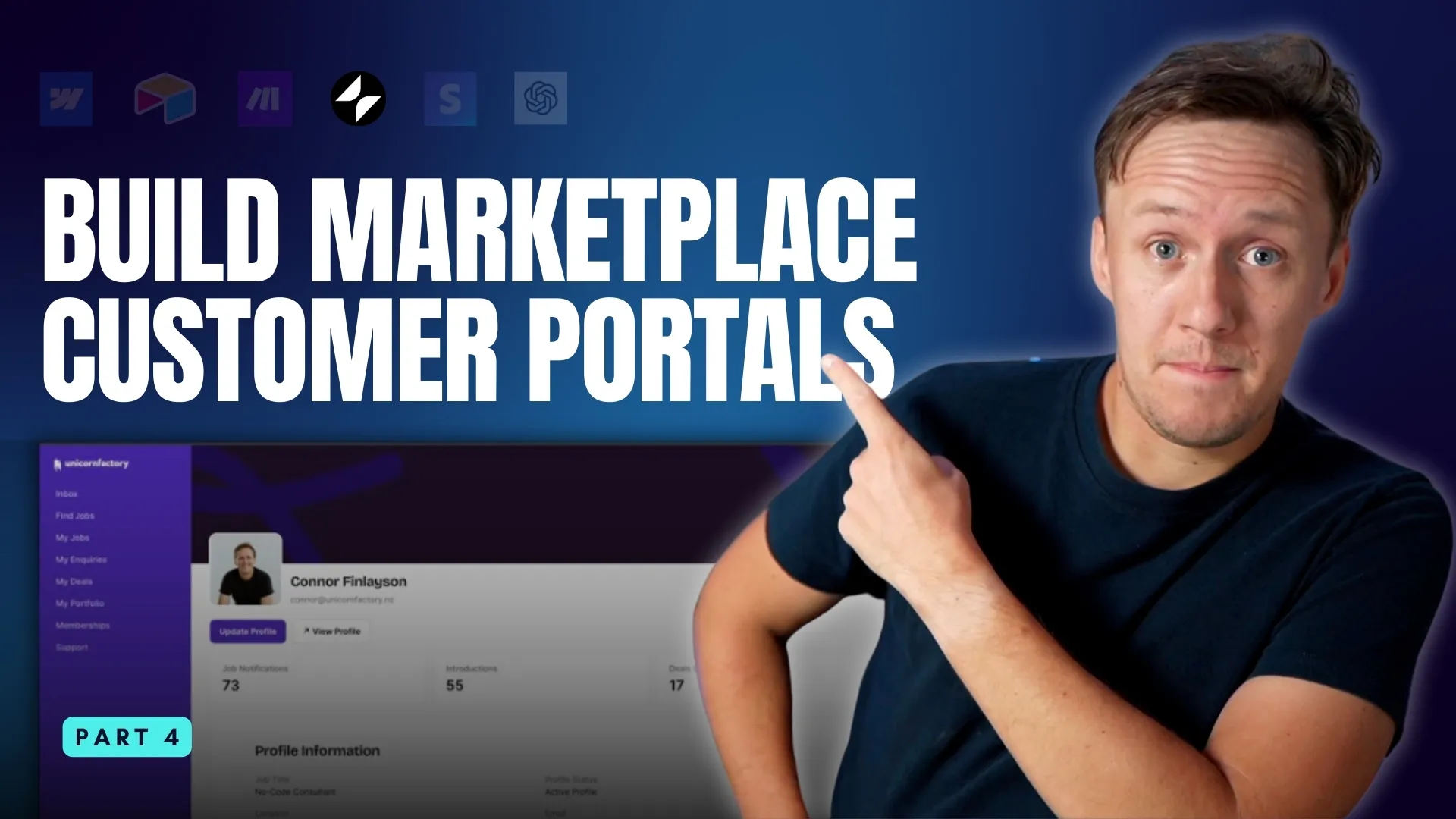
How To Build Customer Portals for Your Marketplace with Glide
In the previous posts in this series, we explored how to set up your [marketplace MVP using **Webflow**](/blog/manage-marketplace-data-airtable) to attract potential customers and sellers, [how to use **Airtable** to create a database for managing your marketplace](/blog/manage-marketplace-data-airtable), and [how to automate repetitive tasks with **Make.com**](/blog/how-to-automate-your-marketplace-workflows-with-make). Together, these tools help you build the foundation for your marketplace and streamline your processes. Now, as your platform starts to grow, it’s time to think about improving the experience for your users. The more seamless and intuitive your platform is, the easier it will be for buyers and sellers to interact—and that’s where **[Glide](https://www.connorfinlayson.com/a/glide)** comes in. **Glide** is a no-code app builder that transforms your Airtable database into beautiful, user-friendly apps. It’s ideal for creating customer portals, managing onboarding, enabling messaging, and handling other critical marketplace features. The best part? You don’t need to write a single line of code. At **[Unicorn Factory](https://www.unicornfactory.nz)**, Glide became a game-changer for handling tasks like job applications and freelancer dashboards. It didn’t just simplify things for my users—it made scaling the platform much easier for me too. In this post, I’ll show you how Glide works and why it’s an essential tool for marketplace founders. Here’s what we’ll cover: - Why Glide is the best tool for marketplace founders. - Step-by-step instructions to build your first Glide app. - Examples of essential marketplace features you can create with Glide. - How to integrate AI, payments, and custom CSS to take your apps to the next level. By the end of this guide, you’ll be ready to create functional, scalable apps that make your marketplace easier to use and more efficient. Let’s dive in!


How To Automate Marketplace Workflows with Make.com
In the last post, we explored h[ow Airtable serves as the database for your marketplace](/blog/manage-marketplace-data-airtable), keeping everything organized and connected. But as your marketplace grows, managing data manually becomes increasingly time-consuming. This is where \[Make.com]\() can help you take things to the next level. Back in the early days of [Unicorn Factory NZ](https://www.unicornfactory.nz), I made the classic mistake of trying to do everything myself. From forwarding client inquiries to updating freelancer profiles, every process relied on me. As demand grew, cracks started to show, and I knew something had to change. That’s when I discovered automation. It allowed me to scale from managing 20-30 inquiries a week to thousands per month—while doing less work. Automating or systematizing your work is important: it reduces errors, saves tons of time, and, most importantly, frees you up to work _on_ the business rather than _in_ the business. In this post, I’ll show you how to use \[Make.com]\() to create automations that streamline your marketplace operations. We’ll cover: - **Why Make.com is the perfect tool for marketplace builders.** - **How Make.com works, including key concepts like triggers, actions, and filters.** - **Practical workflows I use to run** **[Unicorn Factory](https://www.unicornfactory.nz)** **virtually by myself—and how you can copy them for your marketplace.** By the end of this post, you'll understand how automation works and be ready to set up your first Make.com workflow for automatically attracting potential customers to your marketplace. Let’s dive in!

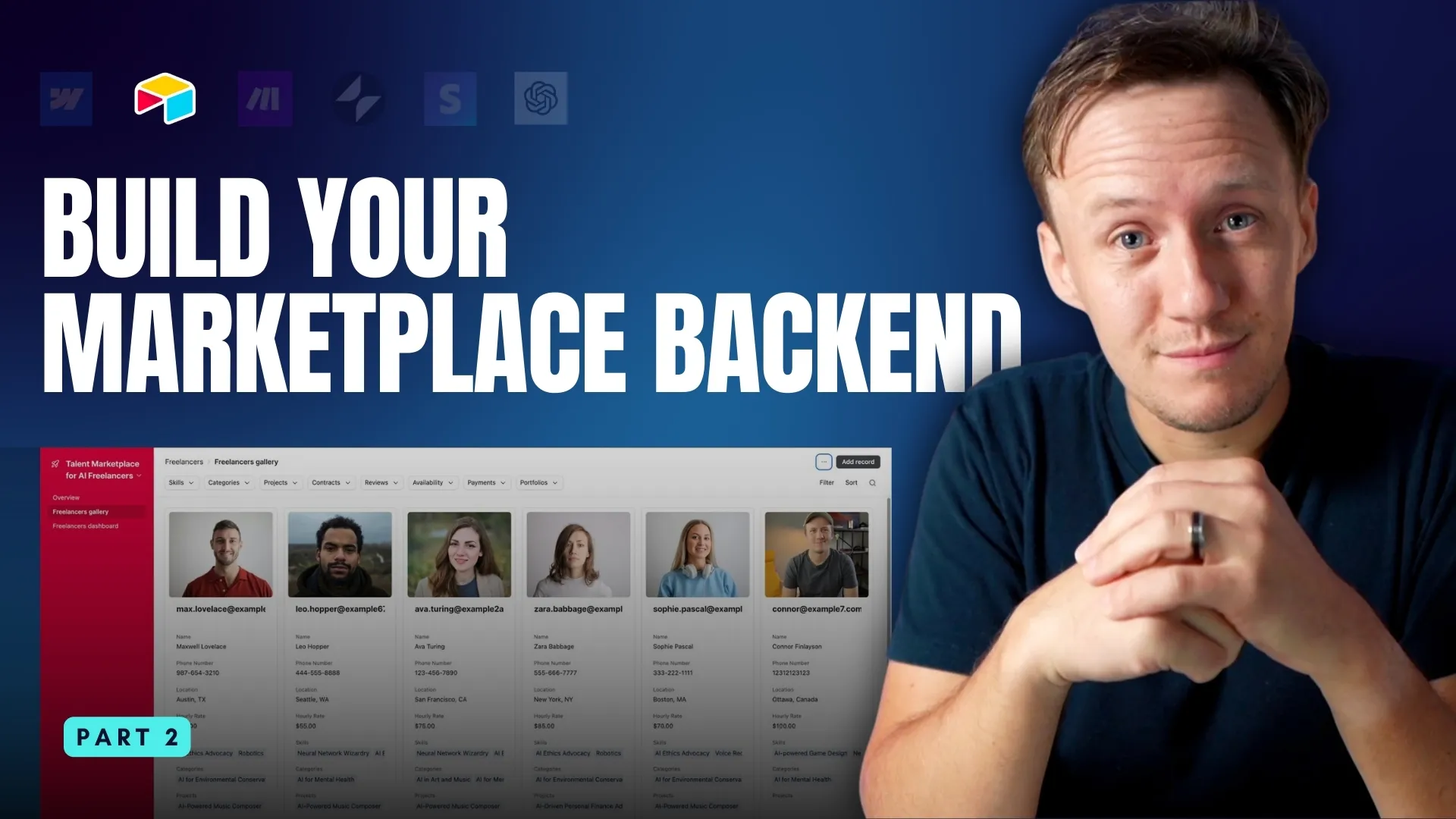
How to Build and Manage Your Marketplace Backend with Airtable
In the first post of this series, we explored how **[Webflow](/blog/build-marketplace-mvp-webflow)**[ is all you need to build the first publishable version of your marketplace](/blog/build-marketplace-mvp-webflow)—your homepage, profile pages, and landing pages. But as your marketplace starts to see traction, you’ll need more than just a marketing site. You will need to start building systems. Keeping everything behind the scenes organized is the first thing on our priroity list. Whether you’re managing freelancer profiles, client projects, or transactions, your platform’s success depends on how well you can track and manage all that data. This is where Airtable comes in. Airtable is the tool that powers platforms like **Unicorn Factory**, acting as the backbone that keeps data clean, workflows efficient, and scaling simple. It transforms messy, disconnected processes into a centralized system you can trust. In this post, we’ll build on what you’ve already set up in Webflow by diving into Airtable. Here’s what we’ll cover: - Why Airtable is essential for managing marketplace data. - How to create a simple Airtable backend to organize your platform. - How Airtable forms streamline data collection. - How Airtable automations save time and reduce manual work. By the end, you’ll have a clear plan for turning Airtable into the engine that powers your marketplace. Let’s get started!


How to Build a No-Code Marketplace with Webflow
If you’ve ever dreamed of building a marketplace business but felt overwhelmed by where to start, this video is for you. Today, I’m going to walk you through the **step-by-step process of creating a marketplace MVP** using no-code tools. This is part of a six-part series where I’ll introduce you to some of the most powerful no-code tools I use to run my freelancer marketplace, **Unicorn Factory**. Each tool plays a unique role, and today, we’re starting with what I believe is the most important one: **Webflow**. In this video, you’ll learn: - Why Webflow is the perfect tool for building a marketplace. - How to create your first page in Webflow. - How to use Webflow CMS to generate dynamic landing pages. - Some quick tricks to speed up your learning as a beginner. - And finally, a simple game plan for building your marketplace MVP. There’s a lot to cover, so let’s dive in and start with why **Webflow** is the ideal tool for marketplace founders!

How To Create Your Own GPT Assistant For Managing Your Inbox
Running a platform like [Unicorn Factory](https://www.unicornfactory.nz), where freelancers and clients rely on smooth interactions, taught me one thing: manual customer support can quickly become overwhelming. Answering emails, managing support tickets, and ensuring accurate, consistent responses felt like a never-ending task. That’s when I turned to AI. By creating a custom GPT assistant, I transformed how we handle support queries. The assistant seamlessly manages incoming emails, retrieves precise answers from our knowledge base, and even generates support tickets automatically. It’s been a game-changer—not just in saving time but in ensuring top-notch customer experiences. In this guide, I’ll show you how to set up your own custom GPT assistant to simplify customer support for your business. Here’s what you’ll learn: - **How a GPT assistant works** and why it’s perfect for scaling support operations. - **The essential tools** I used, including Airtable, Make.com, and OpenAI’s API. - **How to build and maintain a knowledge base** so your assistant always has the right answers. - **Automating workflows** to create a fully hands-off system. - **Advanced applications** to take your automation to the next level. If you’re managing a growing business and struggling with repetitive support tasks, stick around. By the end, you’ll have everything you need to set up a powerful AI assistant that works as hard as you do.

How to Push Through the Grind and Start Achieving Your Goals
Whenever I start something new – whether it’s a business, a project, or even something like a YouTube channel – I always come back to this mental model. It’s simple, but it has served me well, and it’s something I’ve seen successful founders use time and again. Here’s how it works: Imagine you’re standing in a field with 100 dirt mounds. Underneath two of them is $1 million each, but you don’t know which ones. Each mound takes two hours to dig up, and digging isn’t easy – it’s hard, physical work. When faced with this challenge, people tend to respond in one of three ways: 1. **The Shortcut Takers** This group doesn’t want to get dirty. They try to avoid the work – poking at the dirt, kicking the mounds, or brainstorming clever tricks. But nothing they do actually moves the dirt. Eventually, they convince themselves it’s impossible and give up. 2. **The Doubters** This group starts strong. They grab a shovel and dig into a few mounds. But after five or six mounds with no results, doubt creeps in. They start to think, “What if there’s no money at all?” The work feels harder, the reward seems further away, and they eventually stop digging. 3. **The Diggers** This is the group that succeeds. They grab a shovel, start digging, and don’t stop. They know the only way to find the reward is to keep going. Even if they don’t find the money right away, they think, “At worst, I’ll get stronger, I’ll get better at digging, and I’ll learn along the way.”
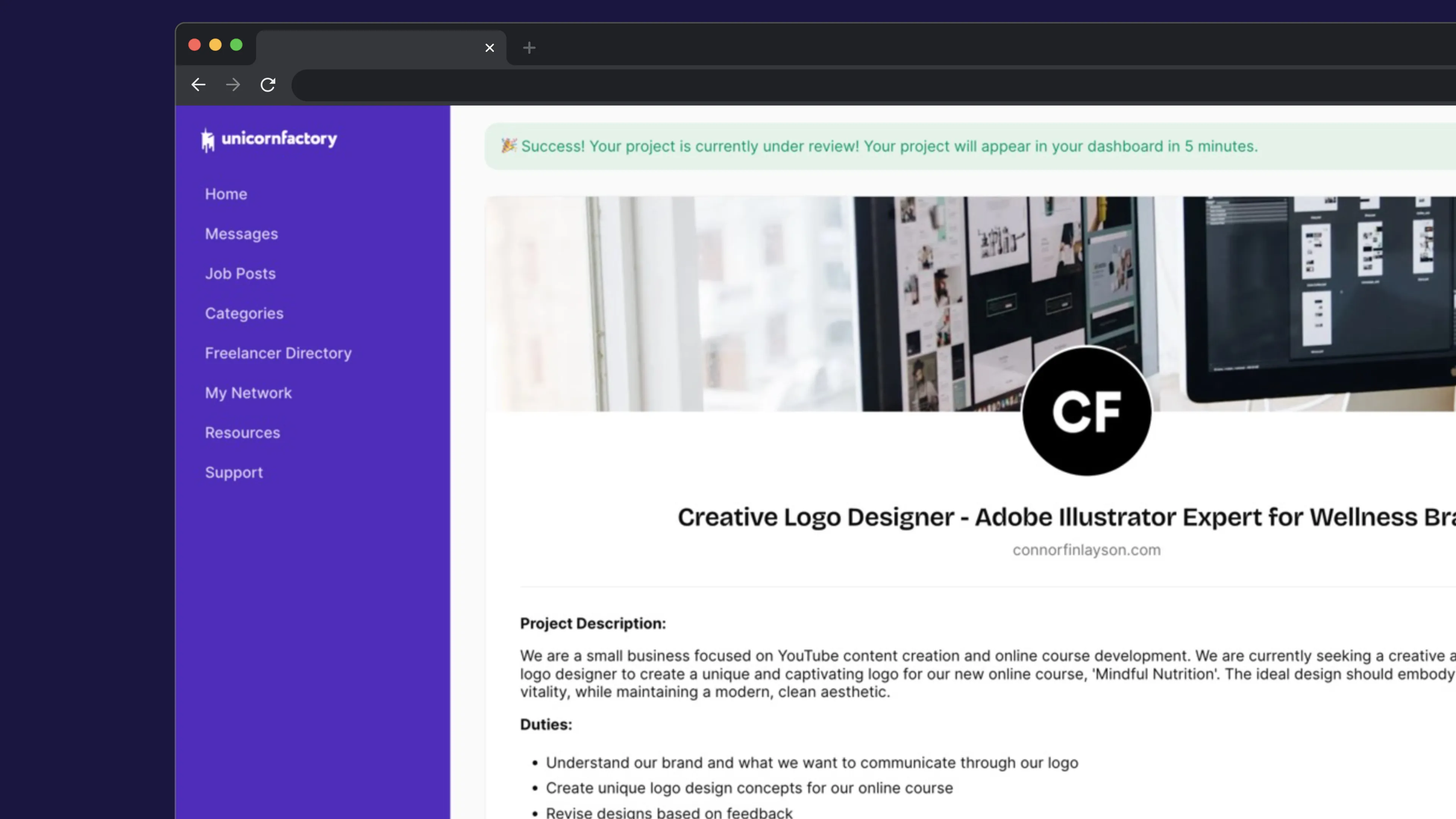
How to Build a Fully Automated Job Board with No-Code Tools
If you're running a marketplace, adding a fully automated job board can make things a lot easier for both clients and freelancers. Clients can quickly post jobs, review applications, and request introductions, while freelancers can find and apply for jobs that match their skills—all with almost no manual work. In this post, I’ll show you how we built a fully automated job board at **Unicorn Factory** using no-code tools like [Airtable](https://www.connorfinlayson.com/a/airtable), [Glide](https://www.connorfinlayson.com/a/glide), [Make.com](https://www.connorfinlayson.com/a/make), and [MailerSend](https://www.connorfinlayson.com/a/mailersend). While I'll be using **Unicorn Factory** as an example, you can apply the same system to any job board or marketplace. Whether you're looking to add a job board to your marketplace or improve the process for both clients and freelancers, this guide will show you how to set up a fully automated system that runs smoothly behind the scenes. If you're curious about how we’ve automated other areas of **Unicorn Factory**, you can also check out [How We Automated Our Client Follow-Ups with Make.com (And Why You Should Too)](https://www.connorfinlayson.com/blog/automated-client-follow-ups). ### What You’ll Learn: - **How the Job Board Works**: A breakdown of how clients and freelancers interact with the board, from posting jobs to making introductions. - **The Tools I Use**: How tools like [Airtable](https://www.connorfinlayson.com/a/airtable), [Glide](https://www.connorfinlayson.com/a/glide), [Make.com](https://www.connorfinlayson.com/a/make), and [MailerSend](https://www.connorfinlayson.com/a/mailersend) work together to keep everything running smoothly. - **Top Tips for Building Your Job Board**: Practical tips on picking a niche, organizing your database, monetizing early, and getting job listings fast. By the end of this post, you’ll know how to build a fully automated job board using no-code tools, saving time and creating a great experience for both clients and freelancers.
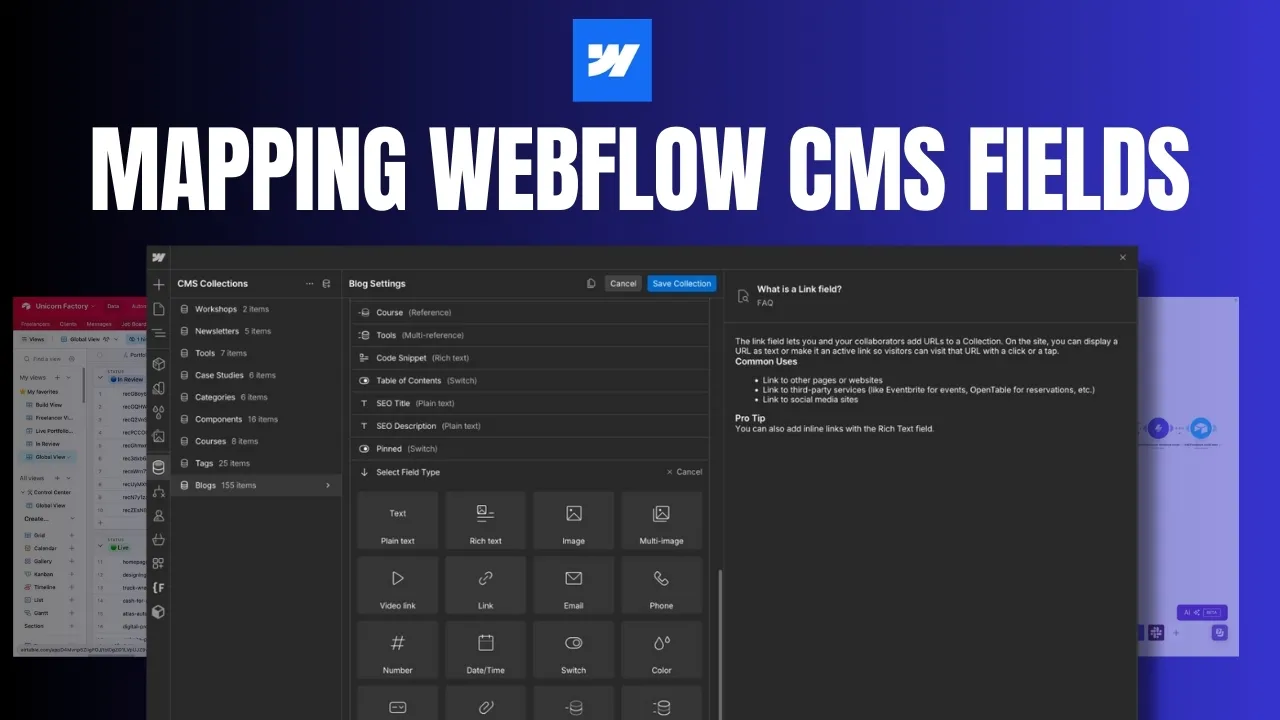
How to Map Airtable Fields to Every Webflow CMS Field Type
If you're using [Airtable](https://www.connorfinlayson.com/a/airtable) and [Webflow](https://www.connorfinlayson.com/a/webflow) together, you'll need to understand how to properly sync data between these two powerful tools. Below is a detailed field-by-field breakdown of how Airtable fields map to Webflow CMS fields, along with key tips and considerations.
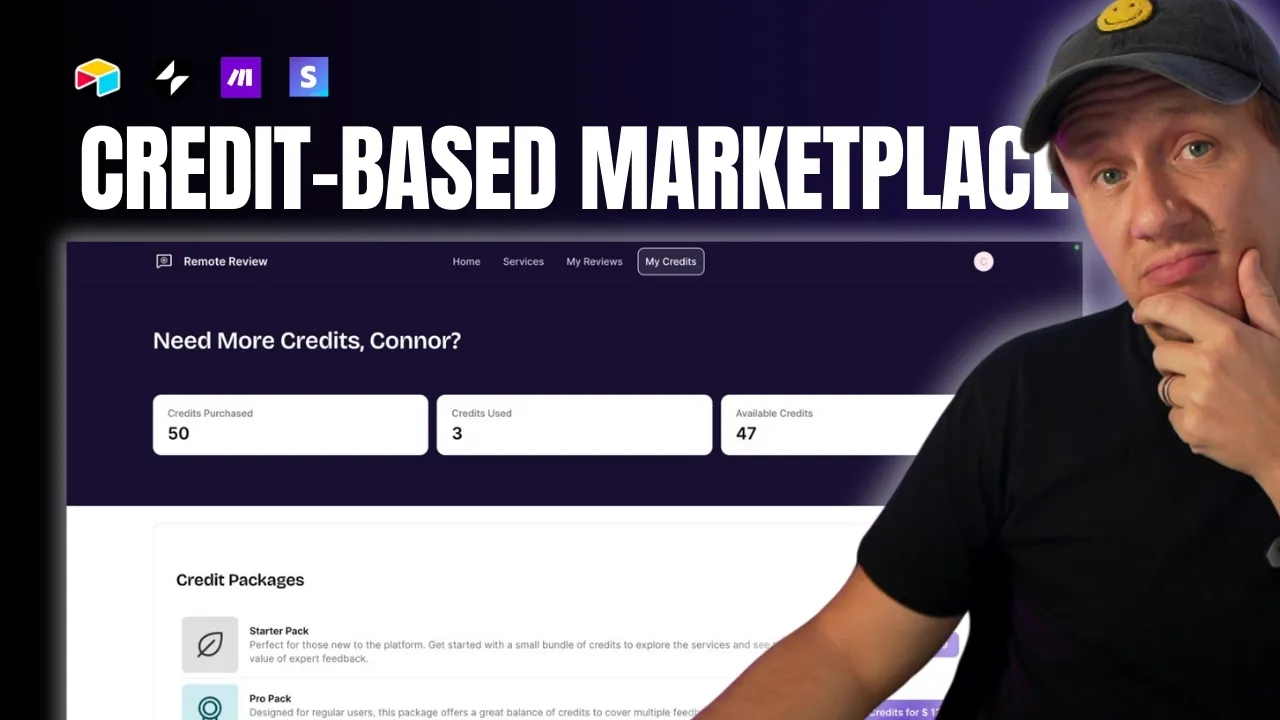
How to Build a Credit Payment System for Your Marketplace Using No-Code Tools
**Want to simplify payments in your marketplace and boost customer retention?** A credit payment system might be exactly what you need. By selling credits upfront, you streamline payments, reduce fees, and encourage repeat purchases. In this guide, I’ll show you **step-by-step** how to build a credit system for your marketplace using no-code tools like **Stripe, Airtable, Make.com, and Glide**. You don’t need coding experience, and you can set this up in a matter of hours. Whether you run a **marketplace, job board, or digital product platform**, this system works seamlessly to improve user experience and save you time. Let’s get started.

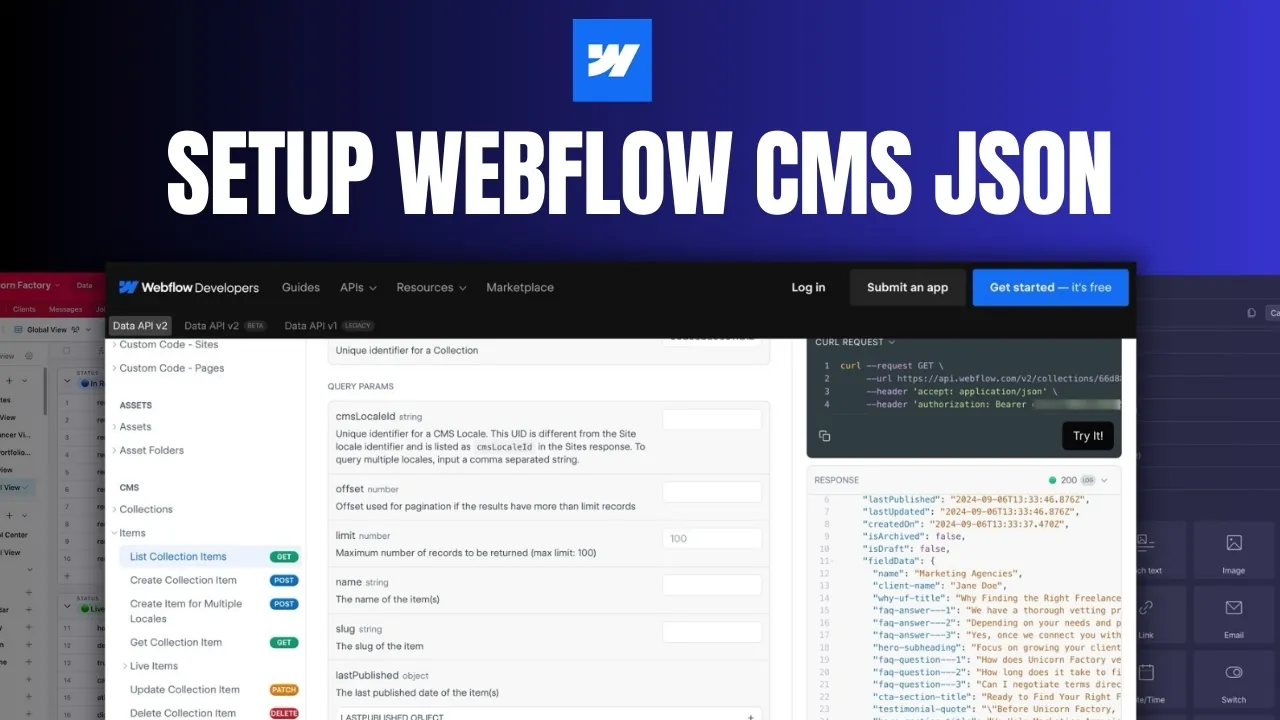
How To Setup an Airtable to Webflow Workflow in Make
If you’re using Make.com to automate your workflows between Airtable and Webflow, you’ll need to learn how to set up the Field Data JSON correctly. This process is crucial for ensuring your data is mapped and transferred correctly from one platform to the other. In this article, we’ll walk through: - Why setting up the Field Data JSON is essential. - How to retrieve the JSON structure of your Webflow CMS collection. - How to generate your JSON by pasting your field data. - How to map fields in your JSON body. - How to edit your JSON if you need to make changes later on. Let’s dive in!
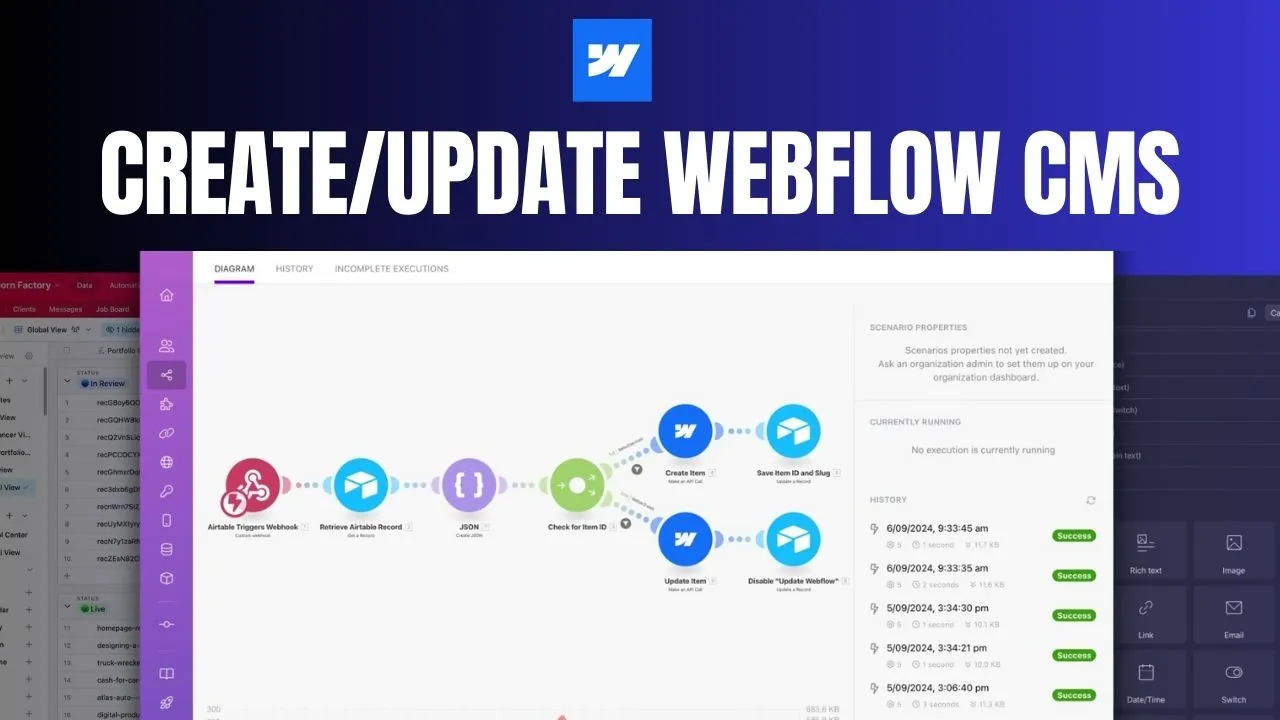
How to Automate Webflow CMS Updates with Airtable and Make.com: A Complete Guide
Keeping your Webflow CMS updated manually can quickly turn into a headache, especially when your project grows. The good news? Automating the process is easier than you think. By using **Airtable** and **Make.com** , you can automate the creation and updating of CMS items, making sure everything stays up to date without constant manual work. In this guide, I’ll show you how to set up a workflow that triggers CMS updates when records are created or changed in Airtable. This setup will save you time and ensure that your Webflow CMS runs smoothly — all without lifting a finger. Here’s what we’ll cover: - How to trigger a workflow with an Airtable webhook. - Retrieving Airtable records using Make.com. - Creating the Field Data JSON for Webflow. - Mapping fields in the Webflow CMS. - Automating the process of creating and updating CMS items. - How to manage future updates seamlessly. Let’s jump into how to set this up!

Introducing MVMP Labs: Build Your MVP with No-Code Tools
I’m thrilled to announce the beta launch of **MVMP Labs** — an invite-only community designed for non-technical founders who want to build and launch their MVPs (Minimum Viable Products) using no-code tools like Webflow, Airtable, and Make.com.